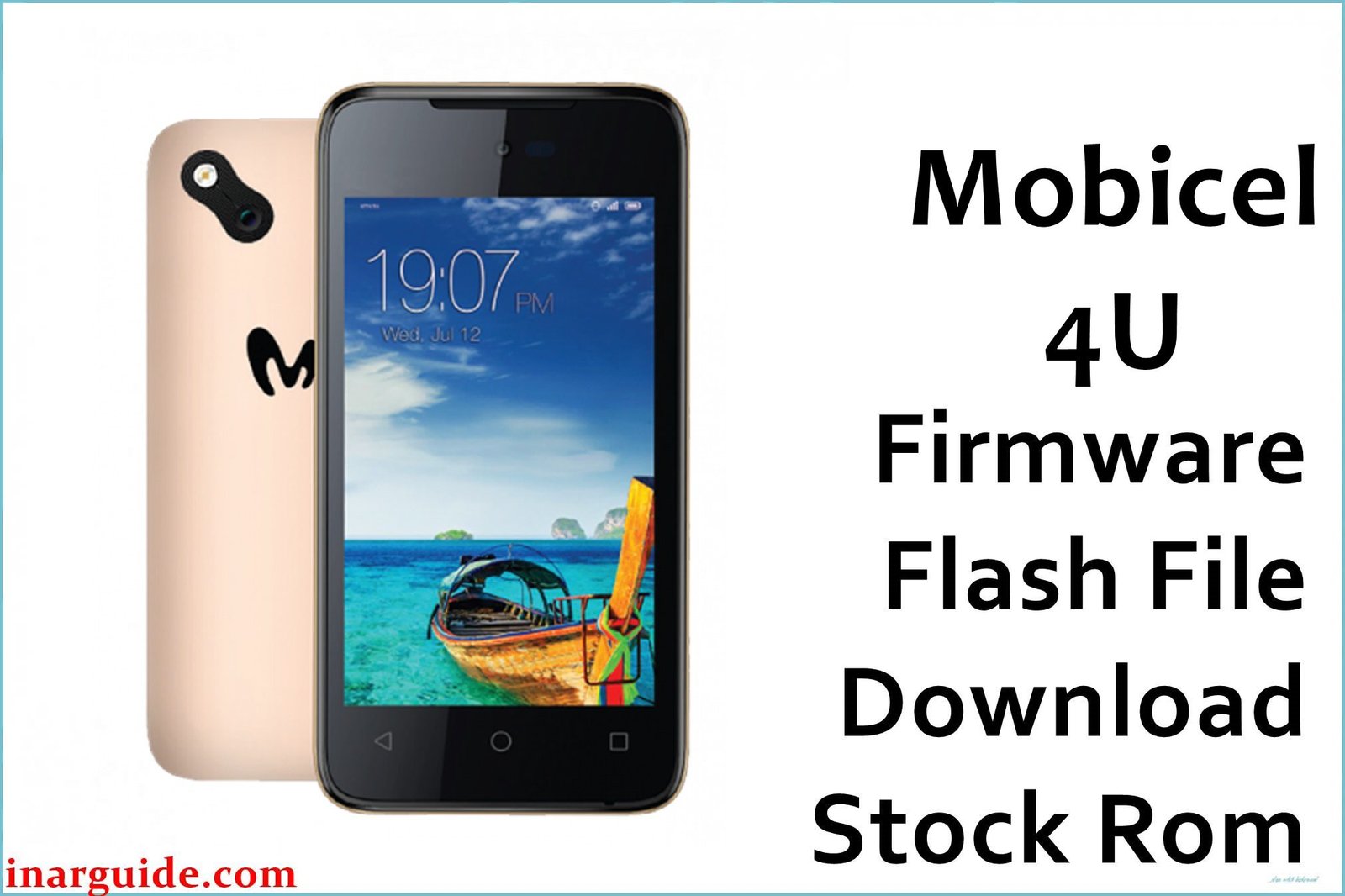
The Mobicel 4U is a value-priced Android smartphone powered by the MediaTek MT6580 chipset. As is common with budget MTK phones, users frequently encounter bootloops (stuck at logo), “dead” phones after failed flashes, persistent malware/pop-ups, battery drain, or null IMEI/network issues after bad updates or malware events.
When a reset does not solve the problem, a complete firmware flash with the original scatter ROM and SP Flash Tool is the best repair. Here is the Mobicel 4U firmware for this purpose.
Mobicel 4U Firmware Details
| Attribute | Details |
|---|---|
| 📱 Device | Mobicel 4U |
| 🆔 Chipset | MediaTek MT6580 |
| 🤖 Android OS | 6.0 |
| ✅ Build Version | 11042016 |
| 📂 File Type | MT6580 Scatter Firmware |
| 💻 Flashing Tool | SP Flash Tool |
Download Official Firmware for Mobicel 4U
- Build: 11042016
- File Name: Mobicel_4U_MT6580_11042016_6.0.zip
- Size: 852MB
- 🔗 Download Link: Download (MediaFire)
Why Flash This Specific Firmware?
- Fix Bootloop/Logo Stuck or Dead Device: Endless restart, logo freeze, or no power after battery/event/flash are all solved by full ROM flash.
- Remove Malware/Pop-ups/Battery Drain: Flashing wipes system-level malware/Monkey Virus, pop-ups, and fixes battery issues that survive general reset.
- Restore IMEI/Network, Camera/LCD/Wi-Fi: Null IMEI, lost signal, or malfunctioning display/camera/Wi-Fi is fixed by original firmware flashing.
- Repair Fast Battery Drops or Random Cycles: Firmware corruption causing sudden battery drops is self-repairing after a full flash.
Crucial Prerequisites Before Flashing
- The latest SP Flash Tool
- Install MediaTek VCOM USB drivers for Windows
Note: Flashing erases all data—always backup important files first.
How to Flash the Firmware
- Extract
Mobicel_4U_MT6580_11042016_6.0.zipto a folder. - Install MediaTek VCOM drivers as needed.
- Open SP Flash Tool, select
MT6580_Android_scatter.txtin the firmware folder. - Choose Download Only mode and click Download.
- Connect phone (off, battery reinserted if stuck) to PC to start flash.
Need step-by-step visuals?
→ How to Flash MediaTek Devices Using SP Flash Tool
Disclaimer: Flashed mismatched, this process can brick your device. Only use if certain this is your variant—not liable for data/hardware loss.





