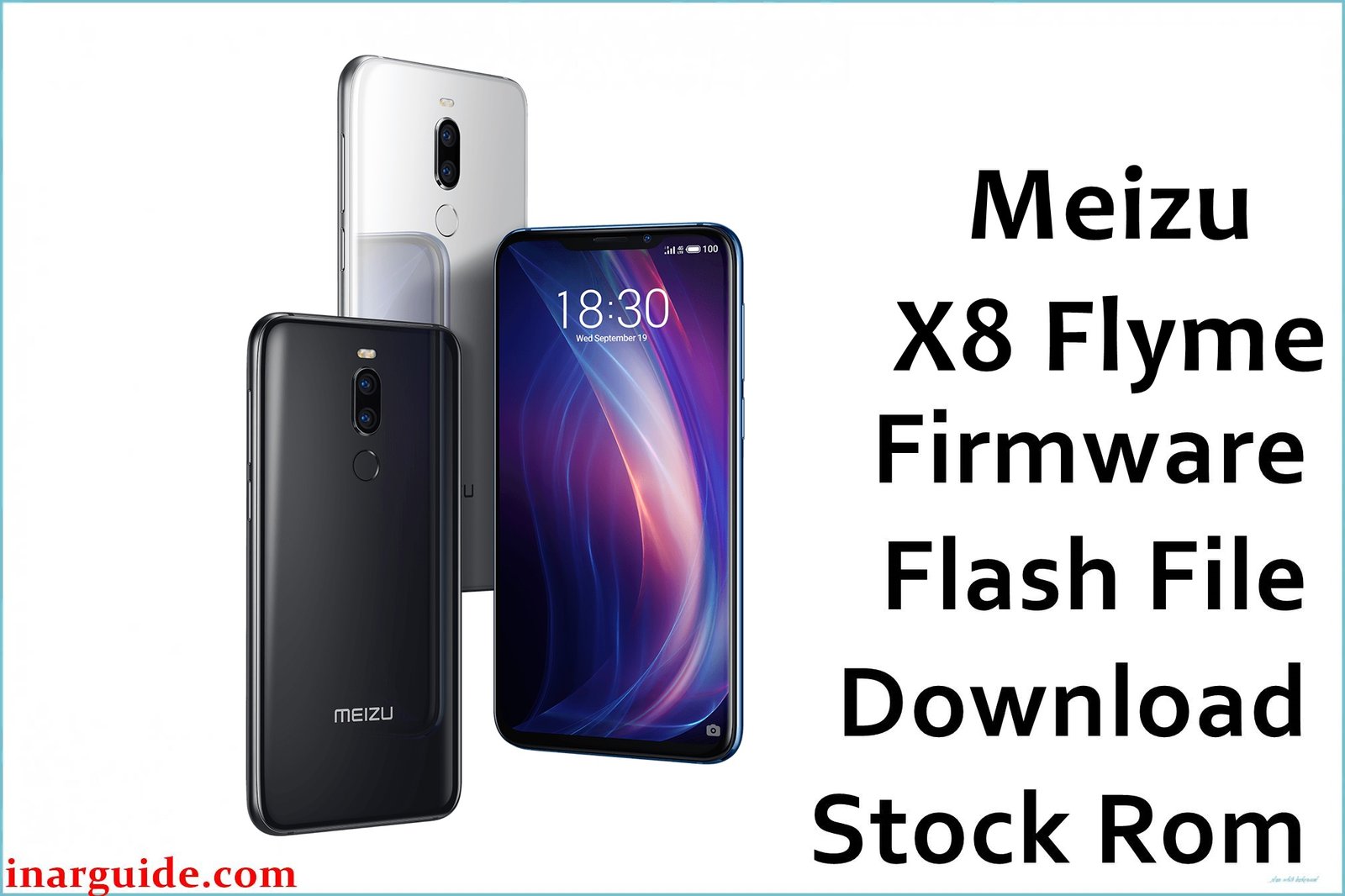
The Meizu X8, powered by a Snapdragon 710 chip, launched with Flyme OS and quickly gained popularity for its design and camera quality. However, users encountered several problems, including fast battery drain, occasional UI lag, network connectivity issues, and some difficulties after firmware updates. Reports showed that firmware downgrades or updates often influenced these problems, with Flyme OS versions 7.1.7.1G and 7.3.0.0G directly cited in user feedback.
These official firmware files target common issues such as UI sluggishness, increased battery consumption, Wi-Fi stability, and network dropouts. Upgrading to the latest Flyme builds can help optimize the phone’s resource usage, improve connectivity, and resolve persistent bugs experienced by the Meizu X8 community.
Meizu X8 Firmware Details
| Device Name | Meizu X8 |
|---|---|
| Model | Meizu X8 (M872H) |
| Chipset | Qualcomm Snapdragon 710 |
| GPU | Adreno 616 |
| RAM & Storage | 4/64GB, 6/128GB |
| Display | 6.15″ IPS LCD, 2220×1080 (FHD+), 18.5:9 |
| Camera | Rear: 12MP + 5MP, Front: 20MP |
| Battery | 3210 mAh, 24W mCharge fast charging |
| Operating System | Flyme OS (7.1.7.0G / 7.1.7.1G / 7.3.0.0G), Android 8.1/9.0 Pie base |
| Firmware Filenames | Meizu_X8_Flyme_7.1.7.1G_OTA.zip 20181115174151_intl_prd_stable_fvcs_rebuilt_stable_7.1.7.0G.rar Version Flyme 7.3.0.0G.zip |
| Firmware Version | 7.1.7.1G, 7.1.7.0G, 7.3.0.0G |
| Build Dates | 2018-11-15, 2019-05-30 (approx.) |
| File Sizes | 2GB, 1.7GB, 1.91GB |
| File Types | ZIP, RAR |
| Flashing Tool | Stock Recovery or QFIL (Qualcomm) |
| Release | 2018-2019 |
Warning: Flashing the wrong firmware file or incorrectly following the flashing procedure can permanently brick (damage) your Meizu X8, cause loss of network, malfunctioning sensors, or data loss. Always verify your device variant and backup essential files before proceeding.
Download Official Firmware for Meizu X8
The available firmware options address different problems and offer feature improvements. Select the version suitable for your device and recovery needs.
Meizu_X8_Flyme_7.1.7.1G_OTA.zip
📦 Size: 2GB
🗓️ Build Date: Early 2019
🔢 Build Version: 7.1.7.1G
🤖 Android Version: 8.1 (Oreo)
⬇️ Download Link: Google Drive
This version offers optimized storage management and improved audio performance, fixes random reboots and flashback errors.
20181115174151_intl_prd_stable_fvcs_rebuilt_stable_7.1.7.0G.rar
📦 Size: 1.7GB
🗓️ Build Date: 2018-11-15
🔢 Build Version: 7.1.7.0G
🤖 Android Version: 8.1 (Oreo)
⬇️ Download Link: Google Drive
First stable global build. Best for users who want to restore their phone to factory default with minimal extra features.
Version Flyme 7.3.0.0G.zip
📦 Size: 1.91GB
🗓️ Build Date: May 30, 2019 (approx.)
🔢 Build Version: 7.3.0.0G
🤖 Android Version: 8.1 (Oreo, Global)
⬇️ Download Link: Google Drive
Changelog highlights:
– One Mind 3.0 system upgrades and background optimization
– Improved gaming stability and fluency
– Three-finger screenshot features
– Gallery Recycle Bin and better cleanup
– Mobile butler for easier maintenance
– Fixes for previous game mode and touch issues
How to Flash the Firmware
- Confirm your device is the Meizu X8 (M872H).
- Backup all important data before flashing to avoid losing photos, contacts, and apps.
- Copy the desired firmware, such as Meizu_X8_Flyme_7.1.7.1G_OTA.zip, to your phone’s internal storage.
- Enter Recovery Mode (hold Power + Volume Up) and select the “Update” or “Install” option.
- Follow the on-screen instructions to complete installation. Do not power off during the process.
If you want a detailed, step-by-step tutorial with screenshots and video guides for flashing your Meizu X8 firmware, click here for the complete guide.
Recommended flashing guides for Qualcomm devices like the Meizu X8:
Qualcomm Devices (QFIL / EDL Mode): How to use QFIL
OTA: How to install OTA updates





