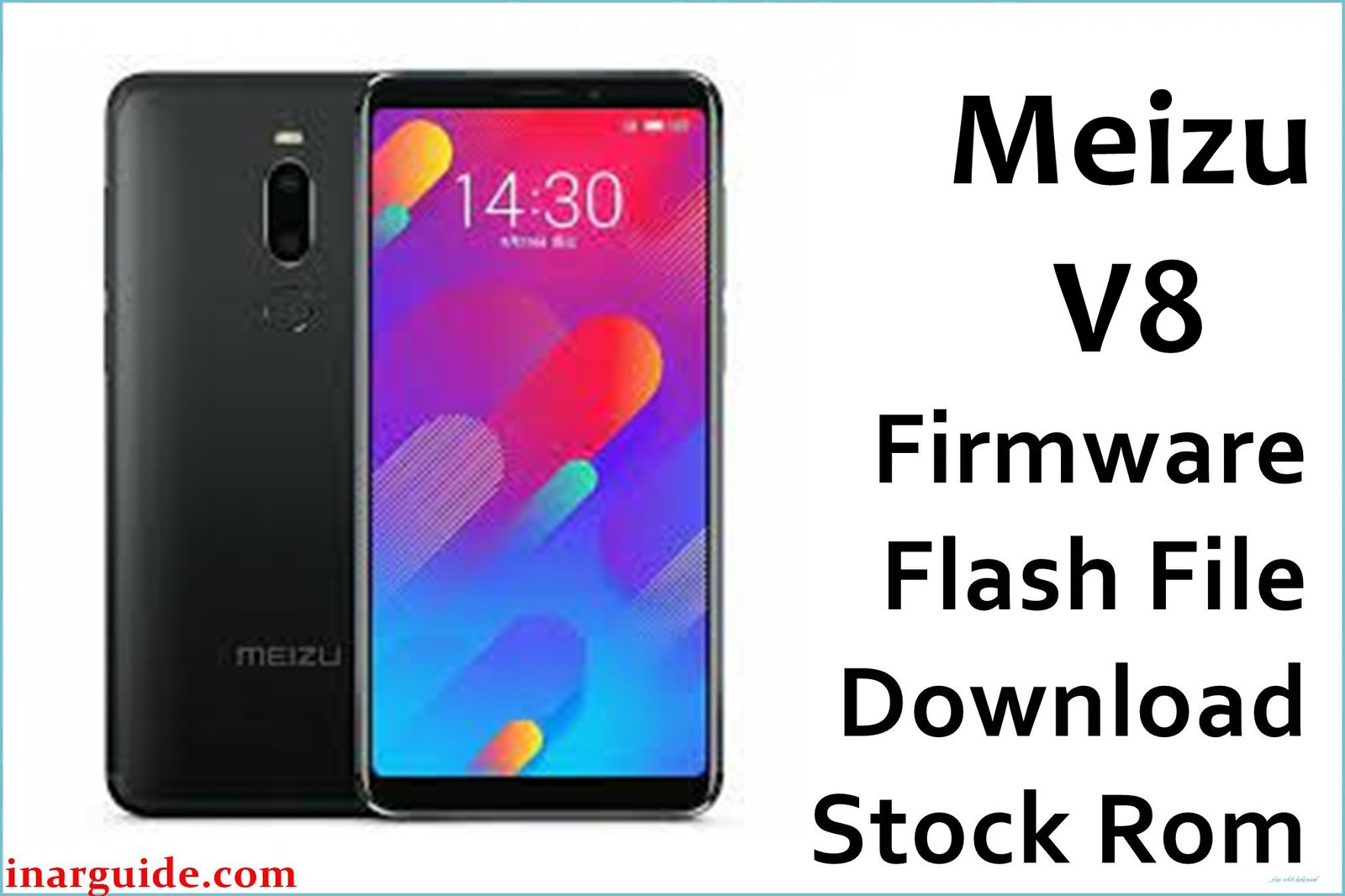
The Meizu V8 (model M1816) is an affordable 5.7-inch Android smartphone featuring the MediaTek MT6739 quad-core chipset, fingerprint reader, and Flyme UI. Users commonly face issues like “No Service” or lost signal after flashing, random lag, persistent bootloops, Play Store bugs, or camera not saving images after software update failures. Installing the right official firmware below will restore stability, unbrick your device, and bring Flyme OS features back.
Meizu V8 Firmware Details
| Device Name | Meizu V8 |
| Model | M1816 (Standard), Dual SIM |
| Chipset | MediaTek MT6739 (Quad-core 1.5GHz) |
| Android Version | Android 8.0 Oreo (Flyme OS custom) |
| Firmware Versions | V038_91816_1_10_USR_ATO, 7.1.2.0G_181018 (Global) |
| Build Dates | V038: 2019 / 7.1.2.0G: 18 Oct 2018 |
| File Sizes | V038: 896MB, 7.1.2.0G: 1.60GB |
| File Types | ZIP (SP Flash Tool/OTA/stock ROM) |
| Flashing Tool | SP Flash Tool (for ROM), Stock Recovery (for OTA) |
| Device Specifications | |
|---|---|
| Display | 5.7-inch IPS LCD, 720 × 1440 px (18:9, 282ppi) |
| Processor | MT6739, Quad-core Cortex-A53 1.5GHz |
| GPU | PowerVR GE8100 |
| RAM | 3GB |
| Storage | 32GB (expandable, microSDXC) |
| Rear Camera | 13MP, f/2.2, dual-LED, 1080p video |
| Front Camera | 5MP, f/1.9 |
| Battery | 3200mAh (non-removable) |
| SIM Type | Dual Nano SIM (standby) |
| Connectivity | 4G LTE, WiFi b/g/n, Bluetooth 4.2, microUSB 2.0 |
| Sensors | Fingerprint (rear), Accelerometer, Proximity, Compass |
| Body | Plastic, 148 × 73 × 8.4 mm, 145g, Black/White |
About the Firmware Builds:
- V038_91816_1_10_USR_ATO: Newer, incremental or region-based firmware update with fixes for network and stability—use for restoring latest system if supported.
📦 Size: 896MB
⬇️ Download from Google Drive - 7.1.2.0G_181018 (Global OTA): Official global OTA update for devices on the global/EU firmware; reverts or upgrades to stock international Flyme UI.
📦 Size: 1.60GB
⬇️ Download from Google Drive
Always match your firmware (by build number and region—check “About Phone”) to avoid signal or network bugs. V038 is best for Asia/China/ATO models, while 7.1.2.0G is for international/global handsets.
Warning: Flashing improper firmware will brick Meizu V8 or cause loss of network (“No Service”). Back up everything and use only on M1816 (MT6739) model.
How to Flash the Firmware
SP Flash Tool (ROM):
- Extract ZIP to your computer.
- Install MTK VCOM drivers.
- Open SP Flash Tool, load “scatter.txt” from firmware folder.
- Click “Download,” connect switched-off phone, and wait for process to finish.
Stock Recovery (OTA ZIP, 7.1.2.0G only):
- Copy “update.zip” to SD card or storage root (do not extract).
- Reboot to recovery (Power+Volume Up), select “Install update.zip.”
- Confirm and let it reboot when done.
For step-by-step full guide with video/images, see the MediaTek device flashing guide.





