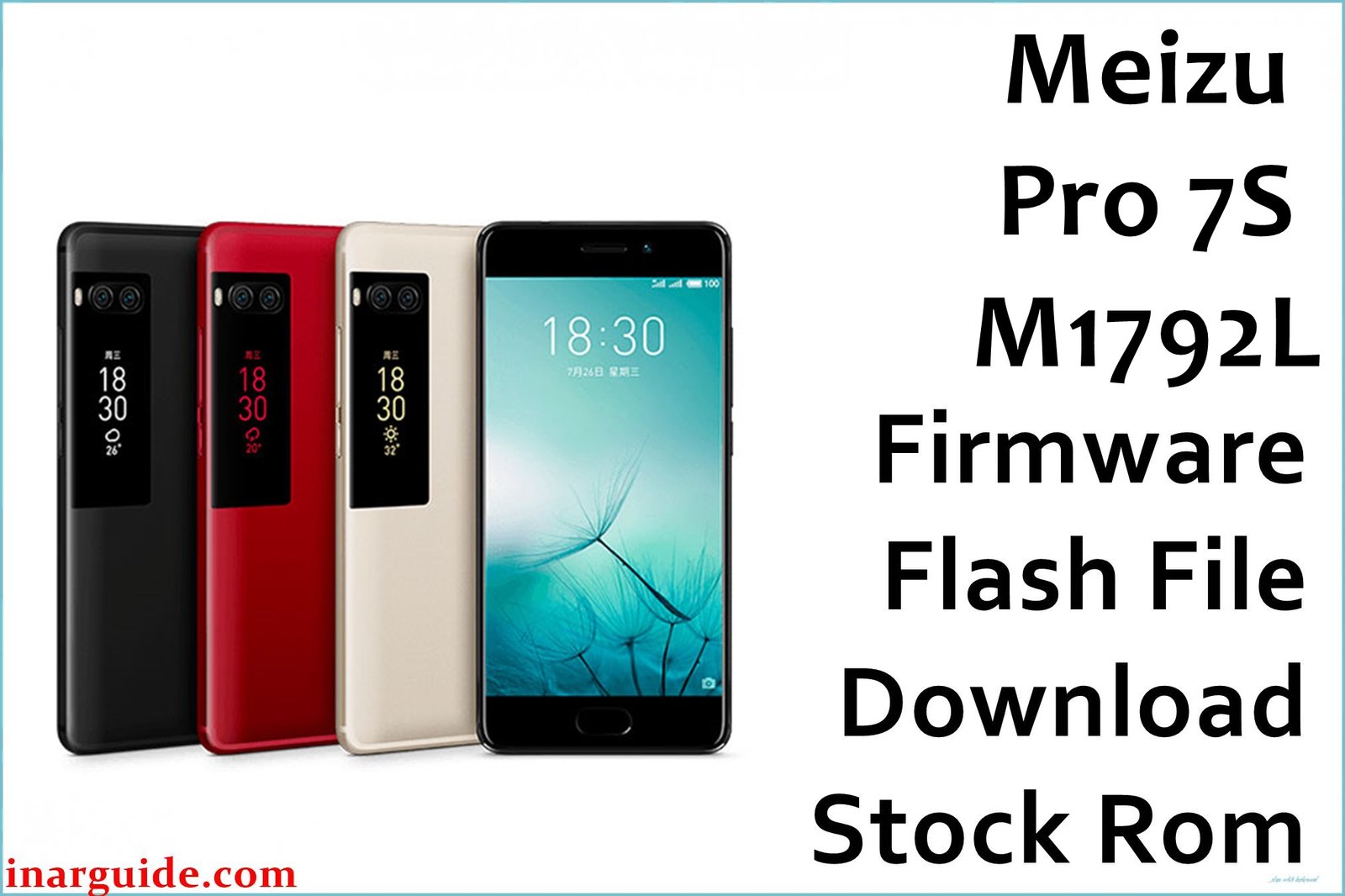
The Meizu Pro 7S (M1792L) stands out with its dual AMOLED displays and sleek design, but users have reported persistent problems over time. Key issues include overheating, fast battery drain, UI slowdowns, ghost touches on the main or rear screen, and occasional bootloop or “dead device” states after failed updates. Some owners also struggle to unlock or flash their phones due to bootloader and authentication restrictions, especially with third-party tools lacking necessary auth files.
The latest official firmware packages target these problems by improving power management, overall stability, and restoring the device in case of boot, IMEI, or dead device errors. Upgrading to these releases can clear up most lag, display glitches, and battery-related complaints documented in the user community.
Meizu Pro 7S Firmware Details
| Device Name | Meizu Pro 7S |
|---|---|
| Model | M1792L |
| Chipset | MediaTek Helio P25 (MT6757) |
| CPU | Octa-core (4×2.6 GHz Cortex-A53 & 4×1.6 GHz Cortex-A53) |
| GPU | Mali-T880MP2 |
| RAM & Storage | 4GB LPDDR4X, 64GB/128GB eMMC 5.1 |
| Display | 5.2″ Super AMOLED FHD (1920×1080), Rear 1.9″ AMOLED |
| Camera | Dual 12MP Sony IMX386 (rear), 16MP front camera |
| Battery | 3000mAh with 24W fast charging |
| Operating System | Flyme OS (6.1.3.0G/6.1.3.2G), Android 7.0 Nougat |
| Firmware Filenames | Meizu_Pro_7S_M1792L_MT6757_08072017.zip Meizu_Pro7S_1792L_SIGNED_201707081840_release.rar Meizu(Pro7S)20180614114704_intl_prd_fvcs_stable_bin.rar 20170822104656_intl_prd_fvcs_stable_6.1.3.0G.rar |
| Firmware Version | 6.1.3.0G, 6.1.3.2G, Factory/Test releases |
| Build Dates | July 8, 2017 – June 14, 2018 (approx.) |
| File Sizes | 970MB, 804MB, 1.30GB, 939MB |
| File Types | ZIP, RAR |
| Flashing Tool | SP Flash Tool (MediaTek/MTK) |
| Release | 2017–2018 |
Warning: Flashing incorrect firmware or using SP Flash Tool without the proper authentication file (auth file) can brick your Meizu Pro 7S or result in persistent bootloop, especially if the device is bootloader-locked. Always verify the auth file and back up everything before flashing!
Download Official Firmware for Meizu Pro 7S
Choose the correct firmware based on your device’s build or update needs. Some versions are for recovery, others for regular updates; read each carefully for stability improvements.
Meizu_Pro_7S_M1792L_MT6757_08072017.zip
📦 Size: 970MB
🗓️ Build Date: July 8, 2017
🔢 Build Version: Factory/Test Release
🤖 Android Version: 7.0 (Nougat)
⬇️ Download Link: Mediafire
Best for restoring devices with Bootloop, IMEI issues, or complete system resets.
Meizu_Pro7S_1792L_SIGNED_201707081840_release.rar
📦 Size: 804MB
🗓️ Build Date: July 8, 2017
🔢 Build Version: Signed Release (OEM)
🤖 Android Version: 7.0
⬇️ Download Link: Google Drive
Developed for devices needing validated factory images or unlocking after PIN/bootloader lock.
Meizu(Pro7S)20180614114704_intl_prd_fvcs_stable_bin.rar
📦 Size: 1.30GB
🗓️ Build Date: June 14, 2018
🔢 Build Version: Factory Stable
🤖 Android Version: 7.0
⬇️ Download Link: Google Drive
Latest stable firmware for improved battery, lag reduction, and rear screen bug fixes.
20170822104656_intl_prd_fvcs_stable_6.1.3.0G.rar
📦 Size: 939MB
🗓️ Build Date: August 22, 2017
🔢 Build Version: Flyme 6.1.3.0G Global Stable
🤖 Android Version: 7.0 (Nougat)
⬇️ Download Link: Google Drive
Changelog: General bug fixes & better resource management; recommended for global variant owners.
How to Flash the Firmware
- Verify your phone is Meizu Pro 7S (M1792L) and the firmware matches the build (e.g. Meizu_Pro_7S_M1792L_MT6757_08072017.zip).
- Backup important files and data (contacts, images, etc.) before starting the flash process.
- Extract the firmware package and USB drivers on your computer.
- Open SP Flash Tool and load the scatter file from the firmware directory.
- Connect the device in bootloader/download mode and start the flashing process.
For complete step-by-step instructions with screenshots and videos, click here for the full flashing guide.
Recommended guides for MediaTek devices:
MediaTek (MTK) Devices (SP Flash Tool): How to use SP Flash Tool
YGDP Tool: How to use YGDP





