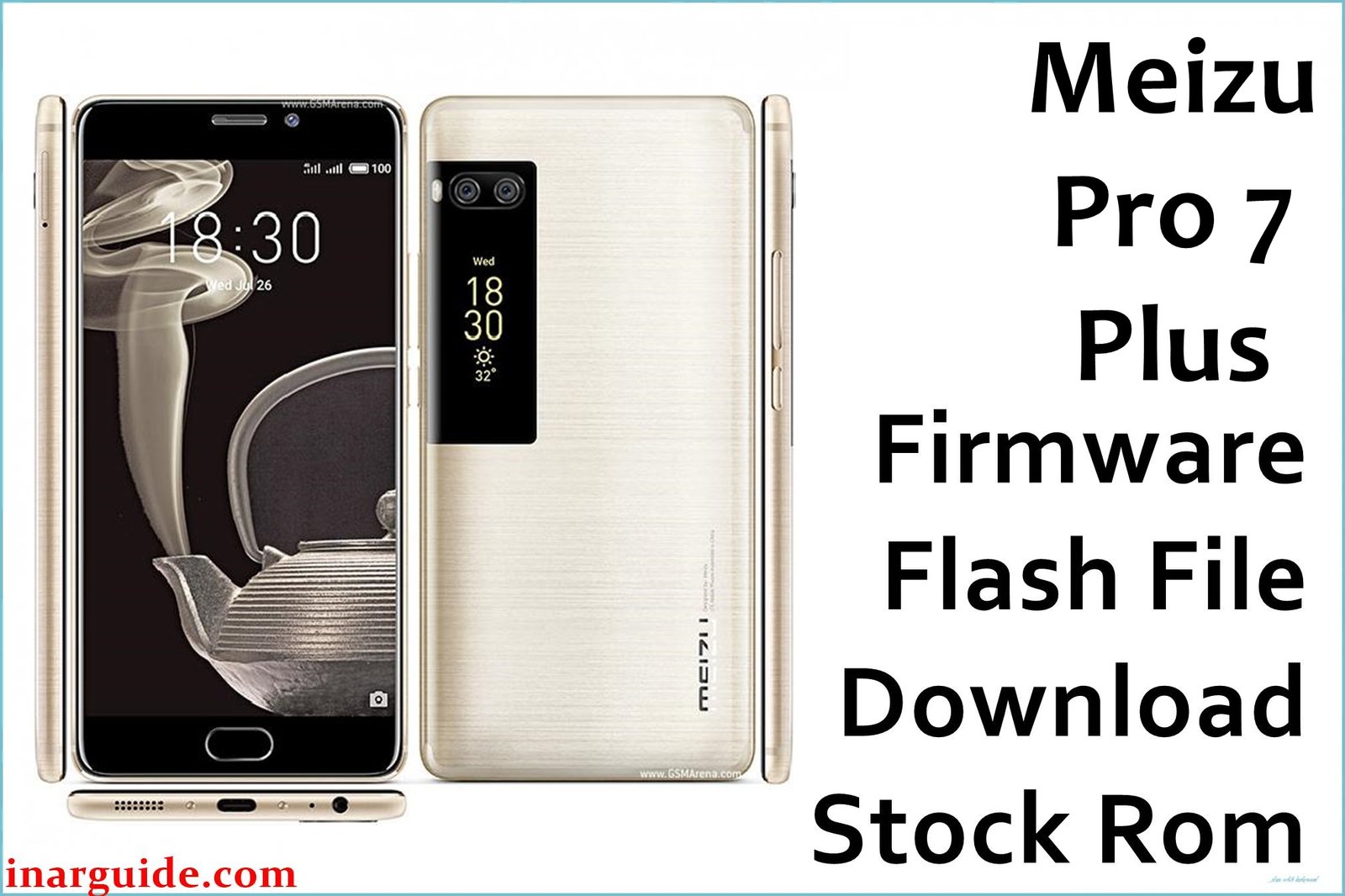
The Meizu Pro 7 Plus (MT6799) is recognized for its unique dual-screen design and powerful specifications but is not without its fair share of complaints. Common user-reported problems include unresponsive or randomly shutting down devices, severe battery drain, unreliable multitasking (apps reload frequently), camera focus failures, and post-update bootloops. Additionally, firmware updates must be applied manually, and failed flashes have led some phones to dead or bricked states.
The official stock firmware and OTA files are designed to fix battery and camera issues, restore a non-booting system, and optimize multitasking performance. Proper flashing can revive dead phones and address unresponsive hardware reliably.
Meizu Pro 7 Plus Firmware Details
| Device Name | Meizu Pro 7 Plus |
|---|---|
| Model | M1793 |
| Chipset | MediaTek Helio X30 (MT6799), Deca-core 2.6GHz |
| GPU | PowerVR 7XT |
| RAM & Storage | 6GB RAM, 64GB/128GB storage |
| Display | 5.7″ Super AMOLED, 2560×1440, plus 1.9″ secondary AMOLED rear display |
| Camera | Dual 12MP Sony IMX386 (rear), 16MP front |
| Battery | 3500 mAh, 24W fast charging |
| Operating System | Flyme OS 6.1.2.0G, Android 7.0 base |
| Firmware Filenames |
|
| Firmware Versions | Flyme 6.1.2.0G OTA, Factory releases |
| Build Dates | June 14, 2018 – Nov 7, 2017 |
| File Sizes | 1.52GB, 997MB |
| File Types | ZIP |
| Flashing Tool | Stock Recovery or SP Flash Tool (MediaTek) |
Warning: Applying incorrect firmware or faulty scatter/auth files may permanently brick your Meizu Pro 7 Plus. Always backup all important files and ensure you have the correct region/version before flashing.
Download Official Firmware for Meizu Pro 7 Plus
Below are the official firmware files. Flyme 6.1.2.0G OTA is best for fixing battery drain, camera, and multitasking issues; factory packages are recommended for full system recovery.
Meizu_Pro_7_Plus_6.1.2.0G_OTA.zip
📦 Size: 997MB
🗓️ Build Date: Nov 7, 2017
🔢 Build Version: Flyme OS 6.1.2.0G OTA
🤖 Android Version: 7.0
⬇️ Download Link: Mediafire
Changelog highlights: fixes battery drain, improves multitasking, optimizes camera focus.
Meizu_Pro_7_Plus_M1793_MT6799_140618_7.0_SPMDT.zip
📦 Size: 1.52GB
🗓️ Build Date: June 14, 2018
🔢 Build Version: Factory/Test Release
🤖 Android Version: 7.0
⬇️ Download Link: Google Drive
Best for unbricking, boot fixing, or full device recovery.
How to Flash the Firmware
- Check that your device is Meizu Pro 7 Plus (M1793, MT6799).
- Backup all data before starting the flash.
- For OTA files, copy the zip to phone storage, reboot into Recovery, and choose “Update” (Factory Reset recommended).
- For factory/test firmware, extract the package and load using SP Flash Tool, then select scatter file.
- Connect phone in bootloader mode and begin firmware loading. Do not interrupt process.
Full picture and video flashing guide: Complete step-by-step guide
Guides for MediaTek devices:
MediaTek (MTK) Devices (SP Flash Tool): SP Flash Tool
YGDP Tool: YGDP Tool





