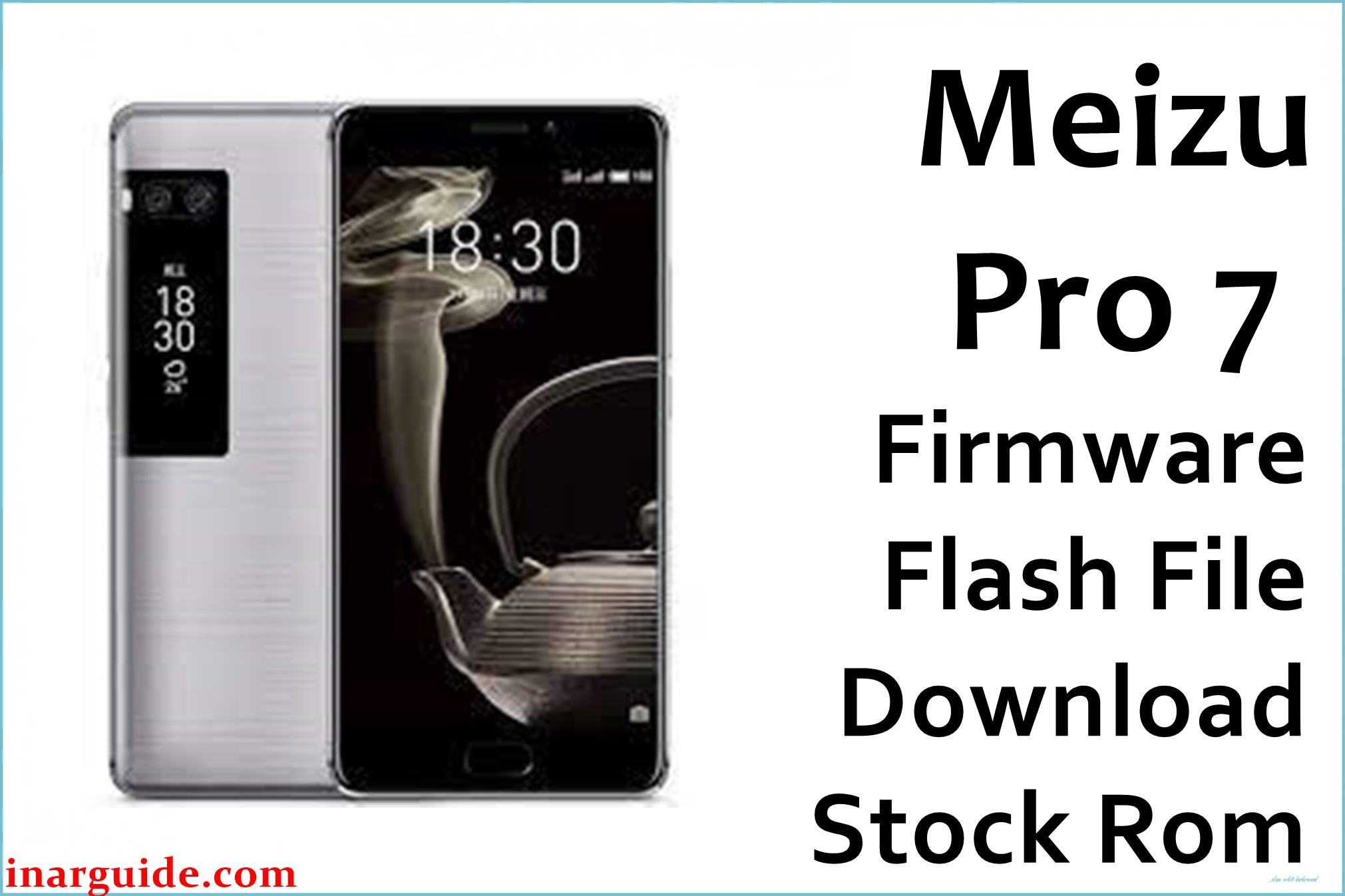
Meizu’s Pro 7 flagship features an innovative dual AMOLED display and a Mediatek Helio P25/X30 processor, aiming to stand out from rivals. Yet, users report key frustrations: software update delays, short battery life, abrupt shutdowns, inability to hide apps, and quirks with the rear (fenêtre) display. Camera focus loss, Flyme bugs, and risk of dead boot when flashing the wrong firmware are recurring complaints.
The provided firmware files restore dead devices, fix bootloop issues after failed Flyme upgrades, and help with system instability, second screen problems, and compatibility glitches. By selecting the right file for your hardware, you can regain system stability and fix known bugs.
Meizu Pro 7 M1792 Firmware Details
| Device Name | Meizu Pro 7 (M1792) |
| Model | M1792 |
| Chipset | Mediatek MT6799 Helio P25 (or X30 in Plus variants) |
| RAM/Storage | 4GB/64GB (expandable up to 128GB) |
| Display | 5.2″ FHD AMOLED (1920×1080) + rear 1.9″ AMOLED |
| Rear Cameras | Dual 12MP Sony IMX386 |
| Front Camera | 16MP f/2.0 |
| Battery | 3000 mAh (fast charge) |
| Android Version | 7.0 (Flyme OS 6/7) |
| Firmware Filenames |
|
| Firmware Version | 7.0.0.0A / 6.1.3.0G / Signed 170711 |
| Build Date | May 21, 2018 / July 11, 2017 / Noted OTA: 2018 |
| File Size | 1.90GB / 966MB / 972MB |
| File Type | .zip (SP Flash/OTA) |
| Flashing Tool | SP Flash Tool (MTK), OTA (for update.zip) |
Warning: Flashing incorrect firmware builds (A vs. G, China vs. Global) can immediately brick your Pro 7, especially if region or hardware variant mismatched. Users report permanent data loss, locked bootloader, and unusable second screen after wrong flashes. Never flash Pro 7 Plus firmware if you have a standard Pro 7. Back up all data first!
Download Official Firmware for Meizu Pro 7 (M1792)
Below are the official firmware versions. Choose OTA for easy in-system update, or SPMDT for full ROM flashing via SP Flash Tool. Flyme OS 7 brings bug fixes for display shutdowns and camera reliability, while older builds may work better for some specific regional hardware.
Firmware #1: Flyme OS 7.0.0.0A (SPMDT)
📄 Filename: Meizu_Pro_7_M1792_MT6799_7.0.0.0A_180521_SPMDT.zip
📦 Size: 1.90GB
🗓️ Build Date: May 21, 2018
🔢 Build Version: 7.0.0.0A
🤖 Android Version: 7.0 (Flyme OS 7)
⬇️ Download Link (Google Drive)
Firmware #2: MT6799 Signed (SPMDT)
📄 Filename: Meizu_Pro_7_M1792_MT6799_Signed_170711_SPMDT.zip
📦 Size: 966MB
🗓️ Build Date: July 11, 2017
🔢 Build Version: 170711 Signed
⬇️ Download Link (Google Drive)
Firmware #3: OTA Flyme OS 6.1.3.0G
📄 Filename: Meizu_Pro_7_6.1.3.0G_OTA.zip
📦 Size: 972MB
🔢 Build Version: 6.1.3.0G (Global OTA)
⬇️ Download Link (MediaFire)
Changelog (if present): – Flyme OS 7 adds second screen bug fixes, battery life improvements, camera focus stability, and UI refinements (make sure to check Flyme official for latest release notes). – Flyme 6.1.3.0G: Improved Google services integration and bug fixes for notification handling.
How to Flash the Firmware
- Download your correct firmware. For full recovery, use Meizu_Pro_7_M1792_MT6799_7.0.0.0A_180521_SPMDT.zip.
- Extract ZIP file on your PC; install latest MTK USB drivers.
- Launch SP Flash Tool, select scatter file from firmware folder.
- Connect powered-off Pro 7 (M1792) to PC and start flash. (For OTA, place update.zip in internal storage and update from stock recovery menu).
- Wait for a “Download OK” message before disconnecting.
To see the complete visual flashing guide with demo videos and step-by-step images, click here.





