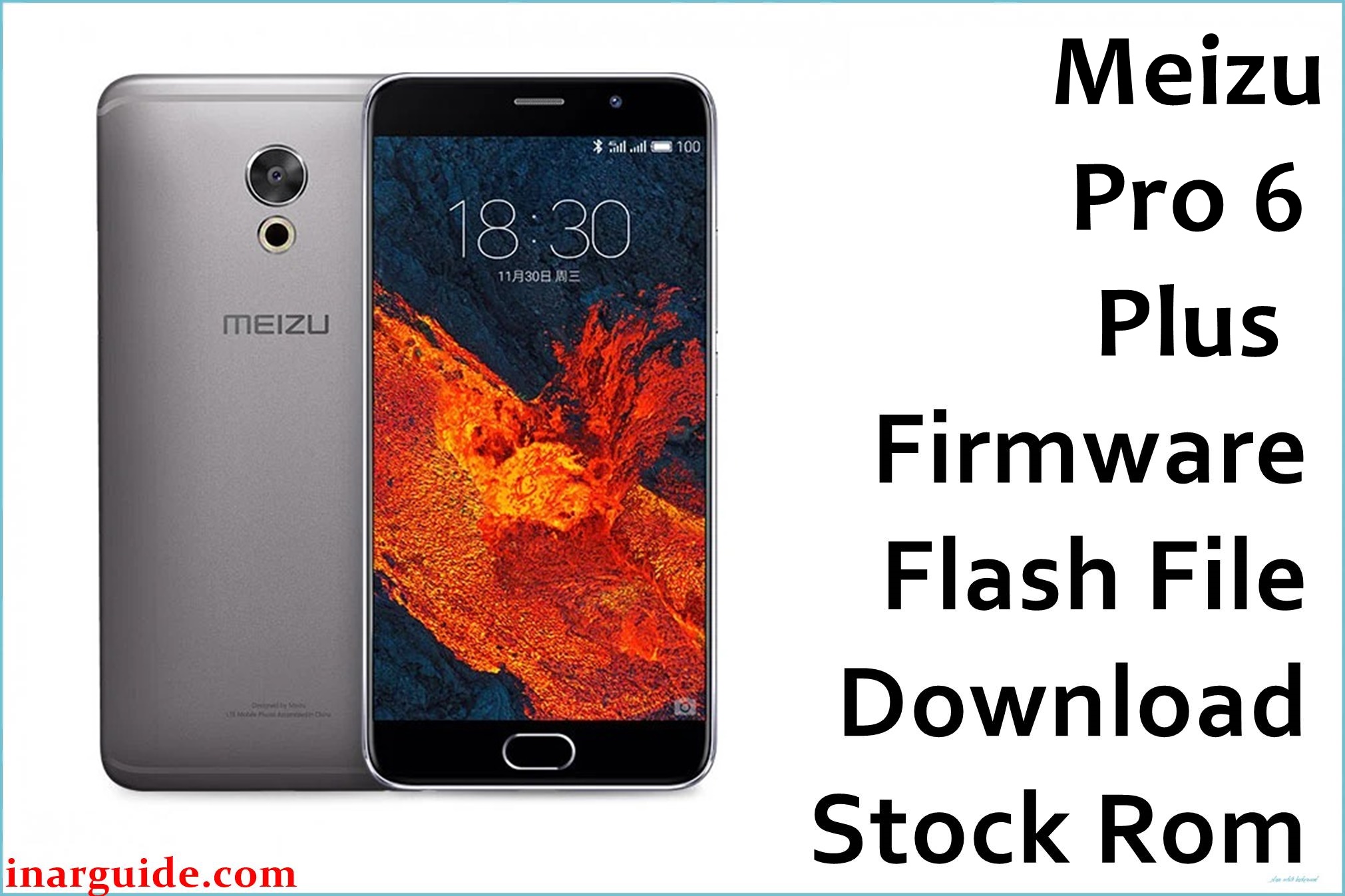
The Meizu Pro 6 Plus (M96) is praised for its fast fluid UI, rich camera quality, and powerful hardware. However, users consistently report three core problems: frequent bootloops after failed updates, battery drain, and very poor GPS/location detection. Issues with Google Pay and NFC not working on global firmware were also widely discussed, as were frustrating bugs with app notifications, Bluetooth, and TouchPal keyboard ads. Failed flashing attempts can brick the device unless the proper firmware, scatter, and authentication files are used.
These official firmware files (Flyme OS 5.2.7.0G, 5.2.7.1G, 6.1.0.0G) and factory packages restore any bricked or unresponsive phone, improve power management, resolve GPS flaws, and optimize general performance. Use verified firmware only for safe flashing.
Meizu Pro 6 Plus Firmware Details
| Device Name | Meizu Pro 6 Plus |
|---|---|
| Model | M96 |
| Chipset | Samsung Exynos 8890 Octa-core (2.0GHz/2.3GHz) |
| GPU | Mali-T880 MP10/MP12 |
| RAM & Storage | 4GB LPDDR4, 64GB/128GB UFS 2.0 (no microSD) |
| Display | 5.7″ Super AMOLED, 2560×1440 (QHD), 3D Touch |
| Camera | 12MP rear (OIS, laser/phase detection, 10-LED ring flash), 5MP front |
| Battery | 3400 mAh, 24W fast charge |
| Operating System | Flyme OS 5.2.7.0G, 5.2.7.1G, 6.1.0.0G (Android 6.0.1) |
| Firmware Filenames |
|
| Firmware Versions | 5.2.7.0G, 5.2.7.1G, 6.1.0.0G |
| Build Dates | Dec 30, 2016 – Jul 24, 2017 |
| File Sizes | 365MB, 762MB, 722MB, ~1GB |
| File Types | ZIP, RAR |
| Flashing Tool | Stock Recovery or SP Flash Tool (Exynos/MediaTek) |
Warning: Flashing the wrong region (G/Chinese), wrong scatter/auth file, or incomplete unpacked firmware on M96 will brick the phone! Always backup and identify your exact model before flashing.
Download Official Firmware for Meizu Pro 6 Plus
Global stable Flyme 6.1.0.0G and Flyme 5.2.7.1G are recommended for battery, notification, and GPS fixes. Factory/test images should be used only to unbrick or repair severe system faults.
Meizu_Pro6p_m96_TEMP_UNSIGNED_201612301346_release.rar
📦 Size: 365MB
🗓️ Build Date: Dec 30, 2016
🔢 Build Version: Factory/Test
🤖 Android Version: 6.0.1
⬇️ Download Link: Google Drive
Restores dead or bricked phone (boot fix and low-level recovery).
20170724154007_intl_prd_stable_fvcs_stable_6.1.0.0G.rar
📦 Size: 762MB
🗓️ Build Date: Jul 24, 2017
🔢 Build Version: Flyme OS 6.1.0.0G Global Stable
🤖 Android Version: 6.0.1
⬇️ Download Link: Google Drive
Flyme 6 changelog: battery management, stability, bug fixes to Bluetooth, crash and RAM issues.
20170309112709_intl_prd_stable_fvcs_stable_5.2.7.1G.rar
📦 Size: 722MB
🗓️ Build Date: Mar 9, 2017
🔢 Build Version: Flyme OS 5.2.7.1G Global Stable
🤖 Android Version: 6.0.1
⬇️ Download Link: Google Drive
Older stable build. Used for rollback/recovery and fixing persistent bugs.
Meizu_Pro_6_Plus_5.2.7.0G_OTA.zip
📦 Size: ~1GB
🗓️ Build Date: 2017
🔢 Build Version: Flyme OS 5.2.7.0G Global OTA
🤖 Android Version: 6.0.1
⬇️ Download Link: Mediafire
OTA patch: backup, battery, and stability fixes.
Meizu_Pro_6_Plus_6.1.0.0G_OTA.zip
📦 Size: ~1GB
🗓️ Build Date: 2017
🔢 Build Version: Flyme OS 6.1.0.0G Global OTA
🤖 Android Version: 6.0.1
⬇️ Download Link: Mediafire
Full Flyme 6 changelog: improved APN support, translation fixes, stability, power consumption, restart patch, crash fix.
How to Flash the Firmware
- Identify your device as Meizu Pro 6 Plus (M96) and confirm the firmware matches region and model.
- Backup all important data to avoid loss during flashing.
- For OTA files, transfer zip to phone, reboot into Recovery, and select “Update” (Wipe recommended).
- For factory/test, extract package, install drivers, and load using SP Flash Tool/Exynos flasher.
- Connect phone in download/bootloader mode and begin flash. Do not unplug during update.
For full guides and video tutorials on Exynos or MediaTek flashing, see this detailed step-by-step guide.
Recommended flashing guides for Meizu Pro 6 Plus:
SP Flash Tool: How to use SP Flash Tool
YGDP Tool: How to use YGDP Tool





