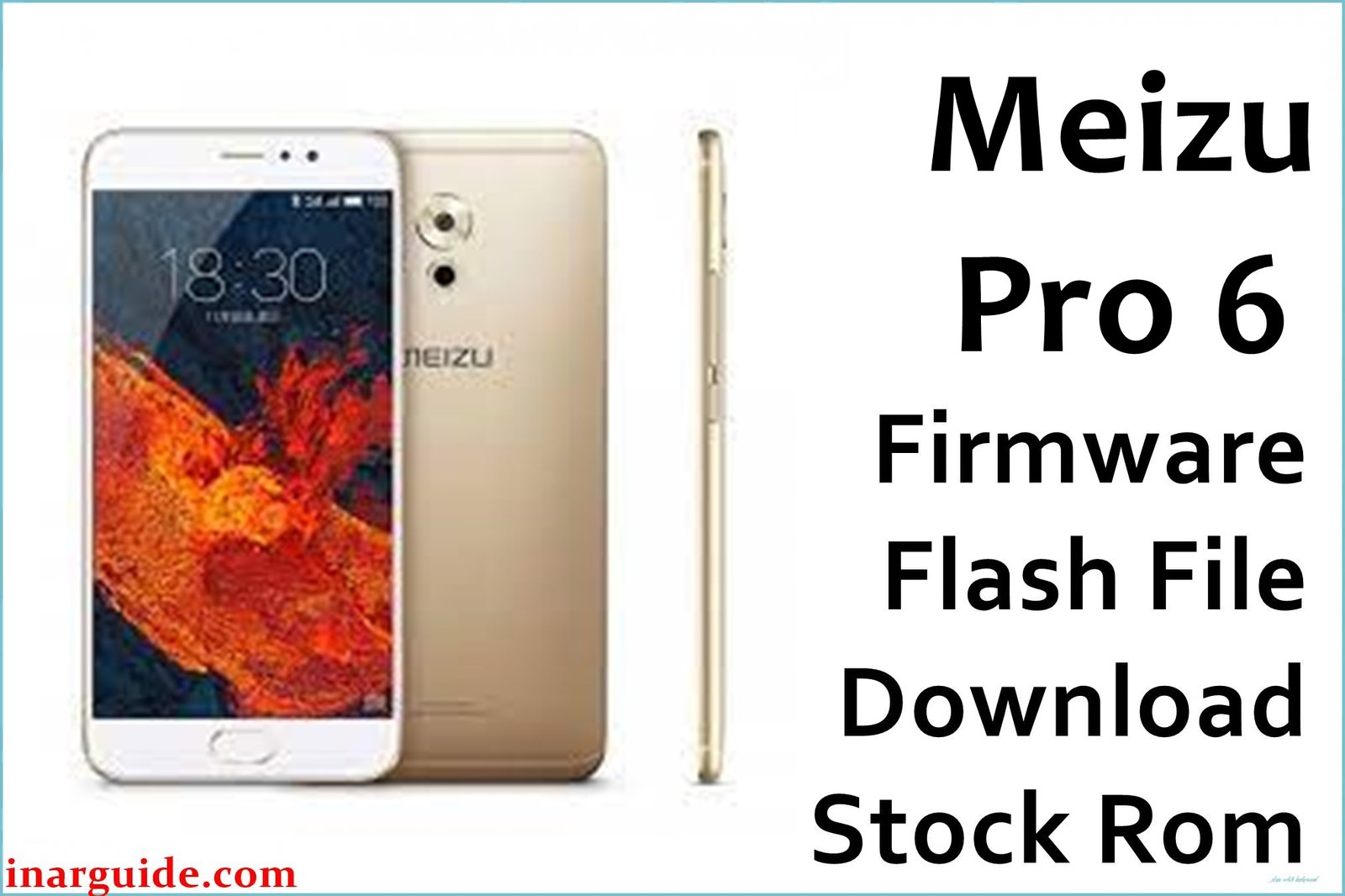
Meizu Pro 6, a deca-core flagship with a 5.2″ FHD AMOLED and 21MP camera, is prized for design but plagued by real issues: users report confusing navigation due to the missing “back” button and iOS-like Flyme OS, weak battery life, camera struggles in low light, random software lags, Google Play missing out-of-the-box, Chinese notifications, and frequent update problems causing bootloops or corruption. Failed system upgrades sometimes hard-brick the device. All firmware below is official or stable, covering Flyme 6.1.0.0, legacy 5.2.1.2, and two vital signed fastboot/OTA packages, each unbricking and restoring lost features, removing mod-caused bugs, and returning Pro 6 to a fresh, stable Android state.
Meizu Pro 6 Firmware Details
| Device Name: | Meizu Pro 6 |
| Model: | M80 |
| Chipset: | MediaTek MT6797T Helio X25, Deca-core (2×2.5GHz & 4×2.0GHz & 4×1.55GHz) |
| GPU: | ARM Mali-T880 MP4 |
| RAM: | 4GB |
| Storage: | 32GB or 64GB |
| Display: | 5.2″ AMOLED, 1920×1080, 423ppi |
| Rear Camera: | 21MP, f/2.2, laser + phase detect AF |
| Front Camera: | 5MP, f/2.0 |
| Battery: | 2560mAh, non-removable |
| Connectivity: | Dual SIM, 4G, USB-C, WiFi, Bluetooth, Hi-Fi amp |
| OS: | Android 6.0 (Flyme 6/5) |
| Firmware Versions: | 6.1.0.0, 5.2.1.2, M80 (2016.07 & 2016.04 builds) |
| File Types: | .zip (OTA/stable) or .rar (signed fastboot) |
| Flashing Tools: | Stock updater via recovery, fastboot, or QFIL/SP Flash (if service firmware) |
Warning: Flashing wrong firmware loses data, risks IMEI loss or brick. Always back up, confirm model/build, and use the latest flashing tools or recovery. Do not interrupt flash.
Download Official Firmware for Meizu Pro 6
Below are all official/stable Pro 6 builds. Use to recover from bootloop, update failures, back to stock, fix UI and Play Store issues. No changelog available for M80 builds; Flyme 6.1.0.0 fixes power bugs, translation, update and privacy issues.
📄 Filename: Meizu_Pro_6_Stable_6.1.0.0_Update_OTA.zip
📦 Size: 1.26GB
🗓️ Build: Flyme 6.1.0.0 Stable
⬇️ Download Link: Google Drive (Direct)
📄 Filename: 20160907180806_intl_prd_stable_5.2.1.2.rar
📦 Size: 789MB
🗓️ Build: Flyme OS 5.2.1.2G Stable
⬇️ Download Link: Google Drive (Direct)
📄 Filename: Meizu_Pro6(M80)_2016.07.18-14.07.15-sign.rar
📦 Size: 679MB
🗓️ Build: Signed Fastboot, M80, 2016-07-18
⬇️ Download Link: Google Drive (Direct)
📄 Filename: Meizu_Pro6(M80)_20160414154842_prd_stable.rar
📦 Size: 1.15GB
🗓️ Build: Signed Stable, 2016-04-14
⬇️ Download Link: Google Drive (Direct)
How to Flash the Firmware
- For OTA/zip: Copy to phone, reboot to recovery, select “Update” and install. Wipe data if requested.
- For signed .rar: Extract and use fastboot commands or QFIL/SP Flash for deep restore (service/repair only).
- Charge battery to full and do not allow power or USB interruption during process.
- Boot up, follow language prompts, and restore Google apps if missing (Flyme guide).
- If errors or bootloops persist, repeat with full wipe or use deep restore package.
Need the full upgrade guide or troubleshooting images? See all Pro 6 flashing steps and best practices here.





