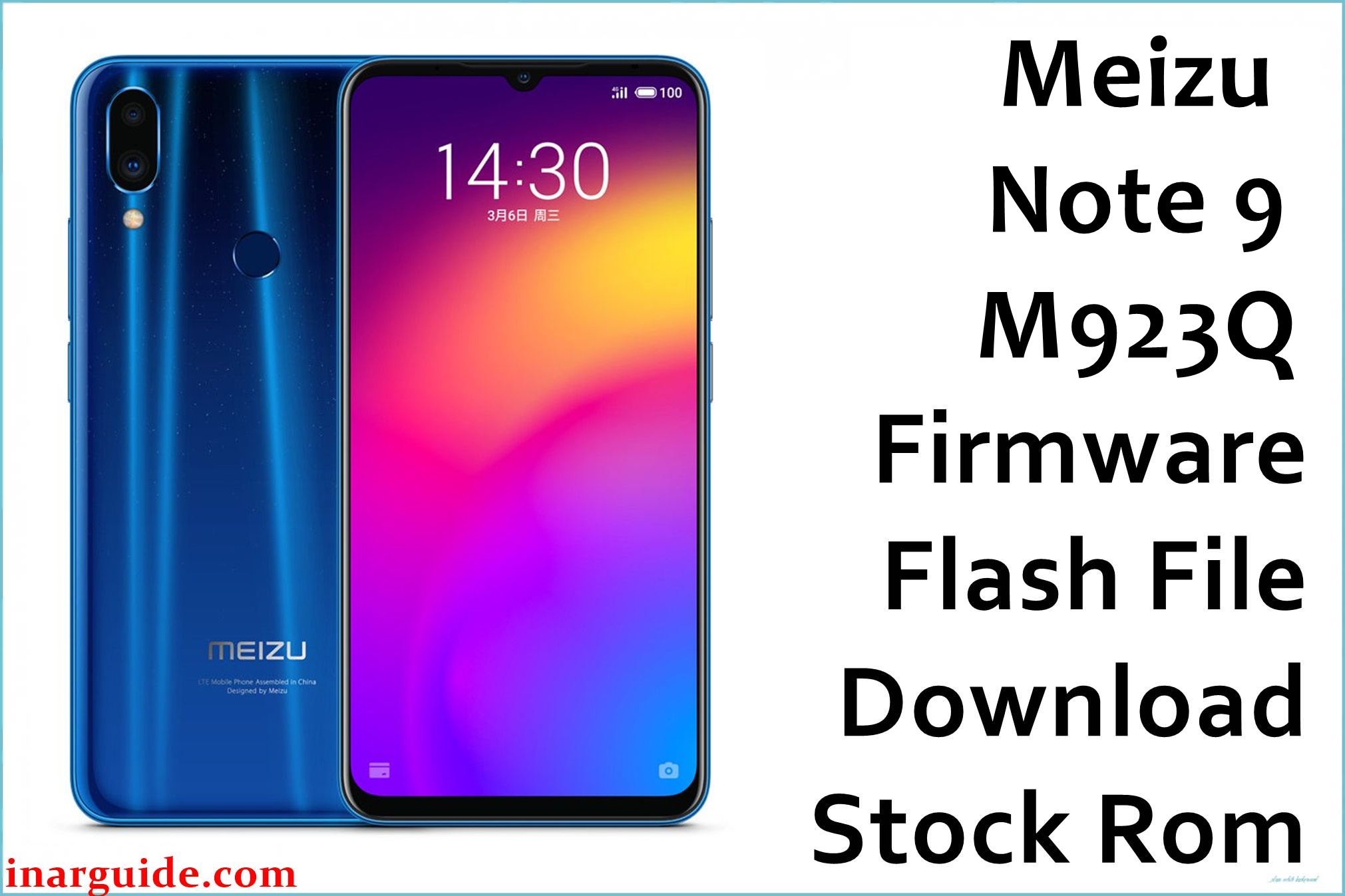
Meizu Note 9 (M923Q/M1923) is a Snapdragon-powered, camera-focused midrange celebrated for speed, but owners face bugs after updates: stuck-on-boot logo after failed upgrades, Play Store and Google sync failures, “cannot install apps” error, rapid battery drain, GPS bugs, face unlock and fingerprint crashes, and Chinese text residue after reflash. Some users struggle with random freezes, lag, and missing VoLTE/4G. Both Flyme 7.2.2.0G QPST packages below will restore your Note 9 to stable stock, clear update and rooted system errors, unbrick from a dead state, and return all built-in features and security patches.
Meizu Note 9 Firmware Details
| Device Name: | Meizu Note 9 (M923Q/M1923) |
| Chipset: | Qualcomm Snapdragon 675 (Octa-core, Adreno 612) |
| RAM/Storage: | 4GB/6GB RAM, 64/128GB ROM |
| Display: | 6.2″ IPS LCD, 1080×2244, 402ppi |
| Rear Camera: | 48MP + 5MP dual, f/1.7 main |
| Front Camera: | 20MP |
| Battery: | 4000mAh, 18W fast charging USB-C |
| SIM: | Dual Nano SIM, global LTE |
| OS: | Android 9.0 (Flyme 7.2.2.0G, global) |
| Firmware Version: | 7.2.2.0G QPST (M923Q & M1923) |
| File Sizes: | 2.10GB each |
| Flashing Tool: | QPST/QFIL (Qualcomm EDL/9008) |
| File Types: | .zip (QPST Service ROM, includes rawprogram, patch, and firehose programmer) |
Warning: QPST flashing fully wipes storage, so backup first. Using the wrong ROM can brick, lose IMEI, or break carrier service. Always use the correct model files, charge battery fully, and follow the step-by-step guide.
Download Official Firmware for Meizu Note 9
Both ROMs below fully factory-reset the phone, clear bugs, and reinstall secured stock OS. Use to repair dead device, Play Store bugs, stuck updates, “system language Chinese,” and more.
📄 Filename: Meizu_Note_9_M923Q_Stable_7.2.2.0G_040419_QPST.zip
📦 Size: 2.10GB
⬇️ Download Link: Google Drive (Direct)
📄 Filename: Meizu_Note_9_M1923_FLYME_7.2.2.0G_QPST.zip
📦 Size: 2.10GB
⬇️ Download Link: Google Drive (Direct)
How to Flash the Firmware
- Extract the chosen .zip (Meizu_Note_9_M923Q_Stable_7.2.2.0G_040419_QPST.zip or M1923 variant) on PC.
- Install Qualcomm QPST/QFIL drivers for Windows.
- Put Note 9 into EDL (9008) mode (search device EDL key or use fastboot/ADB for EDL if unlocked).
- Open QPST/QFIL tool, select programmer.mbn, rawprogram, and patch XML files.
- Click “Download” in QPST/QFIL and do not disconnect until the success screen appears.
For detailed, stepwise QPST flashing instructions: see the full QFIL/EDL guide here.





