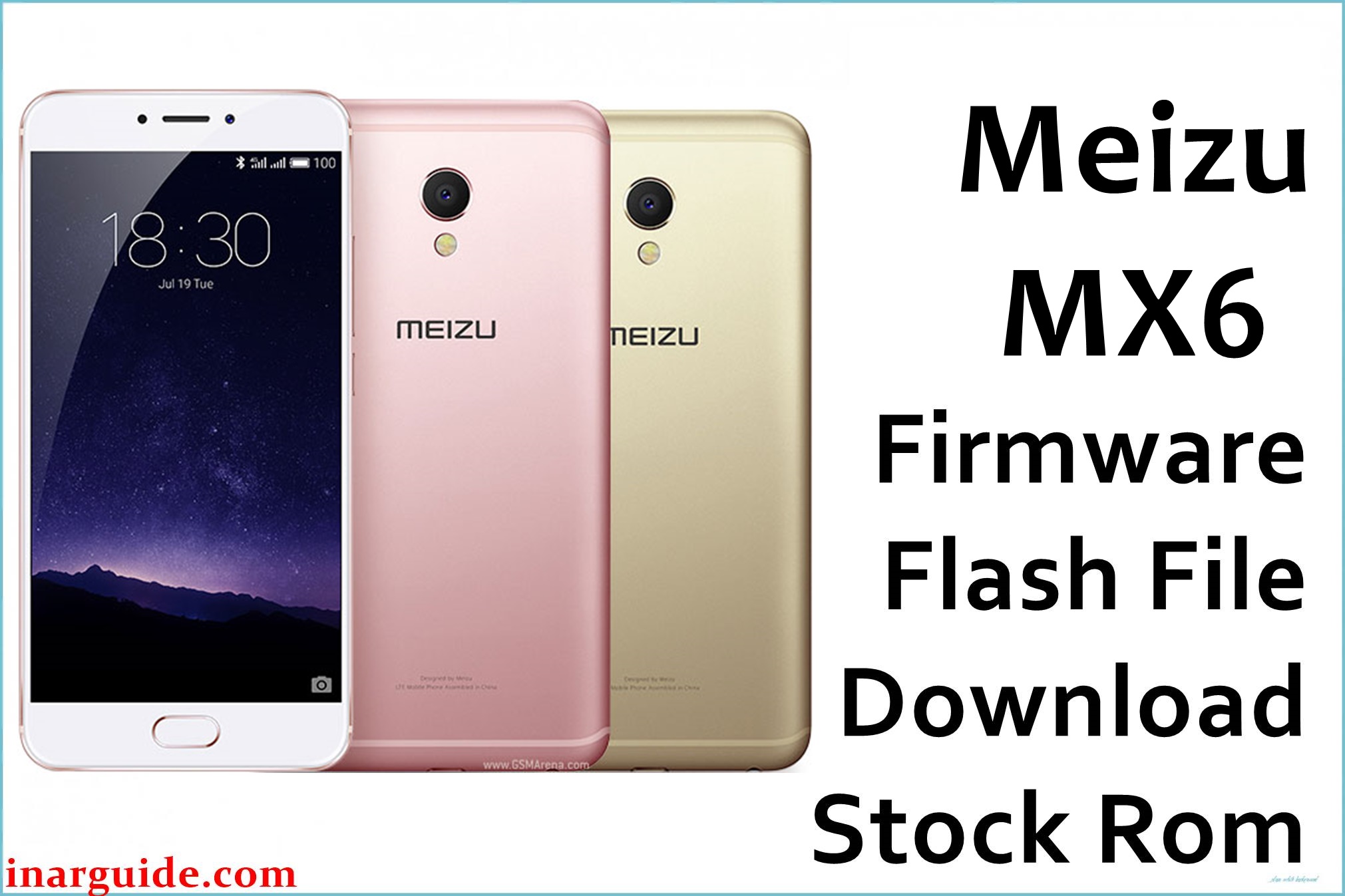
The Meizu MX6 is a midrange standout with powerful hardware—a 5.5″ FHD LCD, ten-core Helio X20 chipset, and crisp 12MP camera. Despite its specs, users frequently complain about app crashes (especially contacts/music), battery overheating or draining quickly, display bleed, laggy performance in balanced mode, and trouble with firmware updates (including update failures and “firmware is corrupt” error). Some report limited internal storage (no microSD slot) as a downside, while international users struggle to install global firmware successfully after Chinese ROMs are flashed. Flashing official OTA update files can recover bricked devices, solve persistent lag, address battery/calibration faults, and restore Google apps compatibility.
Meizu MX6 Firmware Details
| Device Name | Meizu MX6 (M685Q) |
| Chipset | Mediatek Helio X20 (MT6797M) Deca-core |
| RAM | 4GB LPDDR3 |
| Storage | 32GB (no microSD) |
| Display | 5.5” FHD 1920×1080 TDDI LCD |
| Main Camera | 12MP Sony IMX386, f/2.0 aperture |
| Front Camera | 5MP, f/2.0 |
| Battery | 3060mAh, fast charge |
| Android Version | 6.0 Marshmallow (Flyme OS) |
| Firmware Filenames | Meizu_MX6_5.2.5.0G_OTA.zip Meizu_MX6_6.1.0.0G_OTA.zip |
| Firmware Version | 5.2.5.0G / 6.1.0.0G (Global) |
| Build Date | Aug 4, 2017 (5.2.5.0G); Nov 5, 2017 (6.1.0.0G) |
| File Size | 1018.86MB / 872.89MB |
| File Type | .zip (OTA update) |
| Flashing Tool | OTA Manual Update (stock recovery) |
Warning: Meizu MX6 users attempting to install international (global) firmware over Chinese ROM may face failure (“firmware is corrupt”) and looping errors if region variants do not match. Incorrect OTA upgrades or interrupted updates can permanently brick the device, trigger touch/display faults, or wipe data. Always confirm your current firmware region and version before flashing.
Download Official Firmware for Meizu MX6
Select OTA zip according to your model and region. Flyme 6.1.0.0G offers new features, better Google service support, and bug fixes. Downgrading or switching from Chinese variants may require extra steps; see flashing guides below.
Firmware #1: Flyme OS 5.2.5.0G OTA
📄 Filename: Meizu_MX6_5.2.5.0G_OTA.zip
📦 Size: 1018.86MB
🗓️ Build Date: Aug 4, 2017
🔢 Build Version: 5.2.5.0G
🤖 Android Version: 6.0 (Marshmallow, Flyme OS)
⬇️ Download Link (MediaFire)
Firmware #2: Flyme OS 6.1.0.0G OTA
📄 Filename: Meizu_MX6_6.1.0.0G_OTA.zip
📦 Size: 872.89MB
🗓️ Build Date: Nov 5, 2017
🔢 Build Version: 6.1.0.0G
⬇️ Download Link (MediaFire)
Changelog Highlights:
– Flyme 6: Android 6, improved update/app install speed, Work/Life dual avatars, better camera stability, Wi-Fi sharing, Meizu Pay fingerprint authorization, and bug fixes for Google apps sync and notification reliability.
How to Flash the Firmware
- Download Meizu_MX6_5.2.5.0G_OTA.zip or Meizu_MX6_6.1.0.0G_OTA.zip to your PC.
- Transfer the update.zip to your MX6’s internal storage root folder.
- Open File Manager, tap the update.zip file.
- Select Upgrade at the prompt and confirm to start OTA update.
- The phone will reboot automatically after flashing is complete.
To view the full step-by-step visual guide with pictures and troubleshooting video, click here.





