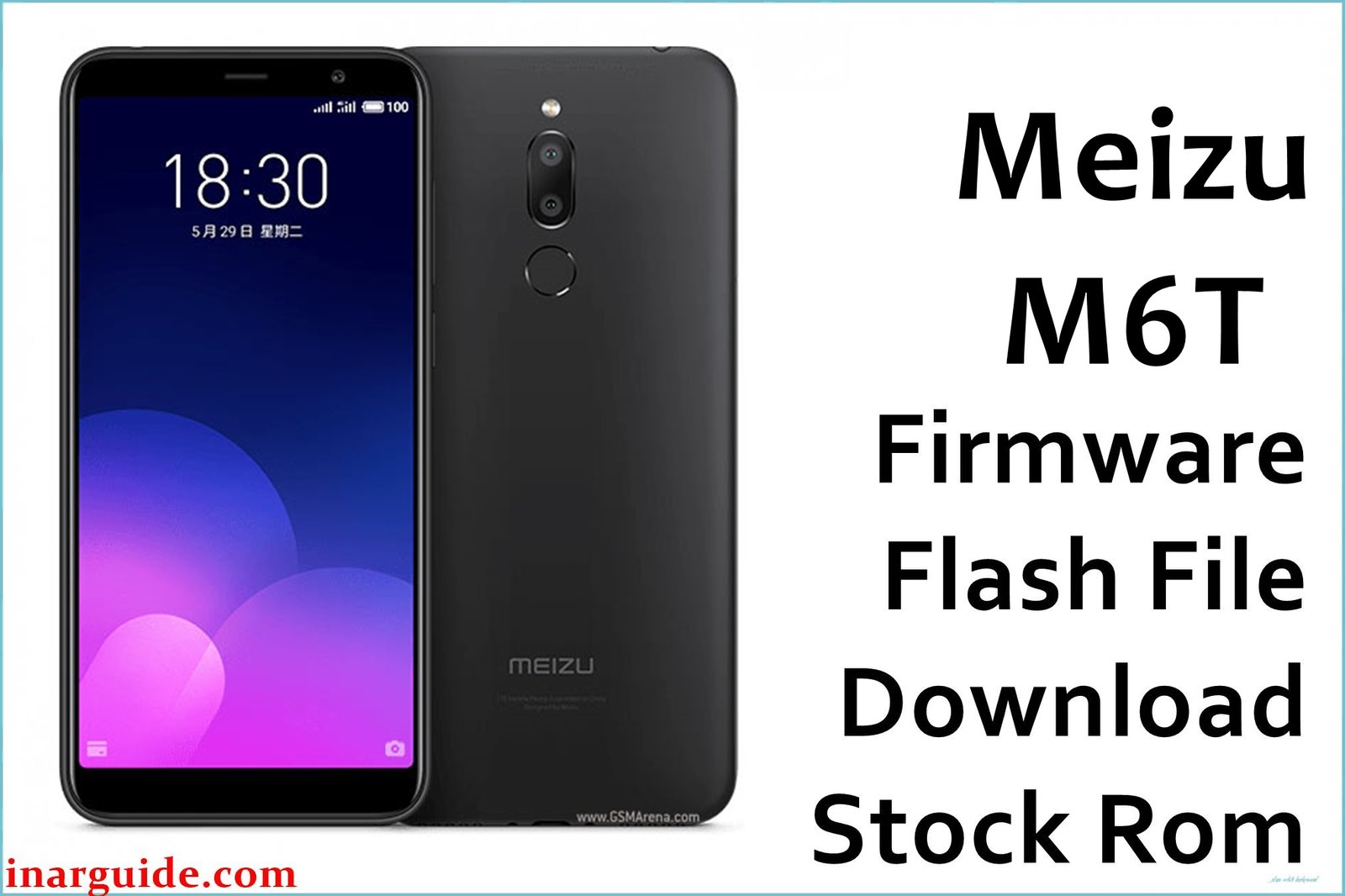
The Meizu M6T, powered by the MT6750 chipset and Flyme OS, is known for its appealing design and value pricing. However, users regularly report the device becoming stuck at boot/logo after updates, app syncing issues with Google Play, sluggish multitasking, battery draining fast, delayed notifications, and system lags—especially for lower RAM variants. Some complain about camera bugs, lost Wi-Fi, or “no service” after failed mods or resets. Flashing the official 20180601 firmware below can repair all these faults, recover from failed rooting/updating, and restore your phone to factory smoothness.
Meizu M6T Firmware Details
| Device Name: | Meizu M6T (M811H / M811M) |
| Chipset: | MediaTek MT6750 (Octa-Core: 4×1.5GHz + 4×1.0GHz) |
| GPU: | Mali-T860 MP2 |
| Android Version: | Android 7.0 Nougat (Flyme OS 6.x) |
| Firmware Version: | 20180601 |
| Build Date: | June 1, 2018 |
| File Size: | 1.51GB |
| File Type: | Update ZIP (for Meizu stock recovery) |
| Flashing Tool: | Meizu Recovery (System Update mode) |
| Display: | 5.7-inch IPS LCD, 1440×720 |
| RAM / Storage: | 2/3/4GB RAM, 16/32/64GB ROM (microSD up to 128GB) |
| Rear Camera: | Dual 13MP + 2MP, LED |
| Front Camera: | 8MP (f/2.0) |
| Battery: | 3300mAh Li-Ion |
| SIM: | Dual Nano SIM |
| Other: | Fingerprint (rear), FM, Bluetooth 4.1, Wi-Fi n |
Download Official Firmware for Meizu M6T
This firmware recovers logo-hang, dead system, disconnected network, Play Store bugs, rapid battery drain, update failures, and returns all original Flyme OS stability after mods or crashes.
📄 Filename: Meizu_M6T_MT6750_20180601.zip
📦 Size: 1.51GB
🗓️ Build Date: June 1, 2018
🔢 Build Version: 20180601
🤖 Android Version: 7.0 (Flyme 6.x)
⬇️ Download Link: Google Drive
How to Flash the Firmware
Follow these 5 quick steps to safely flash Meizu_M6T_MT6750_20180601.zip to your phone:
- Copy the ZIP update to internal storage (root—not inside any folder).
- Turn off phone, enter recovery by holding Volume Up + Power.
- Select “System Upgrade” and check “Clear data” for clean install.
- Choose the ZIP file and confirm. Wait for full update.
- Device will reboot; first boot may be slow—be patient for Flyme setup.
See the full MTK/Flyme flashing guide at this step-by-step tutorial.





