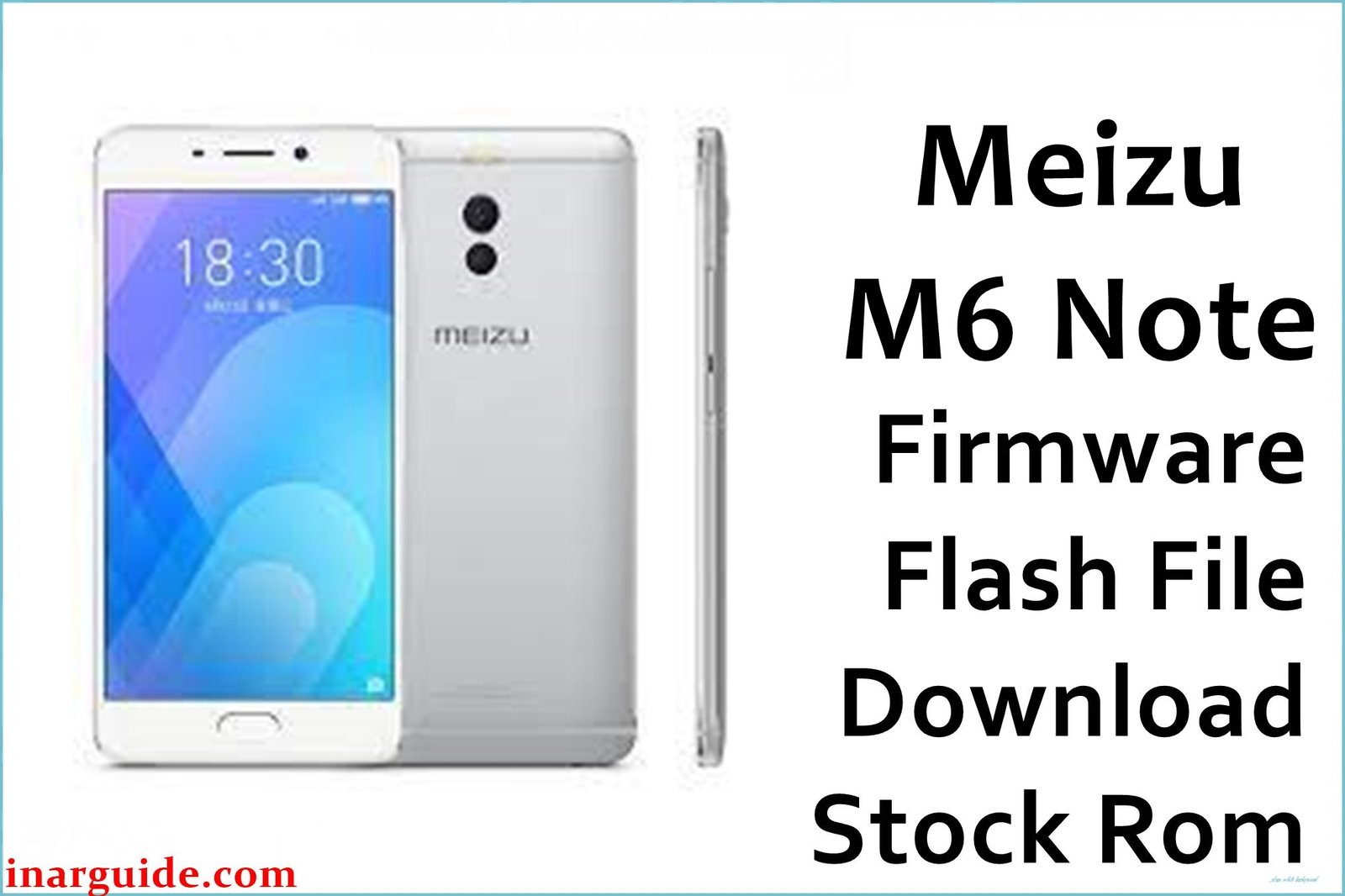
The Meizu M6 Note is a Snapdragon-powered budget phone praised for its metal build, sharp display, camera, and long battery. Real user complaints include OTA/bricked update bootloops, stuck logo, persistent FRP lock, software crashes, SIM/network failure, and notification errors—especially after attempting unofficial ROMs or root. These official firmware files restore bricked phones, solve failed updates, recover lost IMEI/network, remove FRP, and repair persistent software faults. Use the ROM that matches your region and hardware for the safest results.
Meizu M6 Note Firmware Details
| Device Name: | Meizu M6 Note |
| Model(s): | M721Q, M1721, M6 Note Global |
| Chipset: | Qualcomm Snapdragon 625 (MSM8953) |
| GPU: | Adreno 506 |
| Android Version: | Android 7.1.2 with Flyme OS 6.x/7.x |
| Firmware Types: | QFIL, QPST, OTA, stable global, and China stock |
| Builds: |
|
| File Sizes: | 1.07GB – 1.85GB |
| Flash Tools: | QFIL, QPST, Meizu Updater (stock recovery), or fastboot (unbrick) |
| Display: | 5.5-inch IPS LCD, 1080×1920 pixels |
| RAM / Storage: | 3GB/4GB RAM, 16/32/64GB ROM (microSD up to 256GB) |
| Primary Camera: | 12MP dual sensor, dual LED, Sony IMX362 |
| Selfie Camera: | 16MP |
| Battery: | 4000mAh (non-removable), fast charging |
| SIM: | Dual Nano SIM |
| Other Features: | Fingerprint, 4G, Wi-Fi ac, metal body |
Download Official Firmware for Meizu M6 Note
Select the correct ROM below. Use QFIL/QPST for hard brick/unbrick, and OTA for routine or stable recovery. These carry official global, China, and tested region files—ideal for boot repair, FRP unlock, dead phones, flashing back to stock, and solving severe bugs.
Firmware 1
📄 Filename: 20171112181443_intl_prd_stable_fvcs_rebuilt_stable_6.1.4.0G.rar
📦 Size: 1.40GB
🔢 Build Version: 6.1.4.0G
⬇️ Google Drive
Firmware 2
📄 Filename: Meizu_M6_Note_M721Q_Flyme_6.1.4.6A_121117_QPST.zip
📦 Size: 1.85GB
🔢 Build Version: 6.1.4.6A
⬇️ Google Drive
Firmware 3
📄 Filename: Meizu_M6_Note_Global_6.1.4.0G_171112_QFIL.zip
📦 Size: 1.67GB
🔢 Build Version: 6.1.4.0G Global
⬇️ Google Drive
Firmware 4
📄 Filename: Meizu_M6_Note_M1721_30082017_QFIL.zip
⬇️ MediaFire
Firmware 5
📄 Filename: Meizu_M6_Note_MSM8953_210717_QPST.zip
📦 Size: 1.07GB
🔢 Build Version: MSM8953_210717
⬇️ Google Drive
How to Flash the Firmware
Follow these 5 quick steps to safely restore your Meizu M6 Note. Update steps are similar for all files—just use the filename you selected:
- Download and extract the firmware file (e.g.
Meizu_M6_Note_Global_6.1.4.0G_171112_QFIL.zip), plus QFIL or QPST Tool on your PC. - Install Qualcomm USB drivers and launch QFIL/QPST.
- Load the firmware’s .mbn or .xml file as per instructions, power off phone, hold vol up/down and connect via USB.
- Click “Download” (or “Upgrade”) and wait for the green success pass, then disconnect and power on.
- If stuck on logo/FRP, repeat with “Erase All” or flash a different region firmware as needed.
For OTA files, copy the ZIP to your phone’s root, boot to recovery, select “System upgrade”, and flash. Complete guide: see QFIL/Qualcomm flashing tutorial.





