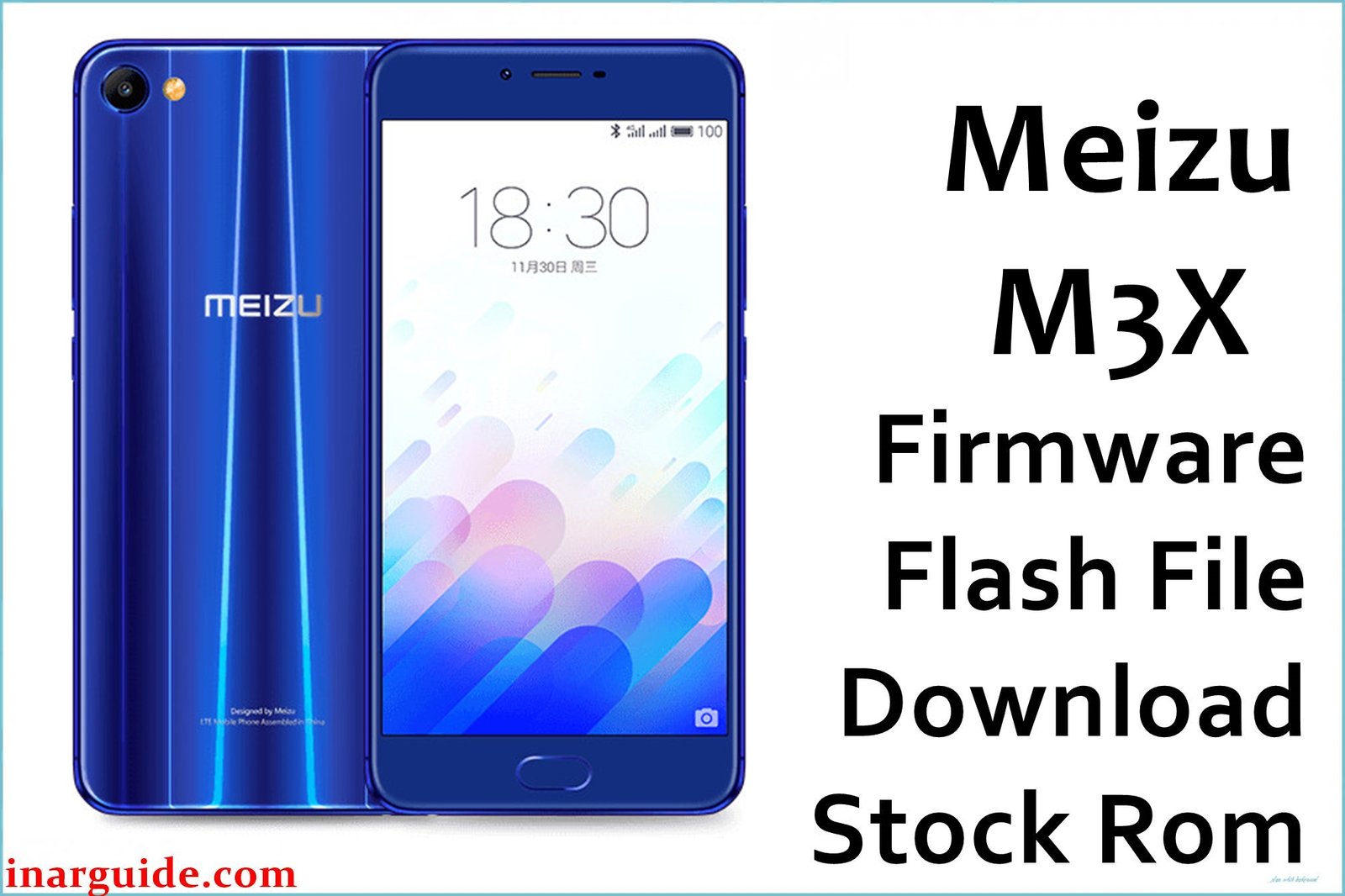
The Meizu M3X is an elegant midrange smartphone launched with a 5.5-inch FHD display, glass body, and powerful MediaTek Helio P20 MT6757 chipset. Despite strong reviews for its design and battery life, users have reported bootloops, “Flyme OS” bugs, network issues, app crashes, rapid battery drain, slow charging, and loss of signals after failed updates or root. Flashing the official firmware below can restore your device, recover from logo-stuck or soft-brick, and bring back stable performance.
Meizu M3X Firmware Details
| Device Name | Meizu M3X |
| Model | M3X (M682Q, Blue Charm X) |
| Chipset | MediaTek Helio P20 (MT6757, Octa-core 2.3GHz) |
| Android Version | Android 6.0 Marshmallow (Flyme OS 5.2.8.0A) |
| Firmware Version | Stable_5.2.8.0_161125 (November 25, 2016) |
| Build Date | 25 November 2016 |
| File Size | 1.46GB |
| File Type | ZIP (Scatter/Official ROM) |
| Flashing Tool | SP Flash Tool (MTK) |
| Device Specifications | |
|---|---|
| Display | 5.5-inch IPS LCD, 1080 × 1920 px, 401ppi |
| Processor | MT6757 Helio P20, 8× Cortex-A53 (2.3/1.6GHz) |
| GPU | Mali-T880 MP2 |
| RAM | 3GB/4GB (LPDDR4X) |
| Storage | 32GB/64GB (non-expandable) |
| Rear Camera | 12MP, Sony IMX386, PDAF, dual-LED, 4K video |
| Front Camera | 5MP |
| Battery | 3200mAh, non-removable, Fast Charge |
| SIM Type | Dual Nano-SIM (Hybrid slot) |
| Connectivity | 4G LTE, WiFi a/b/g/n/ac, Bluetooth 4.1, USB-C, GPS |
| Sensors | Fingerprint (front), Accelerometer, Compass, Proximity, Light, Gyro |
| Body | Glass/Metal, 153.8×76×7.4 mm, 165g, Blue/White/Black/Gold |
Warning: This firmware is only for Meizu M3X MT6757 (M682Q/Blue Charm X). Using on the wrong device or interrupting flashing can brick your phone. Always backup data and keep battery above 60% before starting.
Download Official Firmware for Meizu M3X
This ROM will fix common software failures, unbrick your device from bootloops, restore lost network, and bring Flyme OS back to stock.
📄 Filename: Meizu_M3X_MT6757_Stable_5.2.8.0_161125.zip
📦 Size: 1.46GB
🗓️ Build Date: 25 Nov 2016
🔢 Build Version: Stable_5.2.8.0_161125
🤖 Android Version: 6.0 Marshmallow (Flyme OS 5)
⬇️ Download Link: Download from Google Drive
How to Flash the Firmware
Follow these quick steps for safe flashing:
- Download and unzip the firmware file to your PC.
- Install MTK VCOM USB drivers.
- Launch SP Flash Tool and select “Scatter-loading,” then load the “MT6757_Android_scatter.txt” from the extracted folder.
- Click “Download” and connect your powered-off device via USB.
- Wait for process to finish (green tick), unplug and boot to system.
For detailed step-by-step with images, see the MTK flashing tutorial here.





