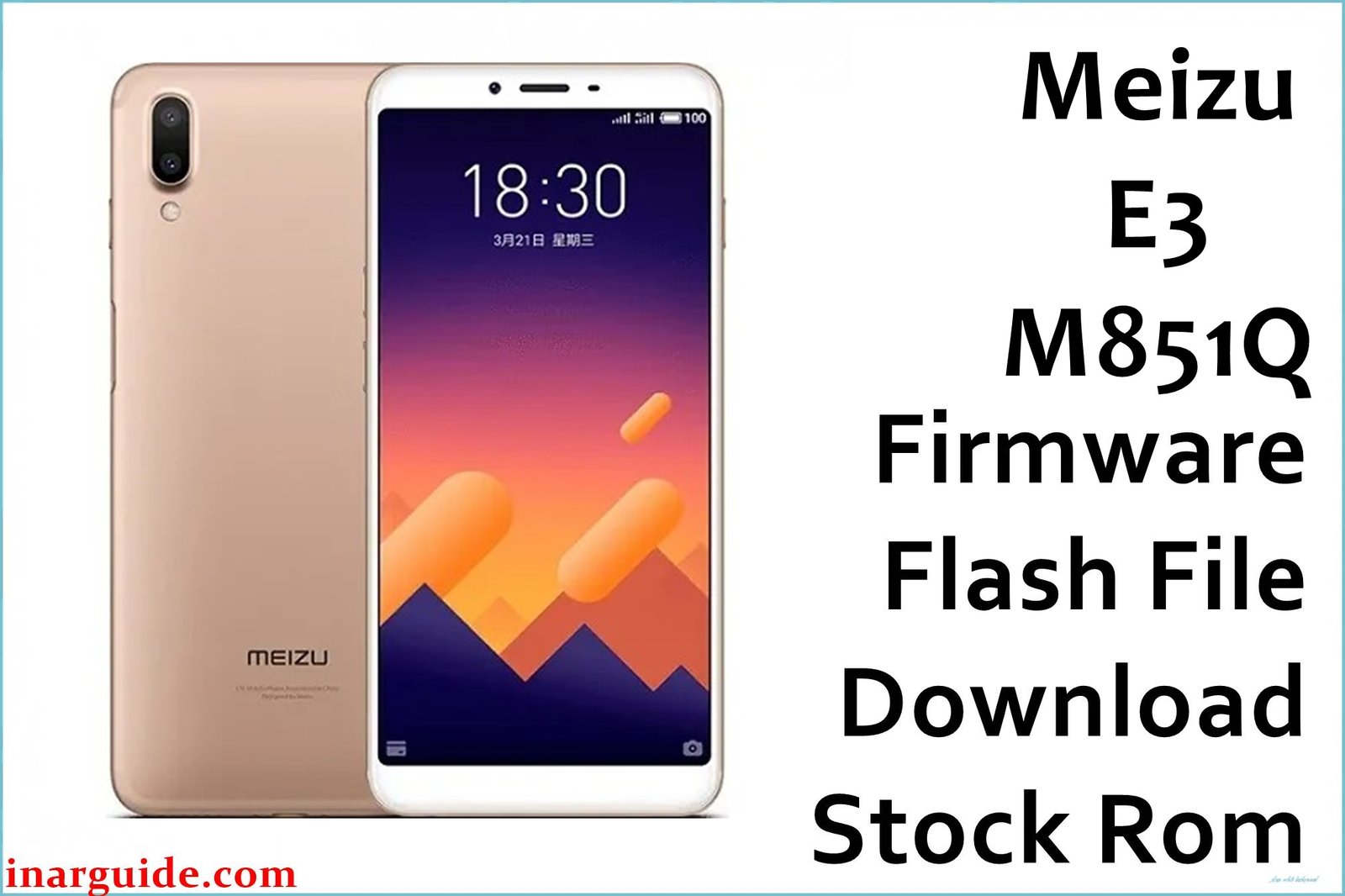
The Meizu E3 M851Q is a robust Snapdragon 636-based phone, but users have reported problems such as device stuck at logo, failed updates, UI lag, app crashes, network issues, and soft-bricking after wrong modifications. The official Flyme 6.3.2.1A firmware (for QFIL) is the safest recovery solution for serious software faults, including bootloop, dead/bricked state, or persistent Flyme bugs. Use this firmware to restore factory settings, unbrick your device, and resolve repeated crashes and glitches.
This QFIL package is tested for stable system restore and is suitable for upgrade, downgrade, or full recovery. Proper installation fixes OS errors, invalid IMEI/network, fingerprint/camera bugs, and more.
Meizu E3 M851Q Firmware Details
| Device Name | Meizu E3 M851Q |
| CPU | Qualcomm Snapdragon 636 (Octa-core 1.8GHz) |
| RAM / Storage | 6GB RAM / 64GB or 128GB ROM |
| Display | 5.99″ IPS, 2160×1080 px |
| Camera | Dual rear (20MP+12MP), Front: 8MP |
| Battery | 3360 mAh |
| Firmware Version | Flyme 6.3.2.1A (Android 7.1.1) |
| Build Date | Recent Stable |
| File Size | 2.43GB |
| File Type | ZIP (QFIL/QPST package) |
| Flashing Tool | QPST/QFIL (Qualcomm) |
⚠ Warning: Always back up personal files—flashing erases all data. Use this only for the Meizu E3 M851Q variant. Improper flash can brick the device or erase IMEI/network, requiring deep repair.
Download Official Firmware for Meizu E3 M851Q
📄 Filename: Meizu_E3_M851Q_Flyme_6.3.2.1A_7.1.1_QFIL.zip
📦 Size: 2.43GB
🔢 Firmware Version: 6.3.2.1A
🤖 Android Version: 7.1.1 Nougat
⬇️ Download Link: Google Drive (Direct Download)
How to Flash Meizu E3 M851Q (QFIL)
- Extract the ZIP, install Qualcomm QPST/QFIL and USB drivers on your computer.
- Boot the phone to EDL/Download mode (usually Vol Up + Vol Down, then USB in for Qualcomm).
- Open QFIL, load the firmware .mbn or .xml as described in instructions.
- Click “Download” to begin flashing; wait for confirmation before disconnecting.
- Reboot device after flashing. (Test network, fingerprint, and all vital hardware.)
For full instructions, use the recommended QPST/QFIL flashing guide for Snapdragon phones.





