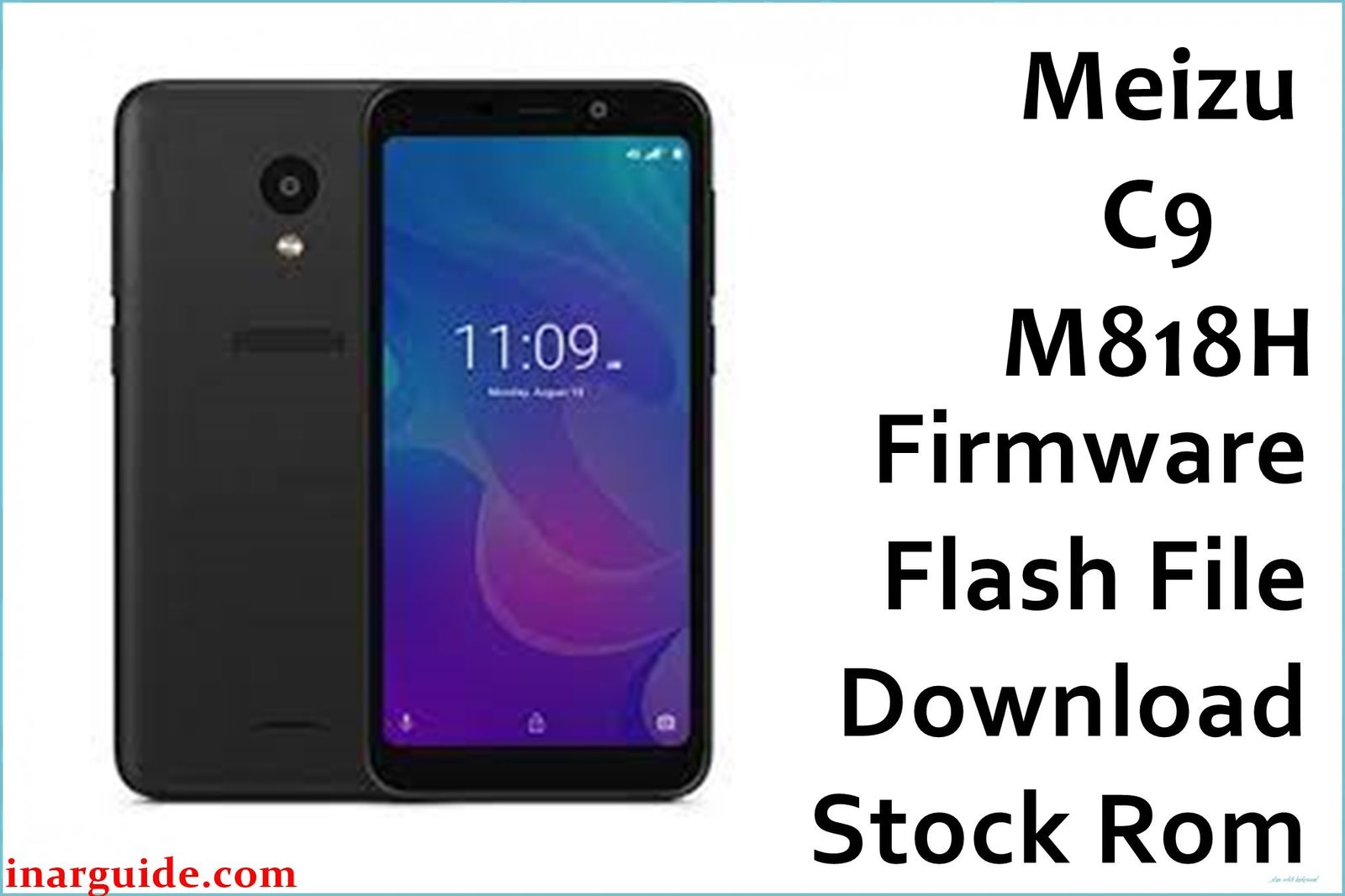
Meizu C9 (M818H) is a budget Android phone with a removable battery and IGZO display, but users report major issues: stuck in bootloop after failed update, “app has stopped working” popups, severe lag even with few apps, frequent battery drain, low-quality selfies, non-responsive auto-brightness, and system slowdowns. Some owners experienced hard brick after flash errors and unreliable proximity sensors or network drops.
Flashing the official SPD firmware (12102018_8.1.0) fixes stuck logo, dead phone, Play Store/Google app crashes, and most severe system bugs—returning your device to factory default smoothness.
Meizu C9 M818H Firmware Details
| Device Name: | Meizu C9 |
| Model: | M818H |
| Chipset: | Unisoc SC9832E, Quad-core 1.3GHz |
| RAM: | 2GB |
| Storage: | 16GB (microSD slot) |
| Display: | 5.45″ IGZO LCD, 720×1440 (18:9) |
| Rear Camera: | 13MP, AF, LED flash |
| Front Camera: | 8MP |
| Battery: | 3000mAh, removable |
| Operating System: | Android 8.1.0 (Oreo, stock Flyme UI) |
| Firmware Version: | 12102018_8.1.0 SPD |
| Build Date: | 2018-10-12 |
| File Size: | 1.21GB |
| File Type: | .zip (PAC file for SPD Upgrade/Research Tool) |
| Flashing Tool: | SPD Upgrade Tool (Spreadtrum/Unisoc) |
Warning: Full flash erases user data—back up files before use. Mismatched firmware or interrupted SPD procedure can brick the phone or cause IMEI loss. Always verify model (M818H) and battery level before flashing.
Download Official Firmware for Meizu C9 M818H
Use this SPD firmware to revive a dead/bricked device, “app has stopped” errors, battery/sensor/network bugs, or for full restoration after failed mods, root, or update.
No manufacturer changelog; this package restores all original features and stability.
📄 Filename: Meizu_C9_M818H_12102018_8.1.0_SPD.zip
📦 Size: 1.21GB
🗓️ Build Date: 2018-10-12
🔢 Build Version: 12102018_8.1.0_SPD
🤖 Android Version: 8.1 Oreo
⬇️ Download Link: MediaFire (Direct)
How to Flash the Firmware
- Extract Meizu_C9_M818H_12102018_8.1.0_SPD.zip to your PC.
- Install Spreadtrum/Unisoc USB drivers for Windows.
- Open SPD Upgrade Tool and load the PAC firmware from the extracted folder.
- Power off the phone, hold Vol Up or Down, then connect to PC via USB.
- Click “Start Download” in SPD Tool, wait for upgrade/“Passed” alert, then power on after completion.
Need step-by-step SPD instructions? See this full SPD flashing guide (with images and tricks).





