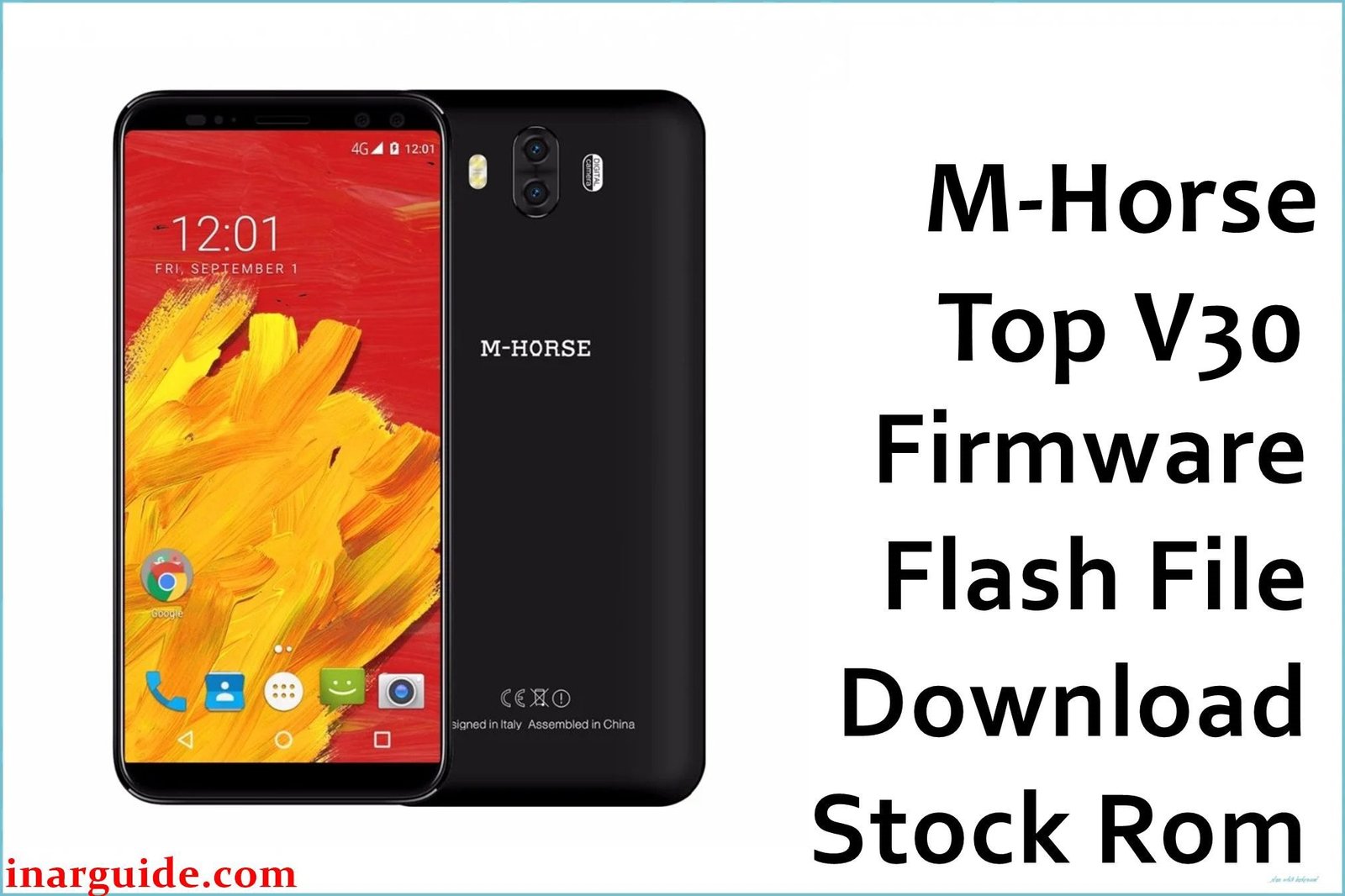
The M-Horse Top V30 was an ultra-low-cost 3G smartphone from 2017, designed for the most basic communication needs. It runs Android 5.1 Lollipop on a low-power Spreadtrum SC7731 processor and a critically insufficient 1GB of RAM. This combination of outdated software and extremely limited hardware leads to a severely compromised user experience. The most common problems include crippling system freezes, debilitating lag, frequent application crashes, and instability that can result in the phone getting stuck in a bootloop or rebooting randomly. For owners of this device, performing a clean installation of the stock firmware is the only reliable method to address these deep-seated software issues and restore a baseline of functionality.
This guide provides the official stock ROM package for the M-Horse Top V30. As a Spreadtrum (UNISOC) device, it must be flashed using the SPD Upgrade Tool.
M-Horse Top V30 Firmware Details
Below are the key specifications for the M-Horse Top V30. This firmware will restore the device to its Android 5.1 Lollipop software. Note that this is a Spreadtrum device and requires the SPD Upgrade Tool.
| Attribute | Details |
|---|---|
| 📱 Device | M-Horse Top V30 |
| 🆔 Chipset | Spreadtrum SC7731 |
| 🤖 Android OS | 5.1 Lollipop |
| ✅ Build Version | V01_20171127 |
| 📂 File Type | PAC Firmware |
| 💻 Flashing Tool | SPD Upgrade Tool |
Download Official Firmware for M-Horse Top V30
- Build: V01_20171127
- File Name: M-Horse_Top_V30_SC7731_V01_20171127_5.1_SPD.zip
- Size: 555MB
- 🔗 Download Link: Download (MediaFire)
Why Flash This Specific Firmware?
A full firmware reinstallation is the only practical solution for the severe, hardware-induced problems this phone faces:
- Fix a Startup Bootloop: If your phone is stuck restarting at the M-Horse logo, flashing the V01_20171127 firmware is the definitive way to fix it if the cause is software corruption. It replaces the entire damaged OS with a fresh copy.
- End Crippling System Freezes: To combat the constant hangs and unresponsiveness caused by the 1GB of RAM, a clean installation of the Android 5.1 OS from this build clears out software clutter, giving the system its best chance to operate without freezing.
- Stop Apps from Crashing: If essential apps crash immediately upon launch, it is a clear symptom of memory exhaustion. Flashing this firmware package reinstalls the base Android 5.1 system, freeing up the maximum possible memory for apps to run.
- End Random Reboots: An unstable system often restarts on its own. Reinstalling the original system files from the V01_20171127 build can resolve the underlying software corruption that triggers these crashes and improve overall stability.
- Recover an Unresponsive “Bricked” Phone: In a worst-case scenario where a software error has left the phone completely unresponsive, forcing a firmware flash using the SPD Upgrade Tool is the last available recovery method.
Crucial Prerequisites Before Flashing
Before you begin, back up any accessible data. This procedure will permanently delete everything on the phone.
- The latest version of the SPD Upgrade Tool.
- The correct Spreadtrum USB drivers installed on your PC.
How to Flash the Firmware
This firmware is in .pac format and must be installed using the SPD Upgrade Tool on a Windows computer. Here is a brief overview:
- Download and extract the
M-Horse_Top_V30_SC7731_V01_20171127_5.1_SPD.zipfile to a new folder. - Install the required Spreadtrum USB drivers on your computer.
- Launch the SPD Upgrade Tool (UpgradeDownload.exe).
- Click the first “Load packet” gear icon and select the
.pacfile from the extracted firmware folder. - Click the “Start downloading” (Play) button.
- Completely power off your M-Horse Top V30 and remove the battery.
- Hold the Volume Down button on your phone and connect it to the PC via USB cable.
- The flashing process will begin automatically and will show a green “Passed” message when complete.
For a complete, step-by-step tutorial with screenshots, please follow our master guide:
→ How to Use the SPD Upgrade Tool to Flash Your Smartphone
Disclaimer: Flashing a Spreadtrum device is an advanced procedure that will erase all your data and carries a significant risk of permanently damaging your device if not done correctly. We are not responsible for any data loss or hardware failures. Proceed with extreme caution.





