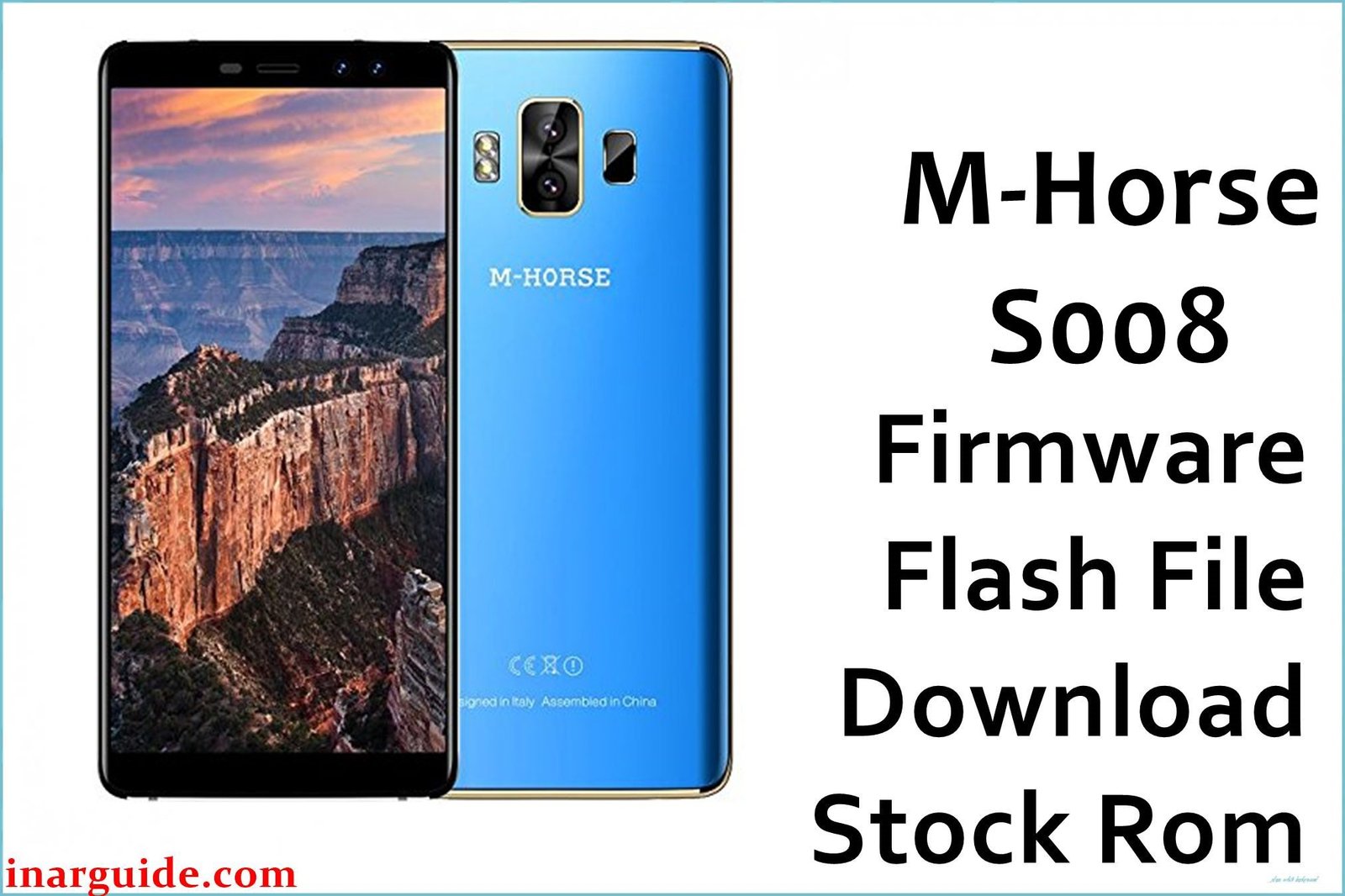
The M-Horse S008 is an entry-level Android device powered by the MediaTek MT6580 chipset and running Android 6.0 Marshmallow. While functional for basic tasks, devices in this category are often susceptible to software issues due to limited hardware resources and potential firmware bugs. Common problems reported by users include the phone getting stuck in a bootloop, freezing on the M-Horse logo, or becoming completely unresponsive after a failed software update or rooting attempt.
For those facing these critical software malfunctions, the most effective solution is to perform a full firmware reinstallation. This process, also known as flashing, replaces the entire operating system and can resolve deep-seated corruption. This guide provides the official stock ROM for the M-Horse S008. As this is a MediaTek-powered device, you must use the SP Flash Tool to install the firmware.
M-Horse S008 Firmware Details
Below are the key specifications for the M-Horse S008 firmware. This package will restore your device to its original Android 6.0 software. Flashing must be done using the SP Flash Tool.
| Attribute | Details |
|---|---|
| 📱 Device | M-Horse S008 |
| 🆔 Chipset | MediaTek MT6580 |
| 🤖 Android OS | 6.0 Marshmallow |
| ✅ Build Version | M-Horse_S008_MT6580_20180115_6.0 |
| 📂 File Type | MT6580 Scatter Firmware |
| 💻 Flashing Tool | SP Flash Tool |
Download Official Firmware for M-Horse S008
- Build: 20180115
- File Name: M-Horse_S008_MT6580_20180115_6.0.zip
- Size: 731MB
- 🔗 Download Link: Download (MediaFire)
Why Flash This Specific Firmware?
Reinstalling the stock firmware is a powerful troubleshooting step that can fix numerous problems:
- Unbrick a Dead Device: If your phone will not power on or show any signs of life due to a software error, flashing this ROM is the primary method to revive it.
- Fix Bootloop and Logo Hang: This firmware will resolve the common issue where the phone is stuck restarting or freezes on the M-Horse logo.
- Remove Viruses and Malware: If your device has been infected with malware that cannot be removed by a factory reset, a full firmware flash will wipe it completely.
- Resolve System Errors: For persistent “Unfortunately, app has stopped” errors or general system instability, a clean OS installation can restore stability.
- Revert from a Custom ROM: If you have installed a custom ROM that is buggy or unstable, flashing this official firmware will return your device to its original, stable state.
Crucial Prerequisites Before Flashing
This process will permanently delete all data. Back up your important files if you can access the device.
- The latest version of the SP Flash Tool.
- The correct MediaTek VCOM USB drivers installed on your Windows PC.
How to Flash the Firmware
This firmware must be installed using the SP Flash Tool. Below are the core steps:
- Download and extract the firmware file (
M-Horse_S008_MT6580_20180115_6.0.zip) to a folder on your computer. - Install the MediaTek VCOM drivers on your PC. You may need to disable driver signature enforcement.
- Launch SP Flash Tool, click “Scatter-loading,” and select the
MT6580_Android_scatter.txtfile from the firmware folder. - Ensure the dropdown is set to “Download Only” and click the green “Download” button.
- Completely power off your phone, then connect it to the computer via USB to begin flashing.
For a complete, step-by-step tutorial with screenshots, please follow our master guide:
→ How to Flash MediaTek Devices Using SP Flash Tool
Disclaimer: Flashing firmware is an advanced procedure that will erase all your data. An error in the process, such as using the wrong file or an interruption, can permanently damage your device. Proceed with caution at your own risk.





