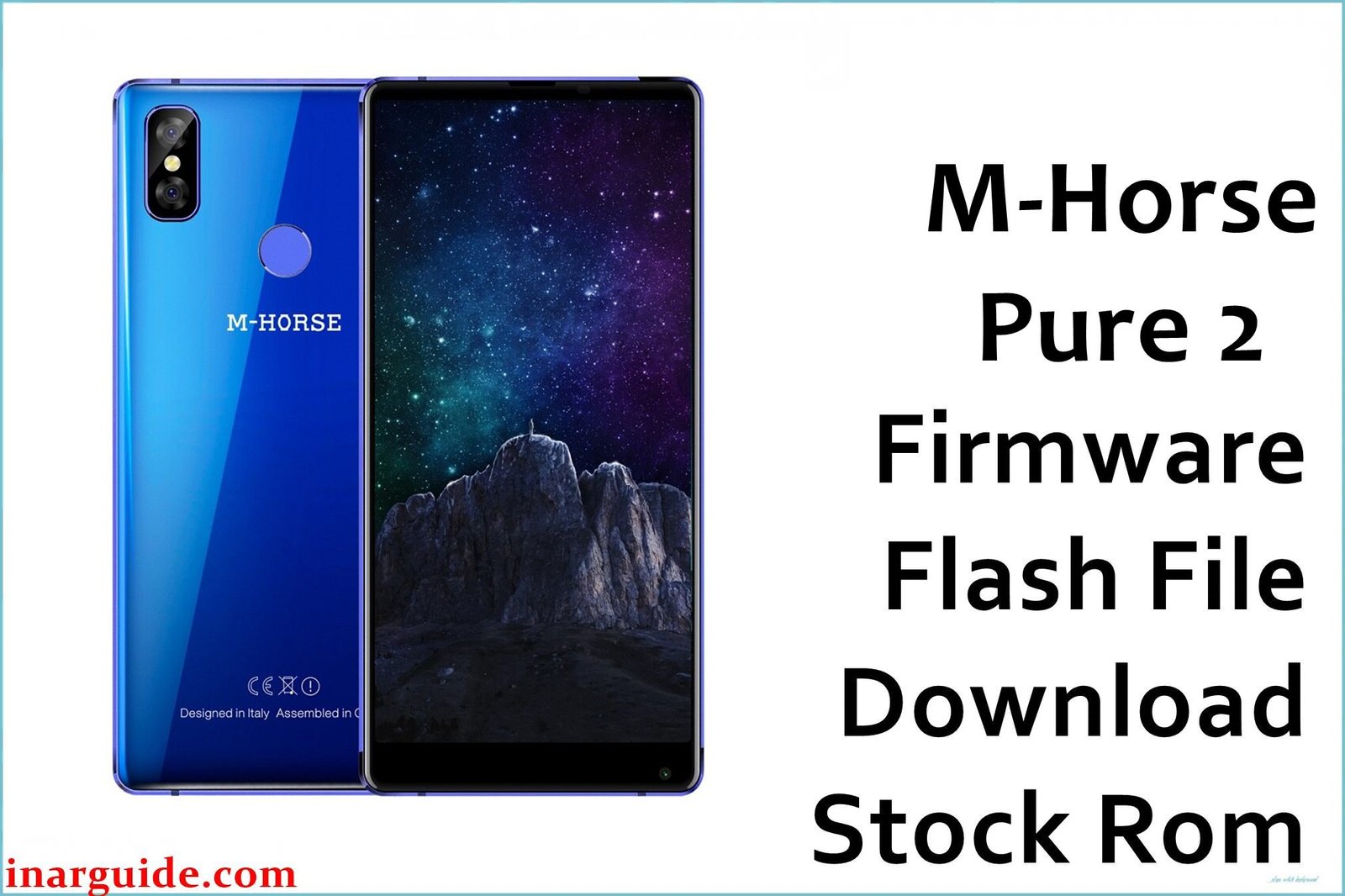
The M-Horse Pure 2 was a budget-friendly smartphone from late 2017 that offered an impressive hardware package for its time. It boasts a large 6.0-inch 18:9 display, a capable MediaTek MT6750 octa-core processor, a generous 4GB of RAM, and a substantial 3600mAh battery, all running on Android 7.0 Nougat. However, even with powerful hardware, software can become corrupted or buggy over time, leading to frustrating performance issues. Common problems include unexpected system lag and freezing, random reboots, and the phone getting stuck in a bootloop. Other issues like a crashing camera or unstable Bluetooth can also stem from software glitches. Reinstalling the official stock firmware is the most effective way to eliminate these software-based problems and restore the device’s smooth, powerful performance.
This guide provides the official stock ROM package for the M-Horse Pure 2. As a MediaTek device, it must be flashed using the SP Flash Tool.
M-Horse Pure 2 Firmware Details
Below are the key specifications for the M-Horse Pure 2. This firmware will restore the device to its Android 7.0 Nougat software. Note that this is a MediaTek device and requires SP Flash Tool.
| Attribute | Details |
|---|---|
| 📱 Device | M-Horse Pure 2 |
| 🆔 Chipset | MediaTek MT6750 |
| 🤖 Android OS | 7.0 Nougat |
| ✅ Build Version | R04_20171221 |
| 📂 File Type | Scatter Firmware |
| 💻 Flashing Tool | SP Flash Tool |
Download Official Firmware for M-Horse Pure 2
- Build: R04_20171221
- File Name: M-Horse_Pure_2_MT6750_R04_20171221.zip
- Size: 1.07GB
- 🔗 Download Link: Download (MediaFire)
Why Flash This Specific Firmware?
A full firmware reinstallation is the best strategy to address the specific software flaws of this phone:
- Fix a Startup Bootloop: If your phone is stuck in a restart loop at the M-Horse logo, flashing the R04_20171221 firmware is the definitive way to fix it if the cause is software corruption. It replaces all core OS files with a clean, stable set.
- Restore Full Performance: A device with an MT6750 processor and 4GB of RAM should be fast. If your phone is lagging or freezing, flashing the R04 build will clear out software bottlenecks and restore its intended speed.
- End Random Reboots: An unstable system can restart on its own. Reinstalling the original system files from the Android 7.0 ROM can resolve the underlying software corruption that triggers these crashes and improve overall stability.
- Resolve Camera and Bluetooth Issues: If your camera is crashing or your Bluetooth connection is laggy, these can be driver-related software bugs. A clean install of the R04_20171221 firmware restores the original, stable drivers.
- Recover an Unresponsive “Bricked” Phone: In a worst-case scenario where a software error has left the phone completely unresponsive, forcing a firmware flash using the SP Flash Tool is the last available recovery method.
Crucial Prerequisites Before Flashing
Before you begin, back up any accessible data. This procedure will permanently delete everything on the phone.
- The latest version of the SP Flash Tool.
- The correct MediaTek VCOM USB drivers installed on your PC.
How to Flash the Firmware
This firmware must be installed using the SP Flash Tool on a Windows computer. The process requires loading the “scatter” file contained within the firmware package. Here is a brief overview:
- Download and extract the
M-Horse_Pure_2_MT6750_R04_20171221.zipfile to a new folder. - Install the required MediaTek VCOM USB drivers on your computer.
- Launch the SP Flash Tool software (flash_tool.exe).
- Click the “Scatter-loading” button and select the
MT6750_Android_scatter.txtfile from the extracted firmware folder. - Completely power off your M-Horse Pure 2.
- Ensure the dropdown menu in SP Flash Tool is set to “Download Only” and click the green “Download” arrow.
- Connect your powered-off phone to the PC via a USB cable to begin the flashing process.
For a complete, step-by-step tutorial with screenshots, please follow our master guide:
→ How to Flash Stock Firmware to MediaTek (MTK) Smartphones
Disclaimer: This is an advanced procedure that will erase all your data and carries a risk of permanently damaging your device if not done correctly. We are not responsible for any data loss or hardware failures. Proceed with extreme caution.





