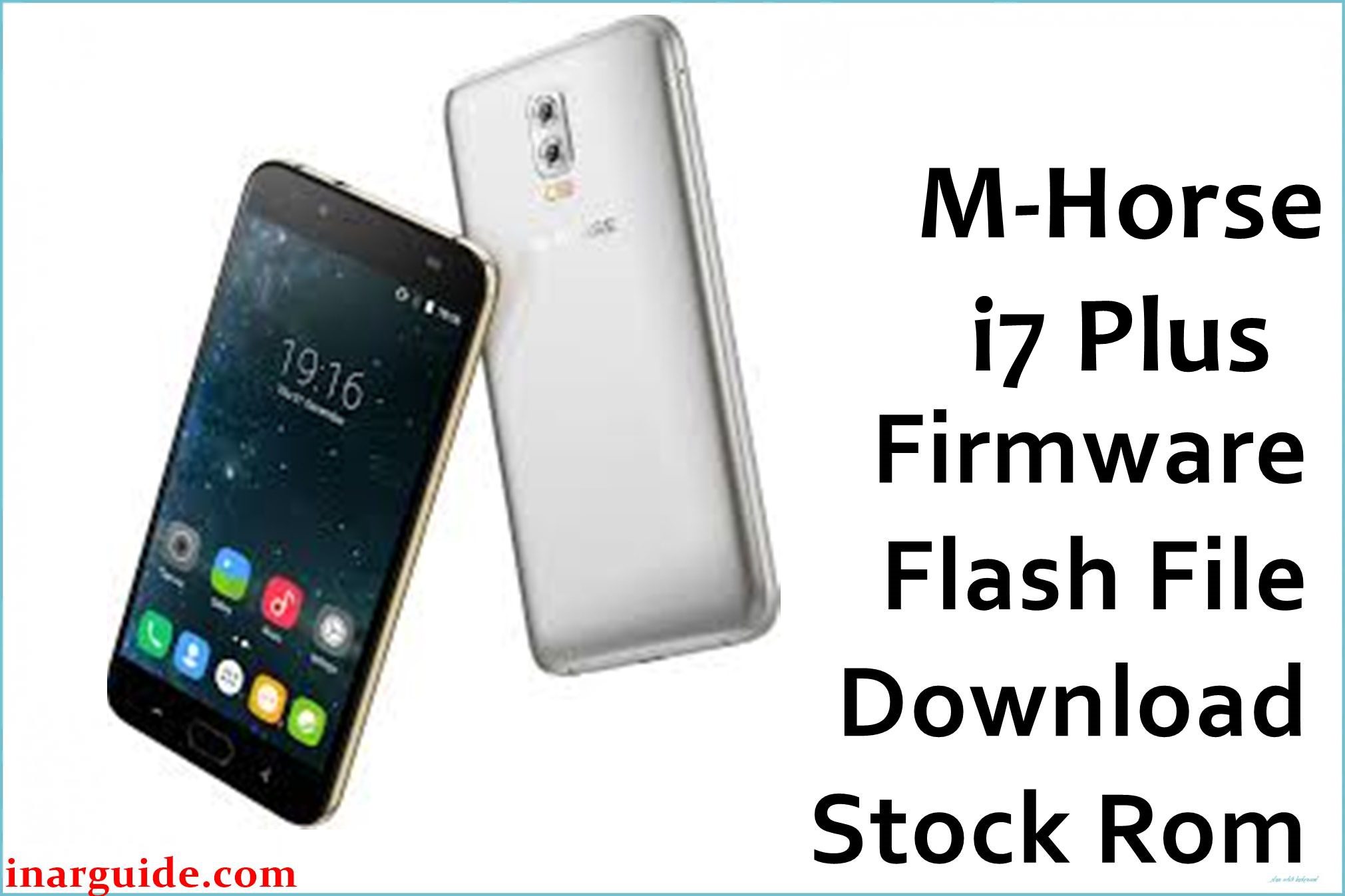
The M-Horse i7 Plus is an affordable Android smartphone popular in Asian and African markets, featuring a 5-inch HD display, a MediaTek MT6580 processor, and Android 6.0 Marshmallow. Despite its reasonable specs for the price, the device suffers from frequent software complaints: users report random reboots, stuck boot loops, touch screen lag, and poor battery reliability. Several owners specifically highlight problems with sudden power-offs, the phone being stuck on the logo, and apps crashing during multitasking. The only recommended solution—apart from hardware fixes like battery replacement—is to reinstall the original firmware using SP Flash Tool.
Below, find the official stock firmware package for the M-Horse i7 Plus. For MediaTek-powered devices like this one, flashing must be performed using SP Flash Tool, not QFIL.
M-Horse i7 Plus (MT6580) Firmware Details
This table covers device specifications and firmware package info. Flashing will restore the device to Android 6.0 Marshmallow and address most system-level errors.
| Attribute | Details |
|---|---|
| 📱 Device | M-Horse i7 Plus (MT6580) |
| 🆔 Chipset | MediaTek MT6580 |
| 🤖 Android OS | 6.0 Marshmallow |
| ✅ Build Version | Stock build (factory, no custom mods) |
| 📂 File Type | SP Flash Tool Firmware |
| 💻 Flashing Tool | SP Flash Tool |
Download Official Firmware for M-Horse i7 Plus (MT6580)
- Build: Android 6.0 (MT6580)
- File Name: M_Horse_i7_Plus_MT6580_6.0.zip
- Size: 695MB
- 🔗 Download Link: Download (MediaFire)
Why Flash This Specific Firmware?
Flashing the factory firmware can resolve multiple serious user complaints:
- Fix Bootloop (Stuck at Logo): Users frequently report the M-Horse i7 Plus getting stuck on the boot animation or endlessly rebooting, especially after failed updates or app installations. Restoring firmware with SP Flash Tool reliably fixes software-caused bootloops when other resets fail.
- Correct Random Restarts: On user forums, many describe daily, unpredictable shut-offs and restarts, usually caused by system file corruption or memory instability. A clean firmware flash eliminates these issues and reestablishes OS stability.
- Improve Touch Responsiveness & Lag: Owners complain about touch screen delays and sluggish performance; clean firmware often fixes software-related lag, returning responsiveness to original factory levels.
- Unbrick After Failed Mods: Those attempting root or custom ROMs who brick their device can restore it to working order using the official firmware.
Crucial Prerequisites Before Flashing
Backup all data before starting—flashing will erase the device completely.
- Latest SP Flash Tool (for Windows)
- Official MediaTek USB VCOM drivers installed on your PC
How to Flash the Firmware
Follow these steps to flash the firmware with SP Flash Tool (Windows PC required):
- Extract
M_Horse_i7_Plus_MT6580_6.0.zipto a new folder. - Install MediaTek USB drivers on your computer.
- Start SP Flash Tool.
- In SP Flash Tool, select “Scatter-loading,” browse to the extracted firmware folder, and load the
MT6580_Android_scatter.txtfile. - Power off the phone; connect it to the PC with a USB cable while holding the Volume Down button.
- Click “Download” in SP Flash Tool to begin flashing; wait for the process to complete (a green checkmark should appear).
- Disconnect and power on the phone.
For a step-by-step tutorial with screenshots, consult the master guide:
How to Flash Stock Firmware to MediaTek (MTK) Smartphones (SP Flash Tool)
Disclaimer: Flashing firmware deletes all data and carries a risk of permanent damage if done incorrectly. Proceed at your own risk.





