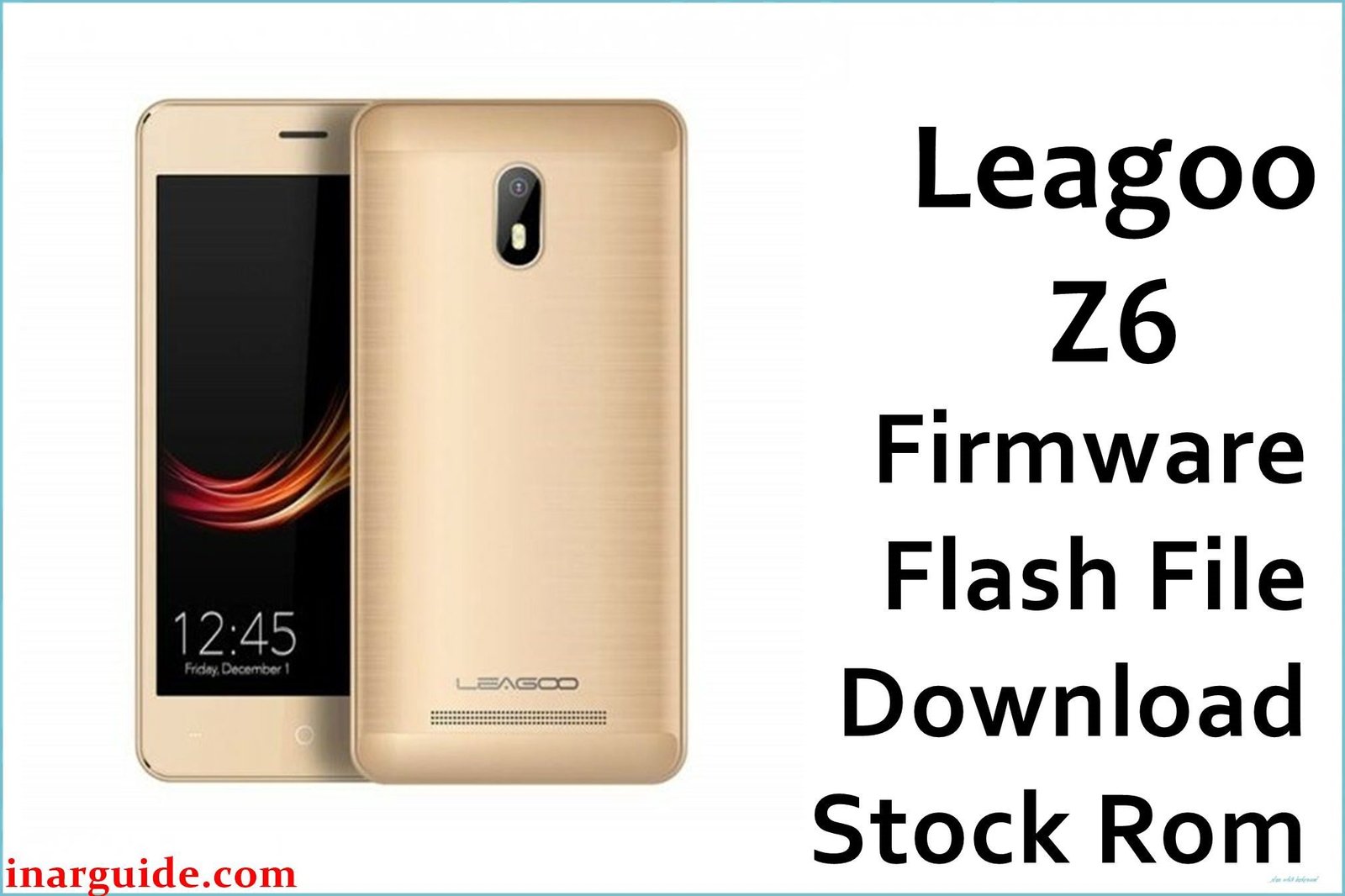
The Leagoo Z6 was an ultra-low-cost smartphone from 2017, designed to meet the most basic mobile needs. Its hardware is at the absolute floor for a device running Android 7.0 Nougat, featuring a MediaTek MT6580 processor paired with a deeply restrictive 1GB of RAM and a small 2000mAh battery. Due to this severe memory constraint, the phone’s software experience is defined by constant performance failures. The most common user complaint is crippling system lag and frequent episodes of the phone freezing completely, as the 1GB of RAM is quickly exhausted by the operating system and any running applications. This instability often leads to more critical issues, such as the phone rebooting randomly during use or essential apps like the camera or dialer crashing upon launch. For the few users still trying to get basic functionality out of this device, a complete firmware re-flash is the only way to purge the system of all data and give the OS a clean slate to run on the very limited hardware.
This guide provides the official stock ROM package for the Leagoo Z6, allowing you to perform a clean reinstallation of the operating system.
Leagoo Z6 Firmware Details
Below are the key specifications for this Leagoo Z6 firmware. This will restore the device to its Android 7.0 Nougat software. This is a MediaTek device and requires the SP Flash Tool.
| Attribute | Details |
|---|---|
| 📱 Device | Leagoo Z6 |
| 🆔 Chipset | MediaTek MT6580A |
| 🤖 Android OS | 7.0 Nougat |
| ✅ Build Version | Lite_E_20171225 |
| 🗓️ Release Date | Dec 25, 2017 |
| 📂 File Type | Scatter Firmware |
| 💻 Flashing Tool | SP Flash Tool |
Why Flash the Stock Firmware on Your Leagoo Z6?
A full firmware reinstallation is the only effective method to address the fundamental performance failures of this extremely low-spec phone:
- Alleviate Constant Freezing and Lag: This is the most crucial reason. If your phone frequently becomes unresponsive and laggy, a clean OS install is the only way to clear out memory and temporarily restore a basic level of performance.
- End Unpredictable System Reboots: The underpowered hardware is prone to system crashes that cause the phone to restart on its own. Reinstalling the firmware can fix the software corruption that triggers these random reboots.
- Fix Crashing Applications: If essential apps refuse to open or crash immediately, it’s a clear sign of memory exhaustion. Wiping the phone gives these apps the best possible chance to run on the limited hardware.
- Resolve “Camera Failed” Errors: When the camera app fails to initialize, often showing a black screen or an error message, it indicates a software driver has crashed. A firmware re-flash is the most reliable way to restore this function.
- Break Out of a Bootloop: If the phone never finishes starting up and is stuck on the Leagoo logo, its operating system is irreparably corrupted. The only way to fix this is to manually re-flash the entire software package.
- Recover an Unresponsive Phone: In cases where a software error has caused your phone to become completely “bricked” and unresponsive, forcing a firmware flash from a computer is the final recovery step to try.
⚠️ Important Prerequisites
Before you begin, back up any accessible data. This procedure will permanently delete everything on the phone.
- The latest version of the SP Flash Tool.
- The correct MediaTek VCOM USB drivers installed on your PC.
Download Official Firmware for Leagoo Z6
- Build Date: 2017-12-25
- File Name: Leagoo_Z6_MT6580_Lite_E_20171225.zip
- Size: 887MB
- 🔗 Download Link: Download (MediaFire)
How to Flash the Firmware
This firmware must be installed using the SP Flash Tool on a Windows or Linux computer. The process requires loading the “scatter” file contained within the firmware package. Here is a brief overview:
- Download and extract the
Leagoo_Z6_..._20171225.zipfile to a new folder. - Install the required MediaTek VCOM USB drivers on your computer.
- Launch the SP Flash Tool software (flash_tool.exe).
- Click the “Scatter-loading” button and select the
MT6580_Android_scatter.txtfile from the extracted firmware folder. - Completely power off your Leagoo Z6.
- Ensure the dropdown menu in SP Flash Tool is set to “Download Only” and click the green “Download” arrow.
- Connect your powered-off phone to the PC via a USB cable to begin the flashing process.
For a complete, step-by-step tutorial with screenshots and essential troubleshooting tips, please follow our master guide:
→ How to Flash Stock Firmware to MediaTek (MTK) Smartphones
Disclaimer: This is an advanced procedure that will erase all your data and carries the risk of permanently damaging your device if not done correctly. We are not responsible for any data loss or hardware failures. Proceed with caution.





