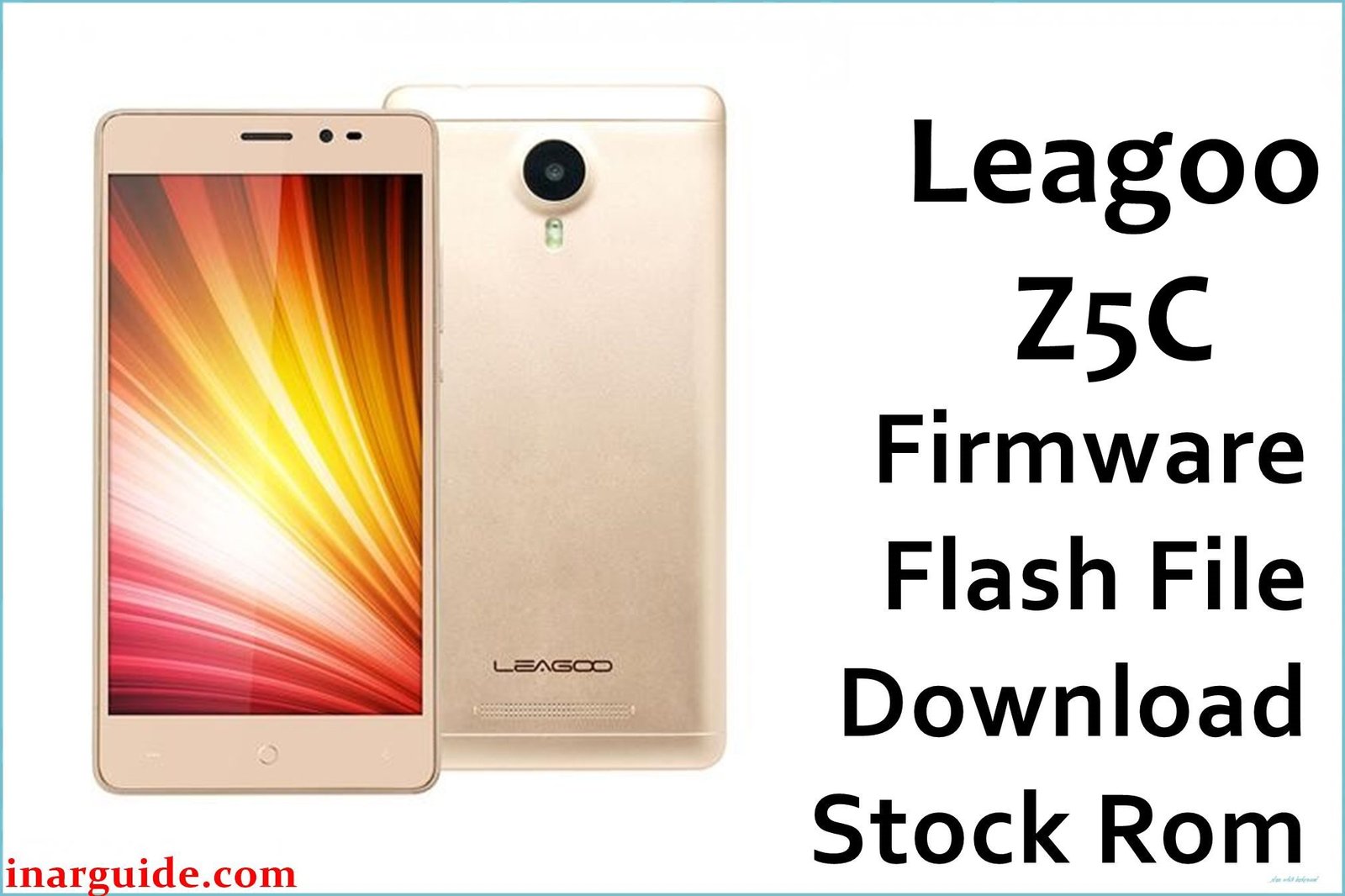
The Leagoo Z5C was an ultra-budget smartphone from 2017 with extremely limited hardware. It is powered by a Spreadtrum SC7731G processor, 1GB of RAM, and 8GB of internal storage, all running Android 6.0 Marshmallow. Due to its minimal specifications, the device is prone to crippling performance lag, constant app crashes, and insufficient storage errors. A clean firmware flash is the only way to restore this phone to a minimally functional state.
Crucial Safety Warning: This firmware is for a Spreadtrum (SPD) device. It is a .pac file and must be flashed using the **SPD Upgrade Tool** or **Research Download Tool**. Do NOT attempt to use SP Flash Tool, as it is incompatible and will brick your device.
Leagoo Z5C Firmware Details
Below are the key specifications for the Leagoo Z5C. Note the Spreadtrum chipset and the corresponding .pac file type, which require a specific flashing procedure.
| Attribute | Details |
|---|---|
| 📱 Device | Leagoo Z5C |
| 🆔 Chipset | Spreadtrum SC7731G |
| 🤖 Android OS | 6.0 Marshmallow (Leagoo OS 1.1 Lite) |
| ✅ Software Version | OS1.1 Lite |
| 🗓️ Release Date | Feb 28, 2017 |
| 📂 File Type | .pac Firmware |
| 💻 Flashing Tool | SPD Upgrade Tool / Research Download Tool |
Why Flash the Stock Firmware on Your Leagoo Z5C?
Flashing the stock firmware is the only viable solution for the severe, hardware-related issues this phone faces:
- Fix Extreme Performance Lag: This is the most critical reason. With only 1GB of RAM, Android 6.0 cannot run smoothly. A clean flash removes all non-essential data, freeing up the maximum possible resources to make the phone usable for basic tasks.
- Resolve “Insufficient Storage” Errors: The phone comes with only 8GB of internal storage, which fills up almost immediately. A factory reset is the only way to clear this and allow the OS to function.
- Stop Constant App Crashes: The lack of RAM causes apps to crash constantly, even during basic use. A clean install minimizes background processes, giving apps a slightly better chance of running.
- Remove Malware and Viruses: On such old and unsupported devices, a full firmware flash is the only way to guarantee the complete removal of any security threats.
- Fix Bootloop Errors: The only reliable method to fix a phone that is stuck on the Leagoo startup logo.
⚠️ Important Prerequisites
Before you begin, back up any accessible data. This process will completely erase the phone’s internal storage.
- The latest version of the SPD Upgrade Tool or Research Download Tool.
- The correct Spreadtrum USB drivers installed on your PC.
Download Official Firmware for Leagoo Z5C
- Build Date: 20170228
- File Name: Leagoo_Z5C_OS1.1_Lite_E_20170228.zip
- Size: 756 MB
- 🔗 Download Link: Download (MediaFire)
How to Flash the Firmware
This firmware must be installed using the SPD Upgrade Tool. The process involves loading a `.pac` file from the downloaded firmware. Here is a summary of the steps:
- Download and extract the
Leagoo_Z5C_..._20170228.zipfile. Inside, you will find the firmware file with a .pac extension. - Download and install the Spreadtrum USB drivers on your PC.
- Launch the SPD Upgrade Tool software.
- Click the “Load Packet” button (it looks like a single gear icon) and select the
.pacfirmware file you just extracted. - Completely power off your Leagoo Z5C.
- Click the “Start Downloading” button (it looks like a play icon).
- While the phone is off, press and hold the Volume Down button, and then connect it to your PC via USB cable. The flashing process will begin automatically.
- Once the progress bar turns green and shows a “Passed” message, the flash is complete. You can now disconnect your phone and turn it on.
For a complete, step-by-step tutorial with screenshots and troubleshooting, please follow our master guide:
→ How to Flash .pac Firmware Using SPD Upgrade Tool
Disclaimer: Flashing firmware is an advanced procedure. This firmware and tool are for Spreadtrum devices only. Using the wrong files or not following the instructions precisely can permanently damage your device. Proceed with extreme caution.





