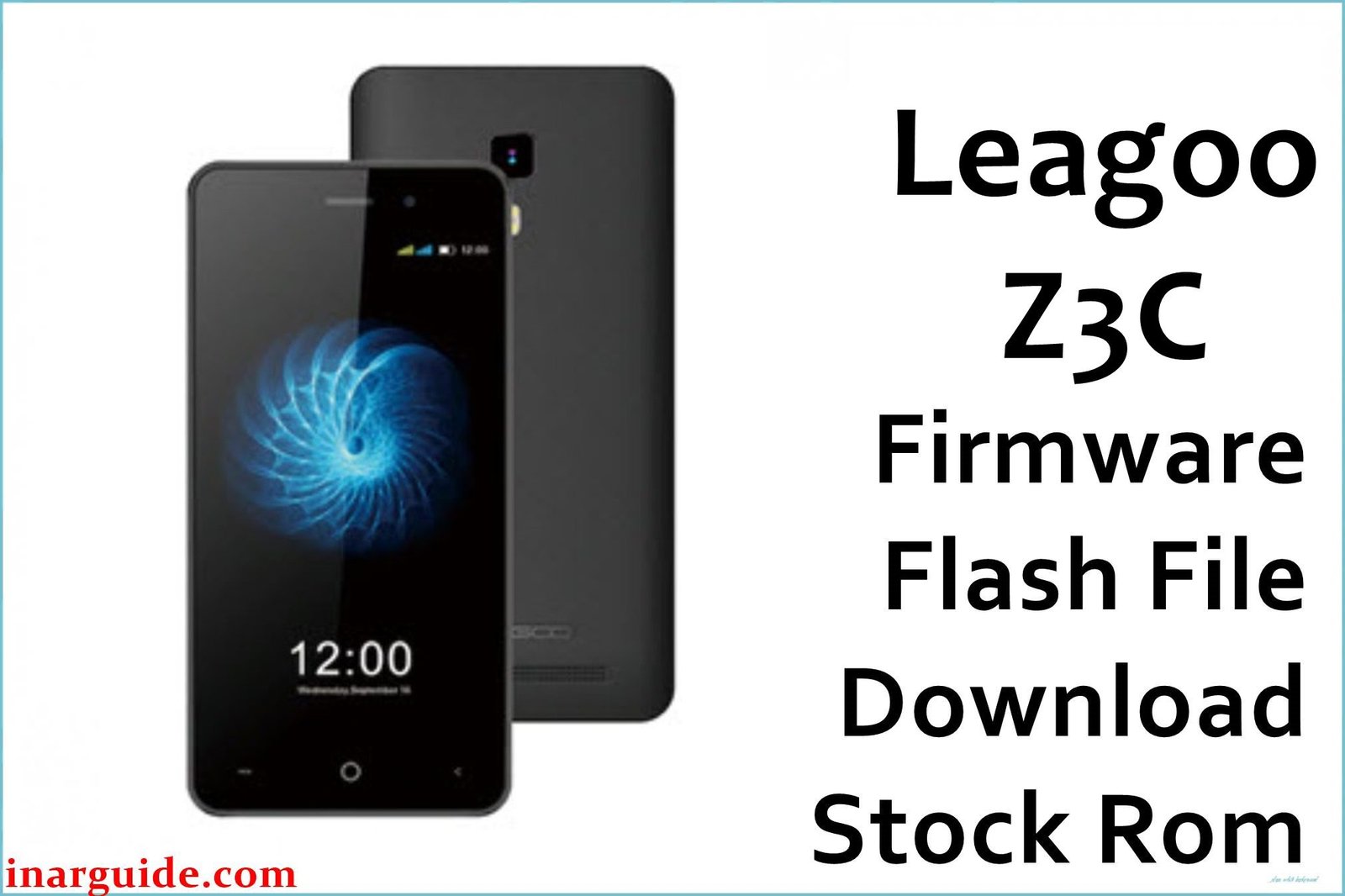
The Leagoo Z3C and Z5C were ultra-budget smartphones from 2017 designed for the absolute lowest end of the market. These devices are notable for their extremely limited hardware, running Android 6.0 Marshmallow on processors that were paired with a critically low amount of RAM—the Z3C with a shocking 512MB and the Z5C with just 1GB. This hardware is fundamentally insufficient for a modern operating system, leading to crippling performance lag, constant app crashes, and persistent storage errors. For anyone still attempting to use these devices, a clean firmware installation is the only way to restore a baseline of functionality for the most basic tasks.
This guide provides the official stock ROM packages for both the Leagoo Z3C and the Leagoo Z5C. Ensure you download the correct file for your specific model.
Leagoo Z3C & Z5C Firmware Details
Below are the separate specifications for each device. Flashing the wrong firmware will not work and could damage your phone. Please verify your model carefully before proceeding.
Leagoo Z3C
| Attribute | Details |
|---|---|
| 📱 Device | Leagoo Z3C |
| 🆔 Chipset | MediaTek MT6580 |
| 💾 RAM | 512 MB |
| 🤖 Android OS | 6.0 Marshmallow |
Leagoo Z5C
| Attribute | Details |
|---|---|
| 📱 Device | Leagoo Z5C |
| 🆔 Chipset | MediaTek MT6580 |
| 💾 RAM | 1 GB |
| 🤖 Android OS | 6.0 Marshmallow |
Why Flash the Stock Firmware on Your Z3C or Z5C?
Flashing the stock firmware is the only viable solution for the severe, hardware-related issues these phones face:
- Fix Extreme Performance Lag: This is the most critical reason. With only 512MB or 1GB of RAM, Android 6.0 cannot run smoothly. A clean flash removes all non-essential data, freeing up the maximum possible resources to make the phone usable for basic tasks like calls and texts.
- Resolve “Insufficient Storage” Errors: Both phones come with only 8GB of internal storage, which fills up almost immediately. A factory reset is the only way to clear this and allow the OS to function.
- Stop Constant App Crashes: The lack of RAM causes apps to crash constantly. A clean install minimizes background processes, giving foreground apps a slightly better chance of running.
- Remove Malware and Viruses: On such old and unsupported devices, a full firmware flash is the only way to guarantee the complete removal of any security threats.
- Fix Bootloop Errors: The only reliable method to fix a phone that is stuck on the Leagoo startup logo.
⚠️ Important Prerequisites
Before you begin, back up any accessible data. This process will completely erase all data from the phone’s internal storage.
- The latest version of the SP Flash Tool.
- The correct MediaTek VCOM USB drivers installed on your PC.
Download Official Firmware
Ensure you download the correct file for your specific model. Do not cross-flash.
-
- For Leagoo Z3C
- File Name: Leagoo_Z3C_20170523_6.0.zip
- Size: 752 MB
- Build Date: May 23, 2017
- 🔗 Download Link: Download (MediaFire)
- For Leagoo Z3C
- For Leagoo Z5C
- File Name: Leagoo_Z5C_20170228_6.0.zip
- Size: 756 MB
- Build Date: Feb 28, 2017
- 🔗 Download Link: Download (MediaFire)
How to Flash the Firmware
This firmware must be installed using the SP Flash Tool. The process involves loading a scatter file from the downloaded firmware. Here is a summary of the steps:
- Download and extract the correct firmware file for your device to a new folder.
- Ensure the MediaTek VCOM USB drivers are properly installed on your PC.
- Launch the SP Flash Tool software.
- Click the “Scatter-loading” button and select the
MT6580_Android_scatter.txtfile from the extracted firmware folder. - Completely power off your Leagoo phone.
- In SP Flash Tool, confirm the mode is set to “Download Only,” then click the green “Download” button.
- Connect your powered-off phone to the computer via USB cable to begin the flashing process.
For a complete, step-by-step tutorial, please follow our master guide:
→ How to Flash Stock Firmware to MediaTek (MTK) Smartphones
Disclaimer: Flashing firmware is an advanced procedure that carries inherent risks. Given the age and severe hardware limitations of these devices, flashing may have unpredictable results. Proceed with extreme caution.





