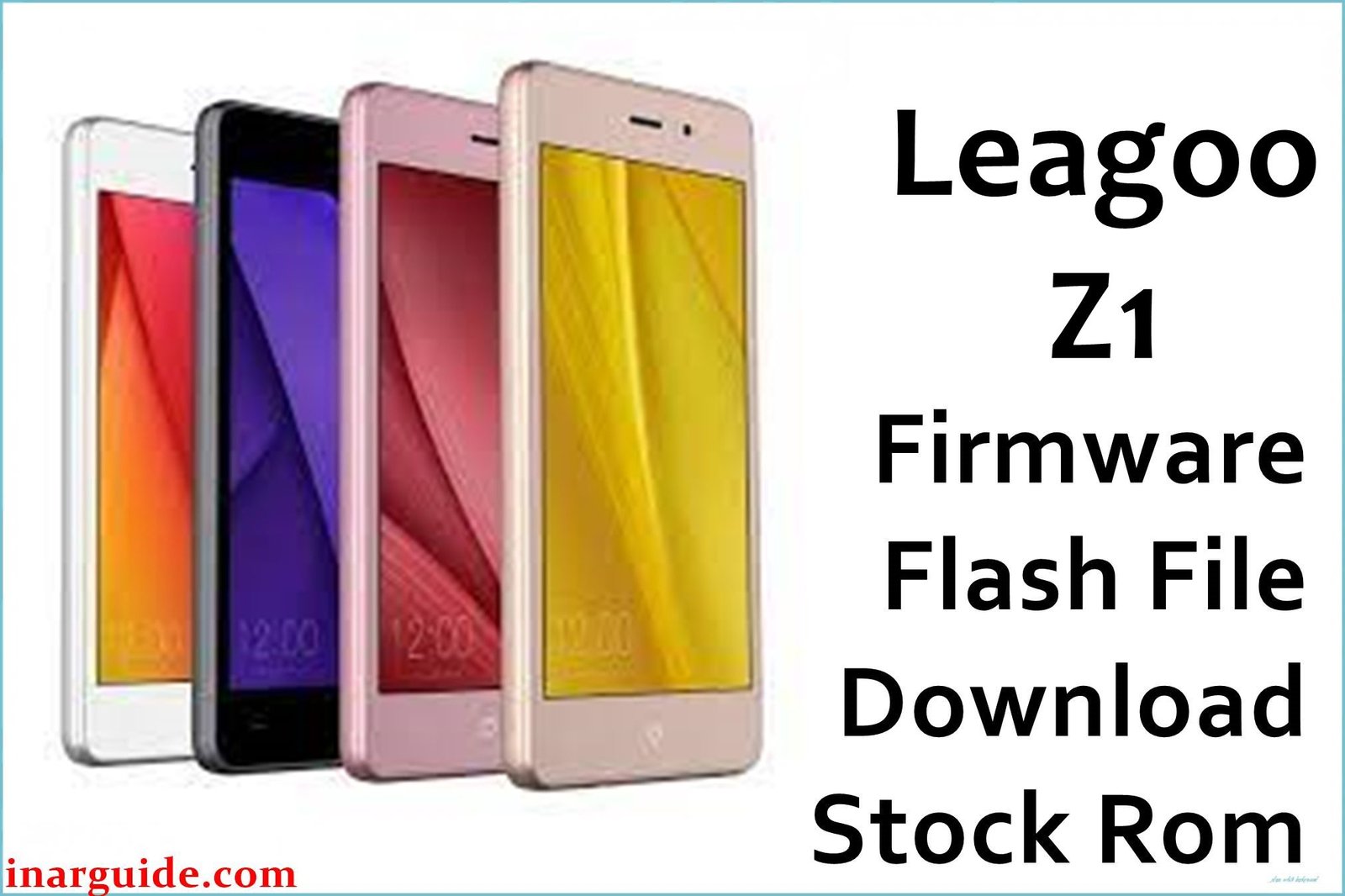
The Leagoo Z1 was a 4-inch, ultra-budget smartphone from 2016 designed for the most basic entry-level use. Its hardware specifications are exceptionally limited, featuring a MediaTek MT6580M processor and a critically low 512MB of RAM. The phone runs an outdated version of Android 5.1 Lollipop, an operating system that itself consumes nearly all of the available memory just to function. As a result, the user experience is defined by constant and severe performance failures. The device is known for frequently freezing for extended periods during any task, making it almost unusable for daily communication. Applications will often refuse to launch or will crash immediately upon opening due to the extreme lack of available RAM. For the very few people still attempting to use this phone, reinstalling the stock firmware is the only possible way to clear out all user data and residual files, which is necessary to give the severely limited hardware its best-possible chance of functioning at a basic level.
This guide provides the official stock ROM package for the Leagoo Z1, allowing you to perform a clean reinstallation of the operating system.
Leagoo Z1 Firmware Details
Below are the key specifications for this Leagoo Z1 firmware. This will restore the device to its Leagoo OS 1.1 software, based on Android 5.1 Lollipop. This is a MediaTek device and requires the SP Flash Tool.
| Attribute | Details |
|---|---|
| 📱 Device | Leagoo Z1 |
| 🆔 Chipset | MediaTek MT6580M |
| 🤖 Android OS | 5.1 Lollipop |
| ✅ Build Version | Undated (MT6580_5.1) |
| 🗓️ Release Date | Unknown |
| 📂 File Type | Scatter Firmware |
| 💻 Flashing Tool | SP Flash Tool |
Why Flash the Stock Firmware on Your Leagoo Z1?
A full firmware reinstallation is the only method to address the fundamental performance failures of this extremely low-spec phone:
- Combat Constant System Freezes: This is the most critical reason. If your phone locks up and becomes completely unresponsive for seconds or minutes at a time, a clean OS install is the only way to clear the memory and give the system a chance to run.
- Allow Basic Apps to Function: If apps like WhatsApp, Facebook, or even the dialer crash immediately upon opening, it’s due to a lack of RAM. Wiping the phone gives these essential apps the maximum possible memory to try and operate.
- Stabilize Random Reboots: A device with this little RAM is prone to kernel panics, causing it to restart unexpectedly. Reinstalling the firmware can fix the software corruption that triggers these reboots.
- Resolve Wi-Fi Connection Failures: If the phone can no longer find or connect to Wi-Fi networks, flashing the firmware can restore the original, functional network drivers and settings.
- Escape a Bootloop State: If the phone is permanently stuck on the Leagoo animation during startup, its operating system is critically damaged. Manually reinstalling the firmware is the only procedure to make the device usable again.
- Revive a “Dead” Phone: For a device that shows no signs of life due to a software crash, forcing a firmware flash via a computer is the final option to attempt recovery.
⚠️ Important Prerequisites
Before you begin, back up any accessible data. This procedure will permanently delete everything on the phone.
- The latest version of the SP Flash Tool.
- The correct MediaTek VCOM USB drivers installed on your PC.
Download Official Firmware for Leagoo Z1
- Build: Undated
- File Name: Leagoo_Z1_MT6580_5.1.zip
- Size: 717MB
- 🔗 Download Link: Download (MediaFire)
How to Flash the Firmware
This firmware must be installed using the SP Flash Tool on a Windows or Linux computer. The process requires loading the “scatter” file contained within the firmware package. Here is a brief overview:
- Download and extract the
Leagoo_Z1_MT6580_5.1.zipfile to a new folder. - Install the required MediaTek VCOM USB drivers on your computer.
- Launch the SP Flash Tool software (flash_tool.exe).
- Click the “Scatter-loading” button and select the
MT6580_Android_scatter.txtfile from the extracted firmware folder. - Completely power off your Leagoo Z1. You may need to remove and reinsert the battery.
- Ensure the dropdown menu in SP Flash Tool is set to “Download Only” and click the green “Download” arrow.
- Connect your powered-off phone to the PC via a USB cable to begin the flashing process.
For a complete, step-by-step tutorial with screenshots and essential troubleshooting tips, please follow our master guide:
→ How to Flash Stock Firmware to MediaTek (MTK) Smartphones
Disclaimer: This is an advanced procedure that will erase all your data and carries the risk of permanently damaging your device if not done correctly. We are not responsible for any data loss or hardware failures. Proceed with caution.





