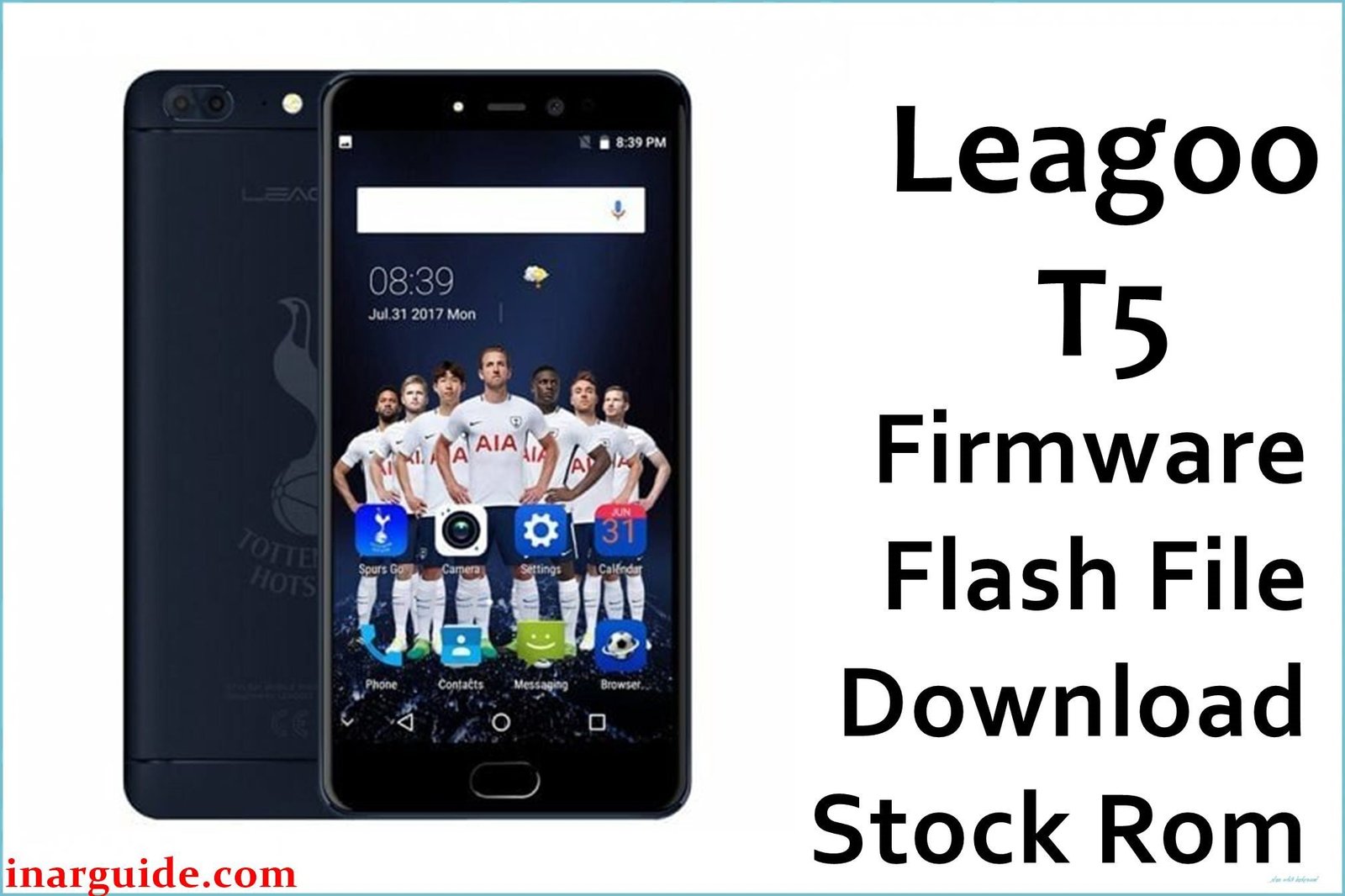
The Leagoo T5 was an ambitious mid-range phone from 2017 that packed an impressive list of branded components into a budget-friendly package. It featured a 5.5-inch FHD display from SHARP, a 13MP dual-camera setup with a Sony sensor, 4GB of RAM from Samsung, and a 3000mAh LG battery, all powered by a MediaTek MT6750T octa-core processor. However, this promising hardware was ultimately let down by poor software optimization and thermal management. The most significant and widely reported user complaint was that the phone would **get extremely hot** during even moderate use. This constant overheating had a direct and severe impact on the device’s second major flaw: **rapid battery drain**. The 3000mAh battery, while adequate on paper, was unable to provide all-day use for most users due to the heat and software inefficiencies. For owners of this phone struggling with these specific problems, performing a full firmware flash—especially to the later available version—is the most crucial step to try and resolve these core issues.
This guide provides two official stock ROM packages for the Leagoo T5. It is strongly recommended to use the latest version available.
Leagoo T5 Firmware Details
Below are the key specifications for the Leagoo T5. This firmware will restore the device to its Leagoo OS 2.1 software, based on Android 7.0 Nougat. This is a MediaTek device and requires the SP Flash Tool.
| Attribute | Details |
|---|---|
| 📱 Device | Leagoo T5 |
| 🆔 Chipset | MediaTek MT6750T |
| 🤖 Android OS | 7.0 Nougat |
| ✅ Latest Version | 20170630 |
| 📂 File Type | Scatter Firmware |
| 💻 Flashing Tool | SP Flash Tool |
Why Flash the Stock Firmware on Your Leagoo T5?
A full firmware reinstallation is the main strategy to combat the specific software-related flaws of this phone:
- Curb Excessive Overheating: This is the most critical fix. If your phone gets uncomfortably hot to the touch during normal use, it indicates a software inefficiency. Flashing the latest firmware can install better-optimized power profiles that prevent the processor from running unnecessarily at full speed.
- Address Severe Battery Drain: The second major benefit is tackling the rapid battery depletion caused by the overheating. By fixing the thermal issues, the battery will no longer drain as quickly, potentially restoring it to something closer to a full day of use.
- Fix Bluetooth Connectivity Drops: If your phone struggles to maintain a stable connection to Bluetooth headphones or speakers, a full firmware re-flash can reset the device’s radio drivers, which can solve persistent connectivity bugs.
- Improve Camera Performance: While hardware is a limitation, if your camera app is slow, laggy, or produces blurry photos, reinstalling the stock ROM can at least restore the camera software to its intended baseline performance.
- Escape a Bootloop: If the phone is stuck on the Leagoo logo and refuses to start, its operating system files are corrupted. The only way to fix this is to manually reinstall the firmware package.
- Revive a Bricked Device: In the event of a software crash that renders the phone completely unresponsive, forcing a firmware flash via a computer is the last available option to attempt a recovery.
⚠️ Important Prerequisites
Before you begin, back up any accessible data. This procedure will permanently delete everything on the phone.
- The latest version of the SP Flash Tool.
- The correct MediaTek VCOM USB drivers installed on your PC.
Download Official Firmware for Leagoo T5
Two versions are available. The later version (June 30) is recommended as it likely contains bug fixes for the earlier release.
- Build Date: 2017-06-30 (Latest & Recommended)
- File Name: Leagoo_T5_MT6750_20170630_7.0.zip
- Size: 1.68GB
- 🔗 Download Link: Download (MediaFire)
- Build Date: 2017-06-19 (Older Version)
- File Name: Leagoo_T5_MT6750_20170619_7.0.zip
- Size: 1.03GB
- 🔗 Download Link: Download (MediaFire)
How to Flash the Firmware
This firmware must be installed using the SP Flash Tool on a Windows or Linux computer. The process requires loading the “scatter” file contained within the firmware package. Here is a brief overview:
- Download and extract your chosen firmware
.zipfile to a new folder. - Install the required MediaTek VCOM USB drivers on your computer.
- Launch the SP Flash Tool software (flash_tool.exe).
- Click the “Scatter-loading” button and select the
MT6750_Android_scatter.txtfile from the extracted firmware folder. - Completely power off your Leagoo T5.
- Ensure the dropdown menu in SP Flash Tool is set to “Download Only” and click the green “Download” arrow.
- Connect your powered-off phone to the PC via a USB cable to begin the flashing process.
For a complete, step-by-step tutorial with screenshots and essential troubleshooting tips, please follow our master guide:
→ How to Flash Stock Firmware to MediaTek (MTK) Smartphones
Disclaimer: This is an advanced procedure that will erase all your data and carries the risk of permanently damaging your device if not done correctly. We are not responsible for any data loss or hardware failures. Proceed with caution.





