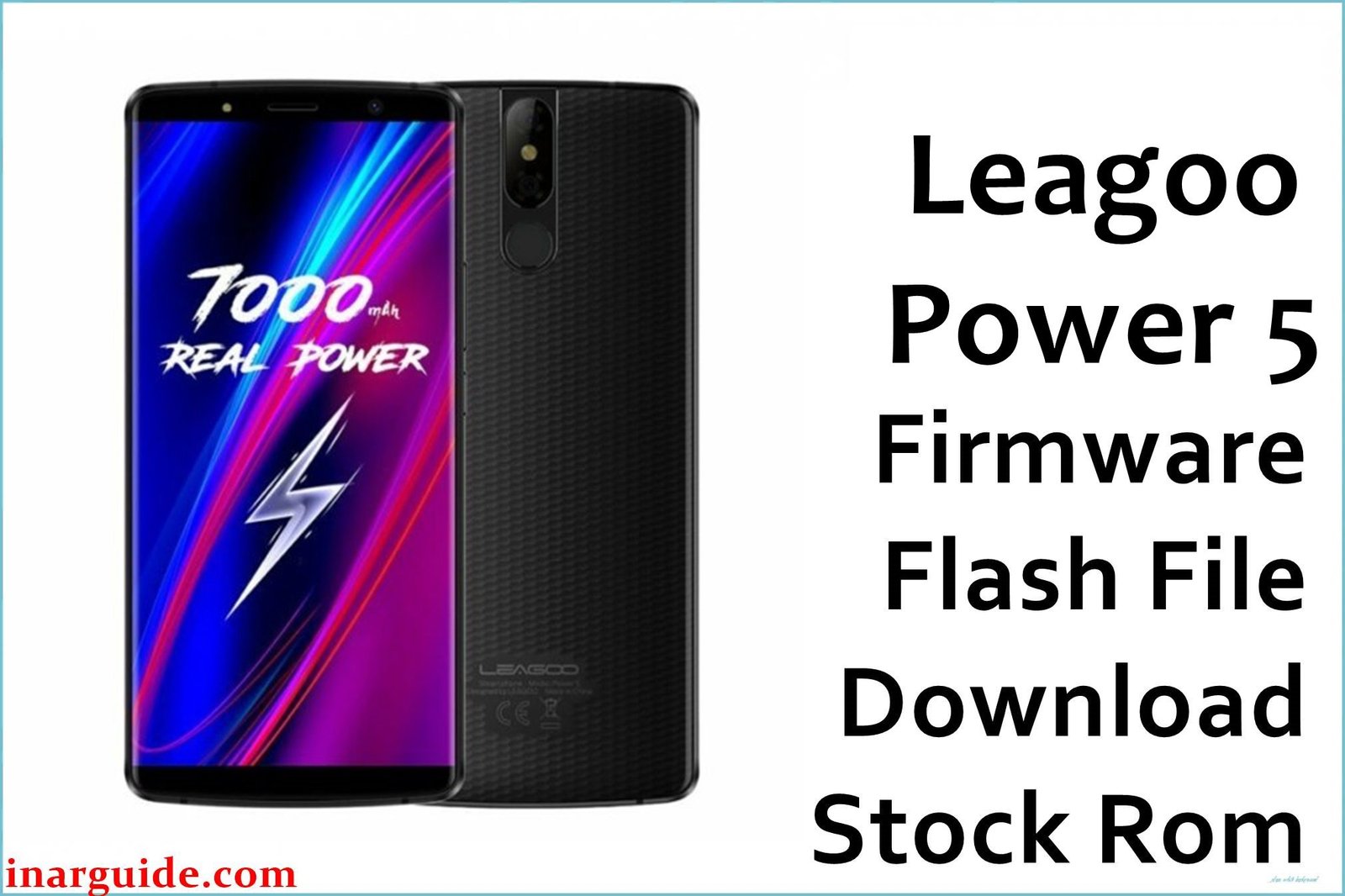
The Leagoo Power 5 was a 2018 smartphone that made a bold promise with its colossal 7000mAh battery, a capacity that suggested extreme endurance. It backed this up with powerful hardware for its time, including a MediaTek Helio P23 (MT6763) processor, a massive 6GB of RAM, and a 5.99-inch FHD+ display running Android 8.1 Oreo. However, the phone’s greatest strength was also its most significant point of failure due to poorly optimized software. The most common user complaint was that the device suffered from abnormally high idle battery drain, where background processes would continue to consume power even when the phone was not in use, completely undermining the purpose of the giant battery. This issue points directly to flaws in the power management profiles within the firmware. For owners experiencing this frustrating battery problem, performing a clean installation of the 180727 firmware build is the most direct way to reset the power management system and eliminate the software bugs causing the drain.
This guide provides the official stock ROM package for the Leagoo Power 5, allowing you to perform a clean reinstallation of the operating system.
Leagoo Power 5 Firmware Details
Below are the key specifications for this Leagoo Power 5 firmware. This will restore the device to its Leagoo OS 4.0 software, based on Android 8.1 Oreo. This is a MediaTek device and requires the SP Flash Tool.
| Attribute | Details |
|---|---|
| 📱 Device | Leagoo Power 5 |
| 🆔 Chipset | MediaTek MT6763 (Helio P23) |
| 🤖 Android OS | 8.1 Oreo |
| ✅ Build Version | 180727 |
| 🗓️ Release Date | Jul 27, 2018 |
| 📂 File Type | Scatter Firmware |
| 💻 Flashing Tool | SP Flash Tool |
Why Flash the Stock Firmware on Your Leagoo Power 5?
A full firmware reinstallation is the most direct way to address the specific software optimization flaws of this powerful but buggy phone:
- Fix Abnormal Battery Drain: This is the most critical reason. By performing a clean install of the 180727 firmware, you reset the phone’s power management profiles, which is the most effective way to stop misbehaving background processes from draining the 7000mAh battery while the phone is idle.
- Resolve Overheating Issues: The same software bugs that cause battery drain can also lead to the Helio P23 processor running unnecessarily, causing the device to heat up. A clean flash of the Android 8.1 OS can restore proper thermal management.
- Eliminate System Stutter and Lag: A phone with 6GB of RAM should not lag. If you are experiencing unexpected slowdowns or freezes, reinstalling the firmware will clear out any software conflicts or corrupted cache that is causing the performance degradation.
- Stabilize a Crashing Camera App: If the camera app freezes or crashes, particularly after extended use, it can indicate a memory leak or a driver conflict. A clean install of the 180727 build restores the original, stable camera application and its drivers.
- Escape a Bootloop: If the phone is stuck on the Leagoo animation and refuses to boot, its core system files are damaged. Manually reinstalling the Android 8.1 firmware package is the only way to fix this issue.
- Recover an Unresponsive “Bricked” Phone: In a scenario where a software update has failed and the phone will not power on, forcing a flash of the 180727 ROM via a PC is the final and most powerful recovery method available.
⚠️ Important Prerequisites
Before you begin, back up any accessible data. This procedure will permanently delete everything on the phone.
- The latest version of the SP Flash Tool.
- The correct MediaTek VCOM USB drivers installed on your PC.
Download Official Firmware for Leagoo Power 5
- Build Date: 2018-07-27
- File Name: Leagoo_Power_5_MT6763_180727_8.1.0.zip
- Size: 1.45GB
- 🔗 Download Link: Download (MediaFire)
How to Flash the Firmware
This firmware must be installed using the SP Flash Tool on a Windows or Linux computer. The process requires loading the “scatter” file contained within the firmware package. Here is a brief overview:
- Download and extract the
Leagoo_Power_5_..._8.1.0.zipfile to a new folder. - Install the required MediaTek VCOM USB drivers on your computer.
- Launch the SP Flash Tool software (flash_tool.exe).
- Click the “Scatter-loading” button and select the
MT6763_Android_scatter.txtfile from the extracted firmware folder. - Completely power off your Leagoo Power 5.
- Ensure the dropdown menu in SP Flash Tool is set to “Download Only” and click the green “Download” arrow.
- Connect your powered-off phone to the PC via a USB cable to begin the flashing process.
For a complete, step-by-step tutorial with screenshots and essential troubleshooting tips, please follow our master guide:
→ How to Flash Stock Firmware to MediaTek (MTK) Smartphones
Disclaimer: This is an advanced procedure that will erase all your data and carries the risk of permanently damaging your device if not done correctly. We are not responsible for any data loss or hardware failures. Proceed with caution.





