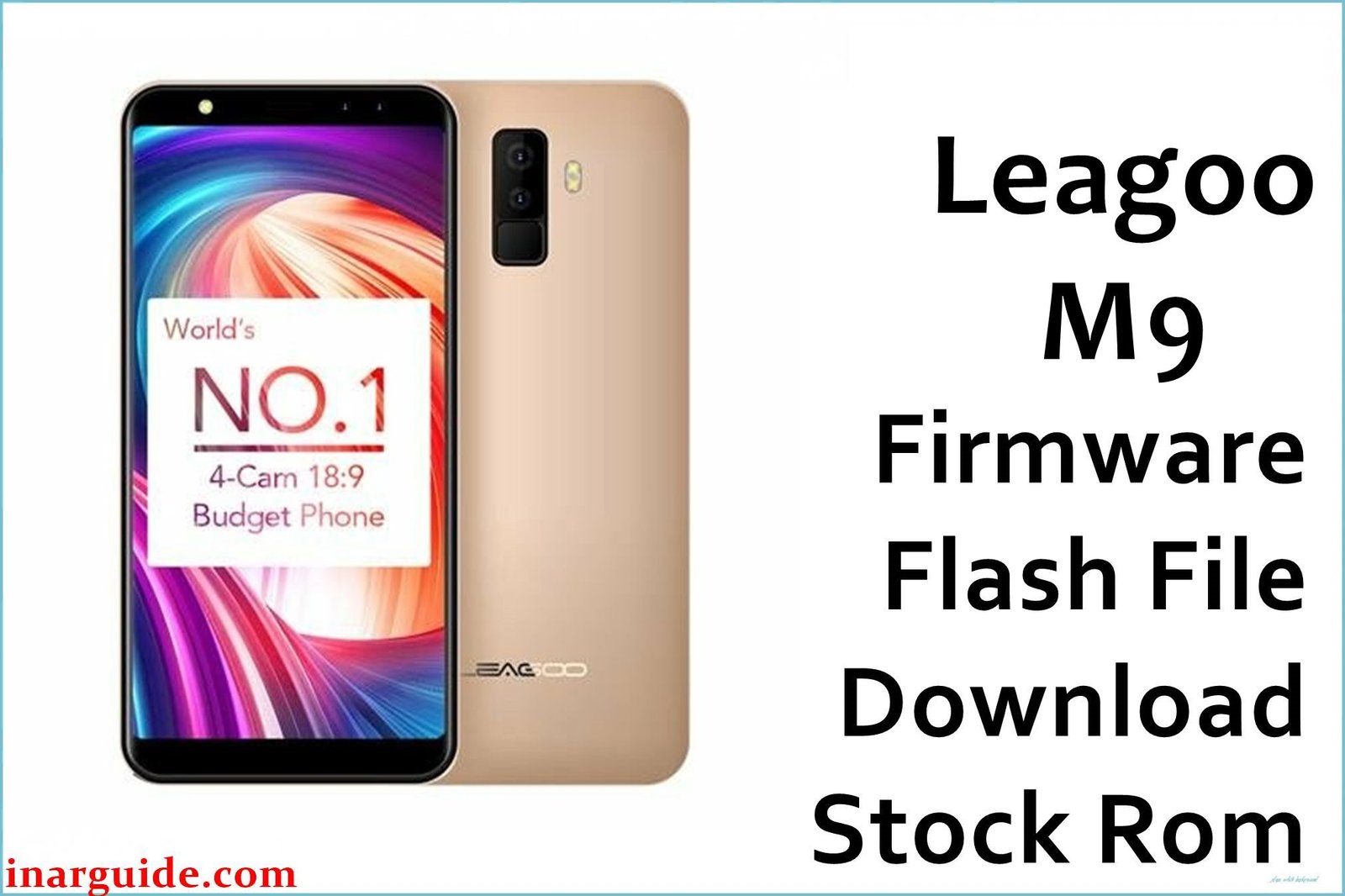
The Leagoo M9 was a 2017 budget smartphone that heavily marketed its “quad-camera” setup as a premium feature in the low-end market. In reality, the device was built on an extremely weak foundation: a MediaTek MT6580 processor, just 2GB of RAM, and a small 2850mAh battery. This hardware was barely capable of running the Android 7.0 Nougat operating system smoothly, leading to a user experience defined by significant performance and stability problems. Widespread user complaints point to the device frequently overheating during simple tasks, which in turn would cause it to reboot randomly without warning. Other major issues include severe camera lag and poor battery life, making the phone unreliable for daily use. For anyone still using this device, performing a complete software reinstallation is a crucial step to address these deep-seated stability and performance issues.
This guide provides the official stock ROM package for the Leagoo M9, allowing you to perform a clean reinstallation of the operating system.
Leagoo M9 Firmware Details
Below are the key specifications for this Leagoo M9 firmware. This will restore the device to its Android 7.0 Nougat software. Note that “OS2.1” refers to the Leagoo UI version, not the Android version.
| Attribute | Details |
|---|---|
| 📱 Device | Leagoo M9 |
| 🆔 Chipset | MediaTek MT6580A |
| 🤖 Android OS | 7.0 Nougat |
| ✅ Build Version | OS2.1_E_20171227 |
| 🗓️ Release Date | Dec 27, 2017 |
| 📂 File Type | Scatter Firmware |
| 💻 Flashing Tool | SP Flash Tool |
Why Flash the Stock Firmware on Your Leagoo M9?
A full firmware reinstallation is the most direct way to tackle the specific, frustrating flaws of this device:
- Combat Overheating and Random Reboots: This is the most critical fix. If your phone gets uncomfortably hot and then shuts down on its own, it’s a sign of a severe software or hardware issue. A clean firmware flash can resolve software conflicts that cause the processor to overload and trigger these thermal shutdowns.
- Improve Abysmal Battery Life: By reinstalling the OS, you eliminate rogue background processes and software bugs that contribute to the rapid draining of the small 2850mAh battery, potentially restoring a few more hours of usability.
- Reduce Frustrating Camera Lag: If you experience a long delay between pressing the shutter button and the photo actually being taken, a software re-flash can sometimes improve camera app responsiveness by freeing up system memory.
- Stabilize Connectivity Issues: For phones that frequently drop Wi-Fi signals or have trouble pairing with Bluetooth devices, reinstalling the firmware and its associated drivers can fix underlying software corruption that a simple network reset cannot.
- Restore a Frozen Device: If the phone is completely stuck on the Leagoo boot animation and will not proceed further, its operating system is broken. The only path forward is to manually reinstall the OS via a computer.
- Resurrect an Unresponsive Phone: In cases where the phone shows no signs of life and will not power on due to a software crash (a “soft brick”), forcing a firmware flash is the last resort to attempt recovery.
⚠️ Important Prerequisites
Before you begin, back up any accessible data. This procedure will permanently delete everything on the phone.
- The latest version of the SP Flash Tool.
- The correct MediaTek VCOM USB drivers installed on your PC.
Download Official Firmware for Leagoo M9
- Build Date: 2017-12-27
- File Name: Leagoo_M9_MT6580_OS2.1_E_20171227.zip
- Size: 2.43GB
- 🔗 Download Link: Download (Google Drive)
How to Flash the Firmware
This firmware must be installed using the SP Flash Tool on a Windows or Linux computer. The process requires loading the “scatter” file contained within the firmware package. Here is a brief overview:
- Download and extract the
Leagoo_M9_..._20171227.zipfile to a new folder. - Install the required MediaTek VCOM USB drivers on your computer.
- Launch the SP Flash Tool software (flash_tool.exe).
- Click the “Scatter-loading” button and select the
MT6580_Android_scatter.txtfile from the extracted firmware folder. - Completely power off your Leagoo M9.
- Ensure the dropdown menu in SP Flash Tool is set to “Download Only” and click the green “Download” arrow.
- Connect the powered-off phone to your PC via a USB cable to initiate the flashing process.
For a complete, step-by-step tutorial with screenshots and essential troubleshooting tips, please follow our master guide:
→ How to Flash Stock Firmware to MediaTek (MTK) Smartphones
Disclaimer: This is an advanced procedure that will erase all your data and carries the risk of permanently damaging your device if not done correctly. We are not responsible for any data loss or hardware failures. Proceed with caution.





