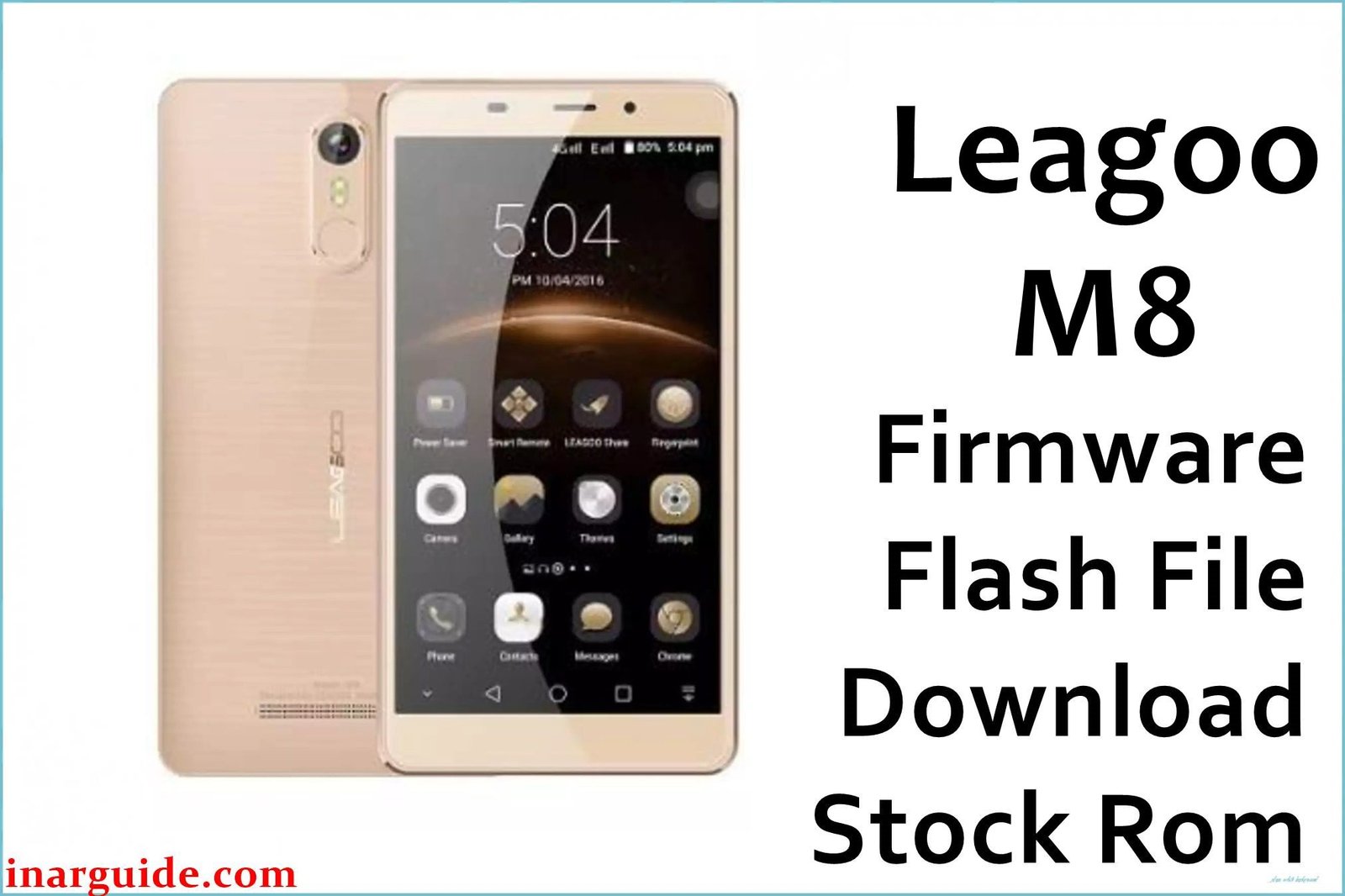
The Leagoo M8 was a budget phablet from 2017 that attracted attention for its large 5.7-inch HD display, a feature not commonly found on phones in its price range. It was equipped with a MediaTek MT6580 processor, 2GB of RAM, and a respectable 3500mAh battery, running Android 6.0 Marshmallow under Leagoo’s Freeme OS skin. However, the phone’s low-cost manufacturing led to significant and widespread hardware quality control issues. The most notorious of these is a faulty touchscreen digitizer that frequently results in “ghost touch,” where the screen registers phantom inputs, or becomes completely unresponsive, making the phone incredibly frustrating to use. Compounding this, the device is also known to overheat during basic operation, which not only worsens the screen problems but also causes the large battery to drain much faster than expected. For owners plagued by these issues, reinstalling the stock firmware is a crucial diagnostic step to determine if the problems are software-based before concluding it is a hardware failure.
This guide provides the official stock ROM package for the Leagoo M8, allowing you to perform a complete reinstallation of the operating system.
Leagoo M8 Firmware Details
Below are the key specifications for this Leagoo M8 firmware. This will restore the device to its Freeme OS 6.0 software, based on Android 6.0 Marshmallow. This is a MediaTek device and requires the SP Flash Tool.
| Attribute | Details |
|---|---|
| 📱 Device | Leagoo M8 |
| 🆔 Chipset | MediaTek MT6580A |
| 🤖 Android OS | 6.0 Marshmallow |
| ✅ Build Version | 20170515 |
| 🗓️ Release Date | May 15, 2017 |
| 📂 File Type | Scatter Firmware |
| 💻 Flashing Tool | SP Flash Tool |
Why Flash the Stock Firmware on Your Leagoo M8?
A full firmware reinstallation is the main troubleshooting method for the severe hardware-related symptoms of this phone:
- Diagnose “Ghost Touch” and Unresponsive Screen: This is the primary reason to flash. If your screen is acting on its own or not responding, a clean firmware install is the only way to confirm whether the cause is a software glitch or the widely reported hardware failure of the digitizer.
- Mitigate Overheating and Battery Drain: A fresh OS installation can eliminate rogue software processes that cause the CPU to run at high capacity, which in turn leads to the device overheating and rapidly draining its battery.
- Address Slow Charging Issues: If your phone is taking an unusually long time to charge, a firmware flash can sometimes resolve software bugs within the power management system that are interfering with the charging cycle.
- Improve General System Lag: Wiping the phone and reinstalling the OS is the best way to deal with the inevitable slowdowns and freezing that occur on a low-end device like the MT6580 running on a large HD display.
- Force a Restart from a Bootloop: When the phone is trapped on the Leagoo loading screen, its core software is damaged. Manually reinstalling the firmware is the only procedure to bypass this and force the phone to boot.
- Attempt to Salvage a Bricked Device: If the phone has become completely non-functional and shows no signs of power after a software error, forcing a flash via a computer is the last-ditch effort to revive it.
⚠️ Important Prerequisites
Before you begin, back up any accessible data. This procedure will permanently delete everything on the phone.
- The latest version of the SP Flash Tool.
- The correct MediaTek VCOM USB drivers installed on your PC.
Download Official Firmware for Leagoo M8
- Build Date: 2017-05-15
- File Name: Leagoo_M8_MT6580_20170515_6.0.zip
- Size: 1.18GB
- 🔗 Download Link: Download (MediaFire)
How to Flash the Firmware
This firmware must be installed using the SP Flash Tool on a Windows or Linux computer. The process requires loading the “scatter” file contained within the firmware package. Here is a brief overview:
- Download and extract the
Leagoo_M8_..._6.0.zipfile to a new folder on your PC. - Install the required MediaTek VCOM USB drivers on your computer.
- Launch the SP Flash Tool software (flash_tool.exe).
- Click the “Scatter-loading” button and select the
MT6580_Android_scatter.txtfile from the extracted firmware folder. - Completely power off your Leagoo M8. You may need to remove and reinsert the battery.
- Ensure the dropdown menu in SP Flash Tool is set to “Download Only” and click the green “Download” arrow.
- Connect your powered-off phone to the PC via a USB cable to begin the flashing process.
For a complete, step-by-step tutorial with screenshots and essential troubleshooting tips, please follow our master guide:
→ How to Flash Stock Firmware to MediaTek (MTK) Smartphones
Disclaimer: This is an advanced procedure that will erase all your data and carries the risk of permanently damaging your device if not done correctly. We are not responsible for any data loss or hardware failures. Proceed with caution.





