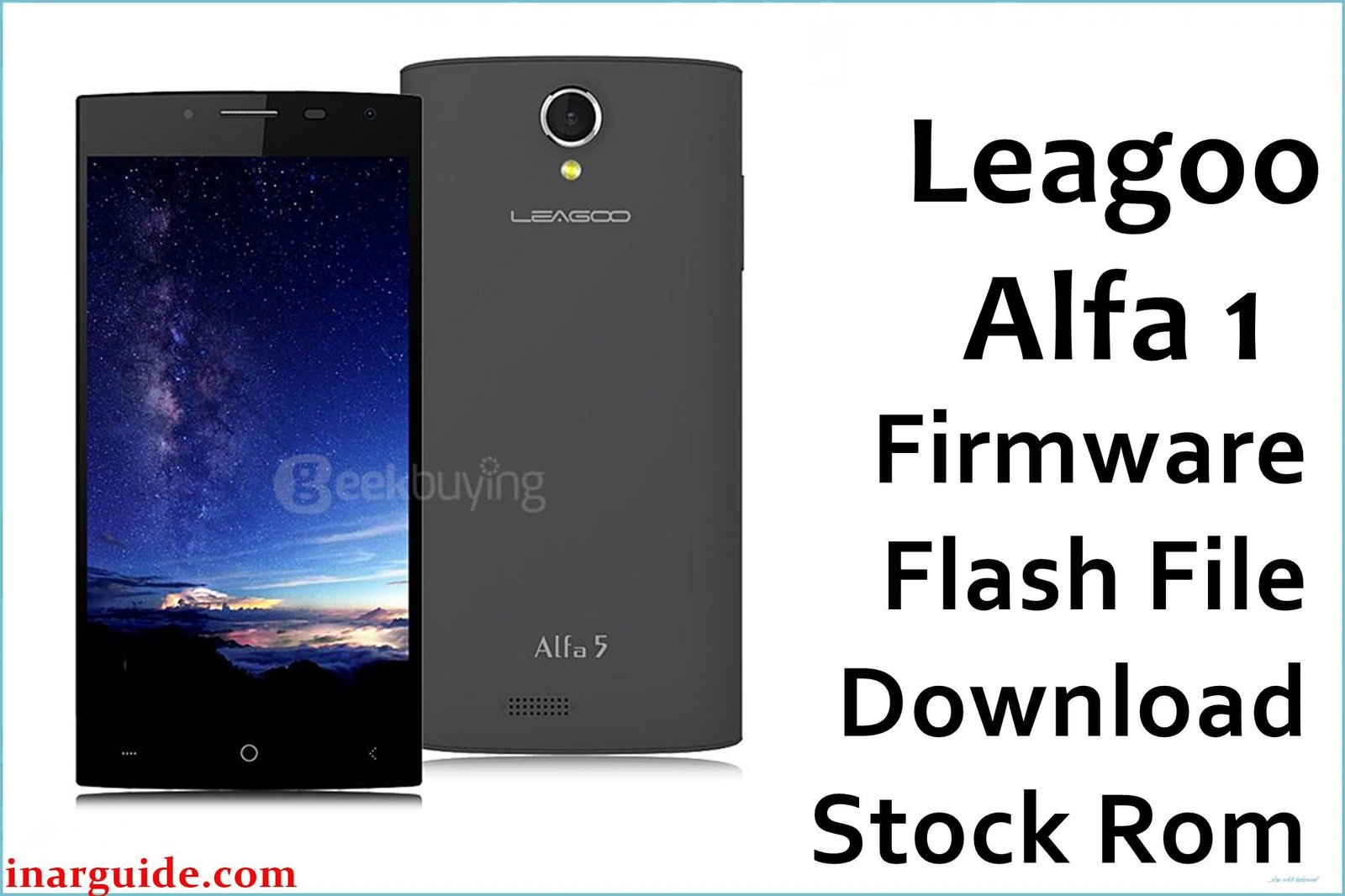
The Leagoo Alfa 1 was a 5.5-inch budget phablet from 2016 that, on paper, appeared to be a well-balanced device. It was equipped with a MediaTek MT6580 processor and a capable 2GB of RAM running Android 5.1 Lollipop, a combination that should have delivered a smooth user experience. However, the phone was ultimately undermined by poorly optimized software. In-depth reviews from its release period noted that while performance was acceptable during single-app use, the device would become extremely laggy and unresponsive when multitasking. Simple actions like switching between a few open applications would cause severe frame drops and system slowdowns. This indicates that the Leagoo OS 1.2 software layer was not well-integrated with the hardware. Other reported software bugs included unreliable Bluetooth connectivity that would frequently drop, and a camera application that was prone to crashing. For owners facing these specific software-induced frustrations, reinstalling the stock firmware—especially the later, more stable version—is the most effective way to address these problems.
This guide provides two official stock ROM packages for the Leagoo Alfa 1. It is strongly recommended to use the latest dated version for the best stability.
Leagoo Alfa 1 Firmware Details
Below are the key specifications for the Leagoo Alfa 1. This firmware will restore the device to its Leagoo OS 1.2 software, based on Android 5.1 Lollipop. This is a MediaTek device and requires the SP Flash Tool.
| Attribute | Details |
|---|---|
| 📱 Device | Leagoo Alfa 1 |
| 🆔 Chipset | MediaTek MT6580 |
| 🤖 Android OS | 5.1 Lollipop |
| ✅ Latest Version | V1.2.1_S160530 |
| 📂 File Type | Scatter Firmware |
| 💻 Flashing Tool | SP Flash Tool |
Why Flash the Stock Firmware on Your Leagoo Alfa 1?
A full firmware reinstallation is the best way to address the specific software optimization flaws of this phone:
- Eliminate Multitasking Lag: This is the primary reason to flash. If your phone becomes unusably slow when you switch between apps, a clean OS install from the latest firmware can provide the necessary optimization fixes to improve multitasking performance.
- Fix Unreliable Bluetooth: If your phone constantly disconnects from Bluetooth speakers or headphones, or refuses to pair at all, reinstalling the firmware will also reinstall the baseband and drivers, which can solve persistent connectivity bugs.
- Resolve Camera App Crashes: For a camera that freezes or crashes during use, it often points to a software conflict or a memory management issue. A fresh firmware installation can resolve this by providing a clean, stable environment for the camera app to run.
- Stabilize the System and Prevent Freezes: If the phone has started to freeze randomly during use, forcing a reboot, flashing the stock ROM can restore system stability by removing corrupted files or data that cause these hangs.
- Break Out of a Bootloop: When the phone is stuck on the Leagoo loading animation and will not finish starting up, its system software is damaged. Manually reinstalling the firmware via a PC is the only way to fix this.
- Attempt to Recover a Bricked Phone: In cases where a software error has left the phone completely dead and unresponsive, forcing a firmware flash is the last resort to try and bring it back to a working state.
⚠️ Important Prerequisites
Before you begin, back up any accessible data. This procedure will permanently delete everything on the phone.
- The latest version of the SP Flash Tool.
- The correct MediaTek VCOM USB drivers installed on your PC.
Download Official Firmware for Leagoo Alfa 1
Two versions are available. The later V1.2.1 build from May 30th is recommended, as it likely contains crucial bug and performance fixes over the initial release.
- Build: V1.2.1_S160530 (Latest & Recommended)
- File Name: Leagoo_Alfa_1_MT6580_V1.2.1_S160530.zip
- Size: 736MB
- 🔗 Download Link: Download (MediaFire)
- Build: V1.1.3_S160512 (Older Version)
- File Name: Leagoo_Alfa_1_MT6580_V1.1.3_S160512.zip
- Size: 757MB
- 🔗 Download Link: Download (MediaFire)
How to Flash the Firmware
This firmware must be installed using the SP Flash Tool on a Windows or Linux computer. The process requires loading the “scatter” file contained within the firmware package. Here is a brief overview:
- Download and extract your chosen firmware
.zipfile to a new, easily accessible folder. - Install the required MediaTek VCOM USB drivers on your computer.
- Launch the SP Flash Tool software (flash_tool.exe).
- Click the “Scatter-loading” button and select the
MT6580_Android_scatter.txtfile from the extracted firmware folder. - Completely power off your Leagoo Alfa 1.
- Ensure the dropdown menu in SP Flash Tool is set to “Download Only” and click the green “Download” arrow.
- Connect your powered-off phone to the PC via a USB cable to begin the flashing process.
For a complete, step-by-step tutorial with screenshots and essential troubleshooting tips, please follow our master guide:
→ How to Flash Stock Firmware to MediaTek (MTK) Smartphones
Disclaimer: This is an advanced procedure that will erase all your data and carries the risk of permanently damaging your device if not done correctly. We are not responsible for any data loss or hardware failures. Proceed with caution.





