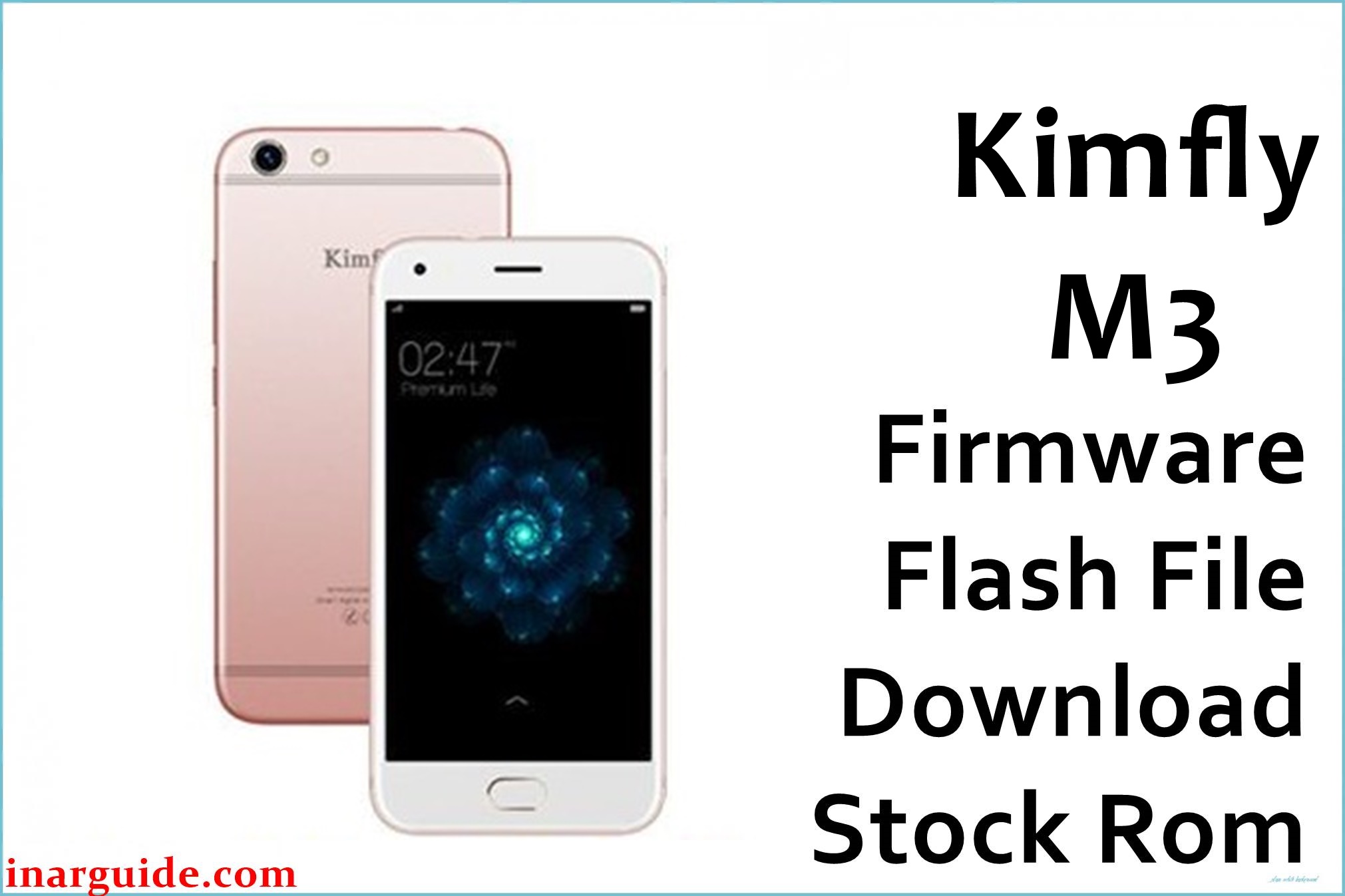
Are you facing problems with your Kimfly M3 device not powering on, getting stuck at logo, frequent boot loops, “application has stopped” crashes, or touch screen failures? Users widely report app install errors, poor battery backup, charging problems, and freezes during basic use. Repeated lag and unresponsive screen after updates are also common. This tested firmware S16F_ZX_237_V01_20170218 6.0 repairs stuck boot, app, battery, touch and charging faults, returning your Kimfly M3 to stable performance.
Kimfly M3 Firmware Details
| Device Name | Kimfly M3 |
| Model | M3 |
| Chipset | Spreadtrum SC7731C (Quad-core 1.2GHz Cortex-A7) |
| GPU | Mali-400 MP2 |
| RAM | 512MB |
| Storage | 8GB (microSD up to 32GB) |
| Display | 5″ TFT, 480×800 px |
| Rear Camera | 5MP autofocus, LED flash |
| Front Camera | 2MP |
| Battery | 2000mAh (removable) |
| Android Version | 6.0 Marshmallow |
| Firmware Version | S16F_ZX_237_V01_20170218 6.0 |
| Build Date | 2017-02-18 |
| File Size | 719MB |
| File Type | ZIP archive |
| Flashing Tool | SPD Upgrade Tool (Spreadtrum/Unisoc) |
Warning: Use only for Kimfly M3, SC7731C chipset. Bad cables, flashing wrong version, or faulty power can lead to screen, network, or boot errors. Always backup personal data. Charge battery above 50% before flashing.
Download Official Firmware for Kimfly M3
This update repairs boot, fixes persistent lag, restores touch and charging. Helps with crash, boot logo and app error issues.
📄 Filename: Kimfly_M3_S16F_ZX_237_V01_20170218_6.0.zip
📦 Size: 719MB
🗓️ Build Date: 2017-02-18
🔢 Build Version: S16F_ZX_237_V01_20170218 6.0
🤖 Android Version: 6.0 Marshmallow
⬇️ Download Link: Google Drive Direct
How to Flash the Firmware
- Back up all personal data (flash erases device).
- Charge Kimfly M3 battery above 50% and use genuine cables.
- Extract ZIP, install SPD Upgrade Tool, load PAC file.
- Connect phone in download mode. Start flash, wait for success message.
- Do not disconnect until flash completes; reboot after flashing.
Full illustrated SPD flash tutorial available: Click here for Kimfly SPD flash guide.





