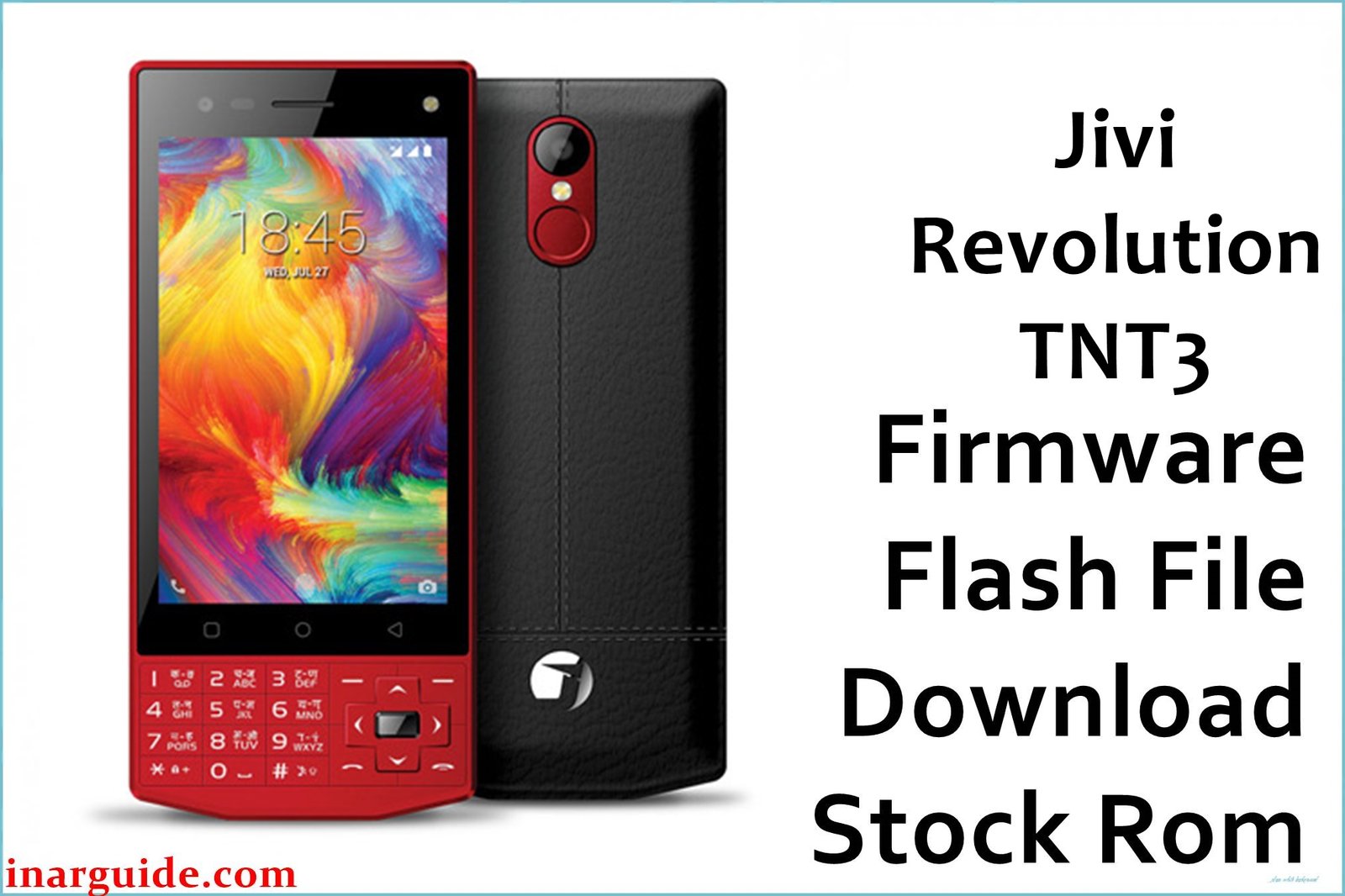
The Jivi Revolution TNT3 is an affordable dual-SIM Android phone powered by the Spreadtrum SC9832 quad-core processor, featuring a 4-inch touchscreen, 1GB RAM, and 8GB built-in storage running Android 7.0 Nougat. Despite its value, users often encounter bootloop (stuck logo), invalid/null IMEI after failed software upgrades, frequent random restarts, and poor network performance—mainly caused by corrupt firmware or unsuccessful flashes. These problems can all be solved by flashing the official SPD stock ROM below.
This v13 SPD firmware (Build 07122017) restores original phone performance, repairs IMEI/network errors, fixes battery drain, and eliminates stubborn bootloop or logo freeze. Flashing the correct version is essential to restore your Jivi Revolution TNT3 to like-new function.
Jivi Revolution TNT3 Firmware Details
| Device Name | Jivi Revolution TNT3 |
| Model | Revolution TNT3 |
| Chipset | Spreadtrum SC9832, quad-core 1.3GHz |
| GPU | Mali-400 MP2 |
| Android Version | Android 7.0 Nougat |
| Firmware Type | SPD (PAC file, UpgradeDownload Tool) |
| Build Version | V13_07122017 |
| Build Date | December 7, 2017 |
| File Name | Jivi_Revolution_TNT3_V13_07122017_SPD.zip |
| File Size | 1.04 GB |
| Display | 4.0-inch TFT, 480 × 800 (245ppi) |
| RAM | 1GB |
| Storage | 8GB (microSD up to 64GB) |
| Rear Camera | 5MP, flash |
| Front Camera | 2MP |
| Battery | 2300 mAh Li-Ion (removable) |
| SIM Slots | Dual SIM (micro) |
| Connectivity | 4G VoLTE, Wi-Fi, Bluetooth 4.0, FM, GPS |
| Dimensions | 125 × 64 × 11.2 mm, 120g |
⚠️ Firmware Flashing Warning
Flashing the wrong firmware or interrupting the process can brick your phone or wipe IMEI. Confirm your exact model (TNT3 SC9832), charge above 80%, and secure your personal files beforehand; this process wipes all data.
Download Official Firmware for Jivi Revolution TNT3
📄 Filename: Jivi_Revolution_TNT3_V13_07122017_SPD.zip
📦 Size: 1.04 GB
🗓️ Build Date: December 7, 2017
🔢 Build Version: V13_07122017
🤖 Android Version: Android 7.0 Nougat
⬇️ Download Link: MediaFire Cloud Storage
Firmware Highlights
- Fixes bootloop, stuck logo, random restarts
- Restores working IMEI and SIM network detection
- Optimizes Android 7.0 speed and battery life
- Repairs camera and touchscreen problems
- Improves VoLTE, Wi-Fi, and app stability
- General bug/security fixes for updated OS
How to Flash the Firmware
Flashing Jivi Revolution TNT3 SPD firmware uses the SPD Upgrade Tool. Here are 5 quick steps:
- Download and extract
Jivi_Revolution_TNT3_V13_07122017_SPD.zipto your computer - Install SPD USB drivers and SPD Upgrade Tool
- Power off TNT3 and connect via USB
- Open SPD Upgrade Tool and load the PAC firmware file
- Click “Start Download” to begin and wait for success message
For a full illustrated guide and troubleshooting, visit the SPD firmware flashing guide.
Disclaimer
This firmware is provided “as-is”, with no warranty. The publisher is not responsible for device failure or data/IMEI loss. Always use official files and follow all steps exactly for your specific model. Community members are welcome to share questions or feedback below.





