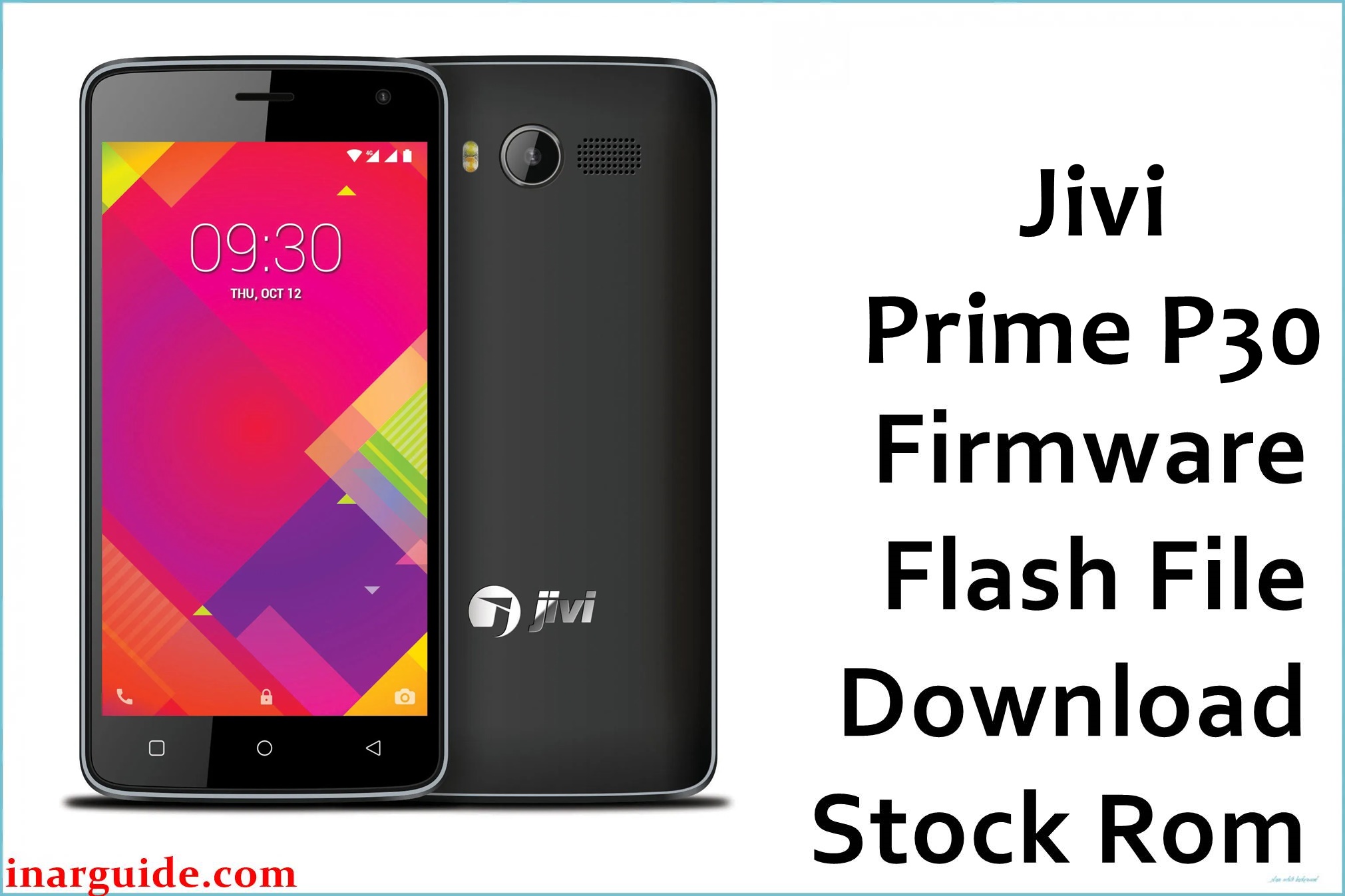
The Jivi Prime P30 is a budget 4G smartphone known for its compact build and simplicity, but users frequently report slow performance, sudden freezes, camera malfunction, battery draining fast, dropped calls, and unreliable network when using dual SIM. Many also experience random shutdowns, touchscreen lag, system crash after failed updates, and device getting stuck on the logo or in bootloop. The firmware below provides a clean restore for all major software problems and dead or bricked cases, returning your device to original working state.
Jivi Prime P30 Firmware Details
| Device Name: | Jivi Prime P30 |
| Model: | Prime P30 |
| Chipset: | Spreadtrum SC9832A (Quad-core 1.3GHz) |
| GPU: | Mali-400 MP2 |
| Android Version: | Android 7.0 (Nougat) |
| Firmware Version: | V05 SPD |
| Build Date: | 2018 |
| File Size: | 1.05GB |
| File Type: | PAC (SPD Upgrade Tool firmware, .zip) |
| Flashing Tool: | SPD/Spreadtrum Upgrade Tool or ResearchDownload |
| Display: | 5.0-inch TFT, 480 × 854 px |
| RAM / Storage: | 1GB RAM / 8GB ROM (microSD up to 64GB) |
| Rear Camera: | 8MP, LED flash |
| Front Camera: | 5MP |
| Battery: | 2300mAh Li-ion (removable) |
| SIM: | Dual SIM, 4G VoLTE supported |
| Network: | 4G LTE, 3G, 2G |
| Other: | Wi-Fi, Bluetooth, FM radio, GPS, micro USB |
Download Official Firmware for Jivi Prime P30
This firmware solves stuck logo, dead phone, touch issues, failed system updates, app errors, and forgotten passwords. Use it after soft-brick and FRP lock to restore your device to clean stock state.
📄 Filename: Jivi_Prime_P30_V05_SPD.zip
📦 Size: 1.05GB
🗓️ Build Date: 2018
🔢 Build Version: V05 SPD
🤖 Android Version: 7.0 Nougat
⬇️ Download Link: MediaFire
How to Flash the Firmware
Follow these 5 quick steps to safely flash Jivi_Prime_P30_V05_SPD.zip to your phone:
- Download and extract
Jivi_Prime_P30_V05_SPD.zipand install SPD Upgrade Tool to your PC. - Install Spreadtrum USB drivers and launch the SPD Upgrade Tool.
- Load the .PAC file from the extracted firmware folder into the tool.
- Switch off your Jivi Prime P30 and connect it to your PC while holding volume up/down if required.
- Click “Start/Download” in the tool, wait for process completion, and reboot once it’s done.
For detailed visuals, see the step-by-step SPD flashing guide at this tutorial.





