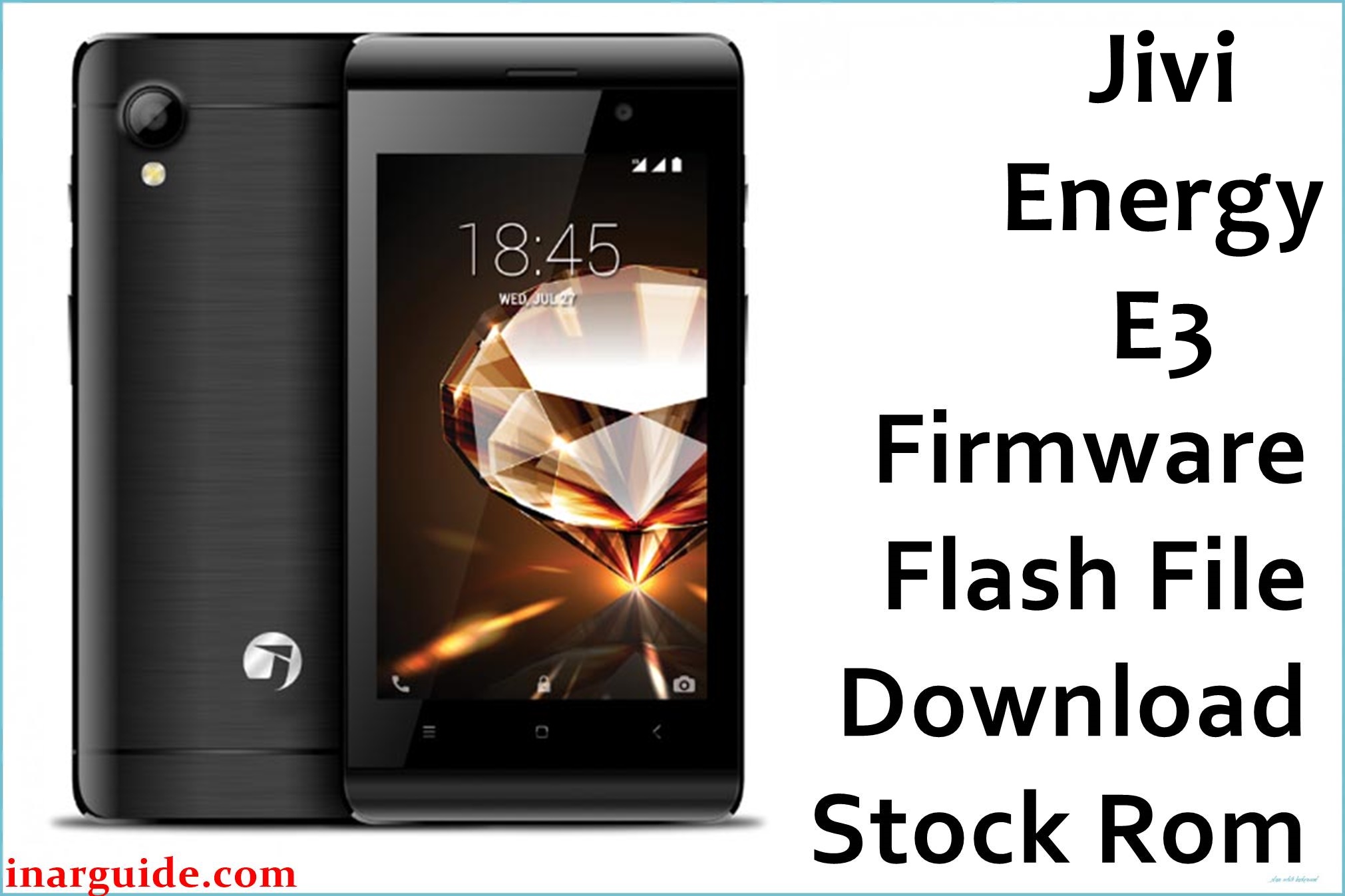
The Jivi Energy E3 is a compact, ultra-budget smartphone powered by the Spreadtrum SC9832A quad-core chipset and Android 6.0 Marshmallow. Many users report lagging, frequent app crashes, unresponsive touch, battery drain, and “no boot” problems after failed mods or updates. Flashing the official stock firmware provided below will restore system stability, fix unresponsive devices, and refresh Android performance.
Jivi Energy E3 Firmware Details
| Device Name | Jivi Energy E3 |
| Model | Energy E3 (SC9832A) |
| Chipset | Spreadtrum SC9832A (Quad-core 1.3GHz Cortex A7) |
| Android Version | Android 6.0 Marshmallow |
| Firmware Version | 08052017_6.0_MIRA |
| Build Date | 8 May 2017 |
| File Size | 706.81MB |
| File Type | ZIP Package (Miracle Box/SC Upgrade/Fastboot) |
| Flashing Tool | SPD Upgrade Tool / Miracle Box |
| Device Specifications | |
|---|---|
| Display | 4-inch TFT, 480 × 800 px (233ppi) |
| Processor | Quad-core 1.3GHz SC9832A |
| GPU | Mali-400 MP2 |
| RAM | 512MB |
| Storage | 4GB (expandable up to 32GB via microSD) |
| Rear Camera | 5MP, LED flash, digital zoom |
| Front Camera | 2MP |
| Battery | 1800mAh Li-ion |
| SIM Type | Dual SIM (GSM+GSM) |
| Connectivity | 4G LTE (Band 40), Wi-Fi, Bluetooth 4.0, microUSB |
| Sensors | Light, Proximity, Accelerometer |
| Body | 118 × 63.6 × 9.7 mm, 120g, Colors: Black/Blue/Gold |
Warning: Only use this ROM for Jivi Energy E3 with Spreadtrum SC9832A. Misusing or interrupting the flashing process may brick your device. Always back up essential data before beginning.
Download Official Firmware for Jivi Energy E3
This ROM solves most bootloop, system freeze, app crash, and storage error issues with a verified factory Android 6.0 image.
📄 Filename: Jivi_Energy_E3_08052017_6.0_MIRA.zip
📦 Size: 706.81MB
🗓️ Build Date: 8 May 2017
🔢 Build Version: 08052017_6.0_MIRA
🤖 Android Version: 6.0 Marshmallow
⬇️ Download Link: Download from MediaFire
How to Flash the Firmware
5 quick steps for safe flashing:
- Download and extract the firmware ZIP on your PC.
- Install SPD Upgrade Tool or Miracle Box drivers.
- Load the PAC/firmware file and click Start.
- Power off, connect your phone (hold boot key if required).
- Wait for “Success” and disconnect your device.
See the full illustrated flashing guide here for Spreadtrum/UniSOC devices.





