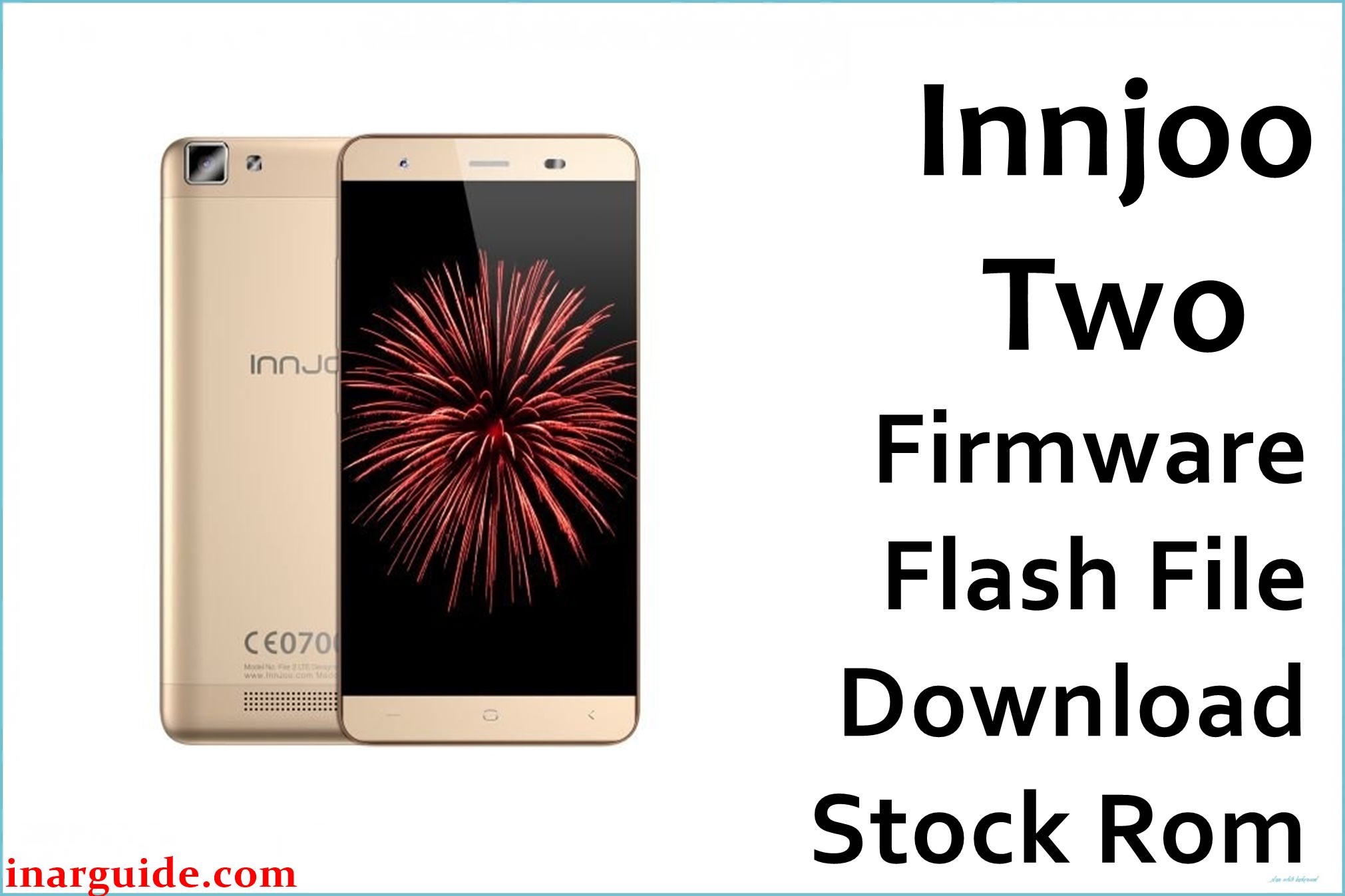
The InnJoo 2 combines a premium design with a powerful 64-bit octa-core MT6753 processor and dual 13MP cameras. Users frequently report “app has stopped” errors, memory issues, sluggish performance, touch response lags, and bootloop after custom modifications. Flashing the official firmware below can restore your device, fix crashes, and recover from bricked or unusable states.
InnJoo 2 Firmware Details
| Device Name | InnJoo 2 |
| Model | Two, 2 Dual SIM LTE |
| Chipset | MediaTek MT6753 (Octa-core, 1.3GHz) |
| Android Version | Android 5.1 Lollipop |
| Firmware Versions | 20151205_V1 / 20151211_V1_E |
| Build Dates | 5 Dec 2015 / 11 Dec 2015 |
| File Sizes | 954.73MB (V1), 954.17MB (V1_E) |
| File Types | ZIP (Scatter firmware) |
| Flashing Tool | SP Flash Tool |
| Device Specifications | |
|---|---|
| Display | 5-inch IPS, 720×1280 pixels, 294ppi |
| Processor | Octa-core MT6753, 1.3GHz (64-bit) |
| GPU | Mali-T720 MP3 |
| RAM | 2GB |
| Storage | 16GB (expandable up to 128GB via microSD) |
| Rear Camera | 13MP, autofocus, LED Flash, 1080p video |
| Front Camera | 13MP autofocus |
| Battery | 3200mAh Li-Po, non-removable |
| SIM Type | Dual SIM (Micro) |
| Connectivity | 4G LTE, Wi-Fi, Bluetooth 4.0, GPS, FM, USB 2.0 |
| Sensors | Fingerprint, Accelerometer, Light, Compass, Proximity |
| Body | 143.5 × 69.4 × 7.99 mm, 134g, Colors: Gold/White |
Warning: Ensure your device is InnJoo 2 (MT6753, LTE Dual SIM) before proceeding. Partial or interrupted flashing can permanently brick your phone. Back up data and keep battery above 50%.
Download Official Firmware for InnJoo 2
Below are two official builds for the InnJoo 2. Both help fix unbricking, force-close errors, or restore to factory Android. Version “V1_E” is an extended/revised build (minor bug improvements):
- InnJoo_2_Android5.1_20151205_V1.zip
📦 Size: 954.73MB
🗓️ Build Date: 5 Dec 2015
⬇️ Download from MediaFire - InnJoo_2_Android5.1_20151211_V1_E.zip
📦 Size: 954.17MB
🗓️ Build Date: 11 Dec 2015
⬇️ Download from MediaFire
How to Flash the Firmware
5-step guide for safe flashing:
- Download and extract the preferred ZIP file to your PC.
- Install MediaTek VCOM USB drivers.
- Open SP Flash Tool, select “scatter.txt” from extracted firmware.
- Click “Download” and connect your powered-off device via USB.
- Wait for success notification, disconnect, and boot up the phone.
For full step-by-step pictorial guide, see this tutorial for MediaTek devices.





