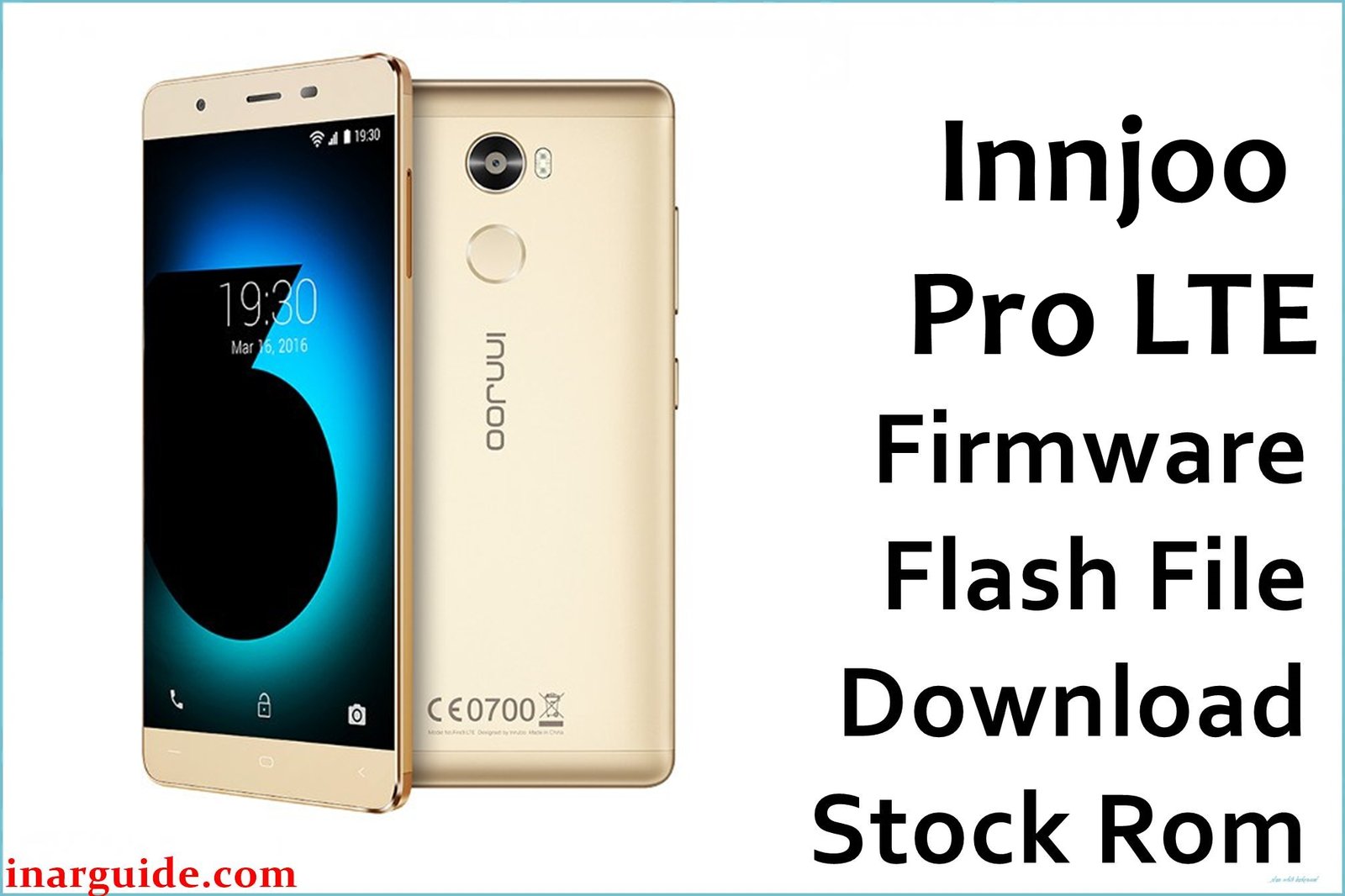
The InnJoo Pro LTE is a value-packed smartphone powered by a MediaTek MT6735M quad-core processor and Android 6.0. Common user complaints on this device include Wi-Fi/connectivity issues, random freezes, charging problems, unresponsive touch, and frequent soft-brick after failed system updates or heavy app usage. Flashing the official firmware below can restore factory stability, resolve system errors, and repair bricked devices.
InnJoo Pro LTE Firmware Details
| Device Name | InnJoo Pro LTE |
| Model | Pro LTE |
| Chipset | MediaTek MT6735M (Quad-core, 1.0 GHz Cortex-A53) |
| Android Version | Android 6.0 Marshmallow |
| Firmware Version | 20161226_6.0 |
| Build Date | 26 December 2016 |
| File Size | 1.08GB |
| File Type | ZIP Package (Scatter firmware) |
| Flashing Tool | SP Flash Tool |
| Device Specifications | |
|---|---|
| Display | 5.5-inch IPS, 1280 × 720 pixels |
| Processor | MediaTek MT6735M Quad-core 1.0GHz |
| GPU | Mali-T720 MP2 |
| RAM | 1GB |
| Storage | 16GB (expandable up to 128GB via microSD) |
| Rear Camera | 13 MP, autofocus, LED flash |
| Front Camera | 5 MP |
| Battery | 2800 mAh (non-removable) |
| SIM Type | Dual Micro SIM |
| Connectivity | 4G LTE, Wi-Fi, Bluetooth 4.0, GPS, FM Radio |
| Sensors | Light, Proximity, Accelerometer, Fingerprint |
| Body | 76.4 × 150.2 × 8.2 mm, Gold, Grey, Rose Gold |
Warning: This ROM is only for the InnJoo Pro LTE MT6735M model. Flashing on any other device or interruption during flashing can cause a permanent brick. Always back up your important files before proceeding.
Download Official Firmware for InnJoo Pro LTE
The firmware repairs system app crashes, restores factory Android 6.0 performance, and can recover your phone if stuck on logo or fails to boot.
📄 Filename: InnJoo_Pro_LTE_MT6735M_20161226_6.0.zip
📦 Size: 1.08GB
🗓️ Build Date: 26 December 2016
🔢 Build Version: 20161226_6.0
🤖 Android Version: 6.0 Marshmallow
⬇️ Download Link: Download from MediaFire
How to Flash the Firmware
Follow these quick steps to flash the file safely:
- Download and extract the firmware ZIP to your computer.
- Install MediaTek VCOM USB drivers.
- Open SP Flash Tool, select the “scatter.txt” from the extracted folder.
- Click “Download” and connect your switched-off device via USB.
- Wait until flashing is complete and disconnect once finished.
For a full step-by-step guide with pictures and videos, see the complete MediaTek flashing tutorial.





