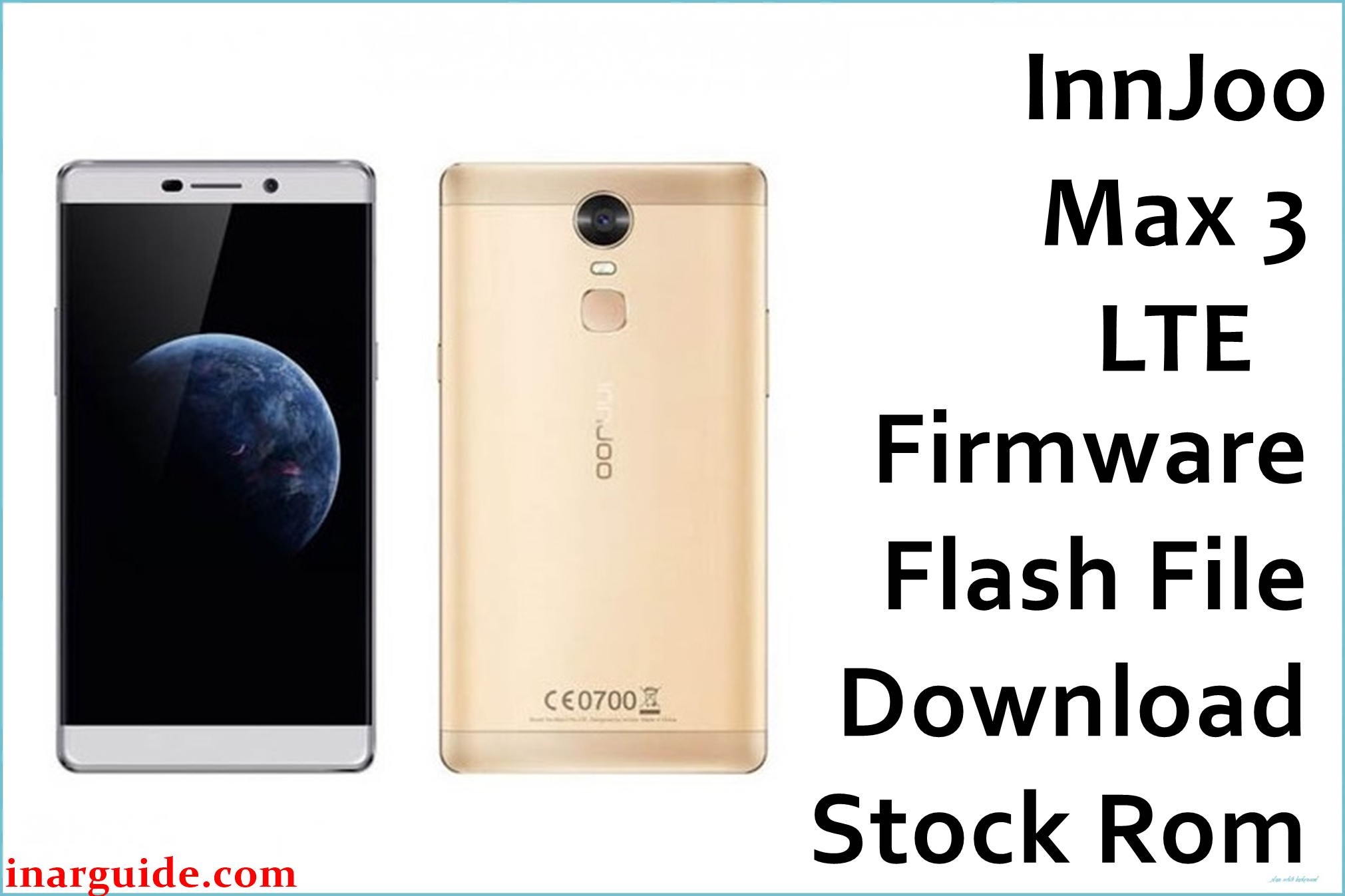
The InnJoo Max 3 LTE is a spacious 6-inch Android smartphone known for 4G speed, but many users report issues such as being stuck at logo, lagging, random reboots, battery drain, and app crashing after updates. Some experience problems with the fingerprint sensor, camera focus, low memory errors, and broken Wi-Fi. Flashing the official firmware is essential for fixing system failures, FRP lock, malware damage, and performance slowdowns.
This firmware package restores your Max 3 LTE to factory state, solves bricking or software faults, and boosts stability and speed. It’s the safest way to recover soft-bricks, corrupted OS, or critical bugs after failed modifications.
InnJoo Max 3 LTE Firmware Details
| Device Name | InnJoo Max 3 LTE |
| Model | Max 3 LTE |
| Chipset | MediaTek MT6735P, Quad-core 1.0GHz |
| GPU | Mali-T720 |
| Android Version | Android 6.0 Marshmallow (InnUI) |
| RAM / Storage | 2GB RAM / 16GB ROM, microSD up to 128GB |
| Display | 6.0-inch IPS, 720×1280 pixels |
| Camera | Rear: 13 MP with dual LED flash, Front: 8 MP |
| Battery | 4000 mAh (removable) |
| SIM | Dual SIM (Micro) |
| Firmware Version | 20161024_V1 |
| Build Date | October 24, 2016 |
| File Size | 1.06GB |
| File Type | ZIP (Scatter File included) |
| Flashing Tool | SP Flash Tool (MediaTek) |
| Region | Global |
⚠ Warning: Only flash firmware that matches your InnJoo Max 3 LTE model. Wrong firmware or interruptions can corrupt IMEI or brick your device. Always back up data as flashing wipes user files.
Download Official Firmware for InnJoo Max 3 LTE
This firmware solves:
- Bootloop, device stuck at logo/Android screen
- Lag, periodic app crashes, and failed updates
- Performance drops and memory errors
- Fingerprint/camera/software bugs after root or mod
📄 Filename: InnJoo_Max_3_LTE_6.0_20161024_V1.zip
📦 Size: 1.06GB
🗓️ Build Date: October 24, 2016
🔢 Firmware Version: 20161024_V1
🤖 Android Version: 6.0 Marshmallow
⬇️ Download Link: MediaFire (Direct Download)
How to Flash the Firmware
Flash Max 3 LTE firmware as follows:
- Extract the ZIP file; install MediaTek USB VCOM drivers and SP Flash Tool on your PC.
- Open SP Flash Tool and load the included scatter file.
- Power off your phone and connect to PC (hold Volume Down if needed).
- In SP Flash Tool, click “Download” and wait for success (green tick).
- Disconnect and reboot your device.
See this MediaTek flashing tutorial for a step-by-step visual guide.





