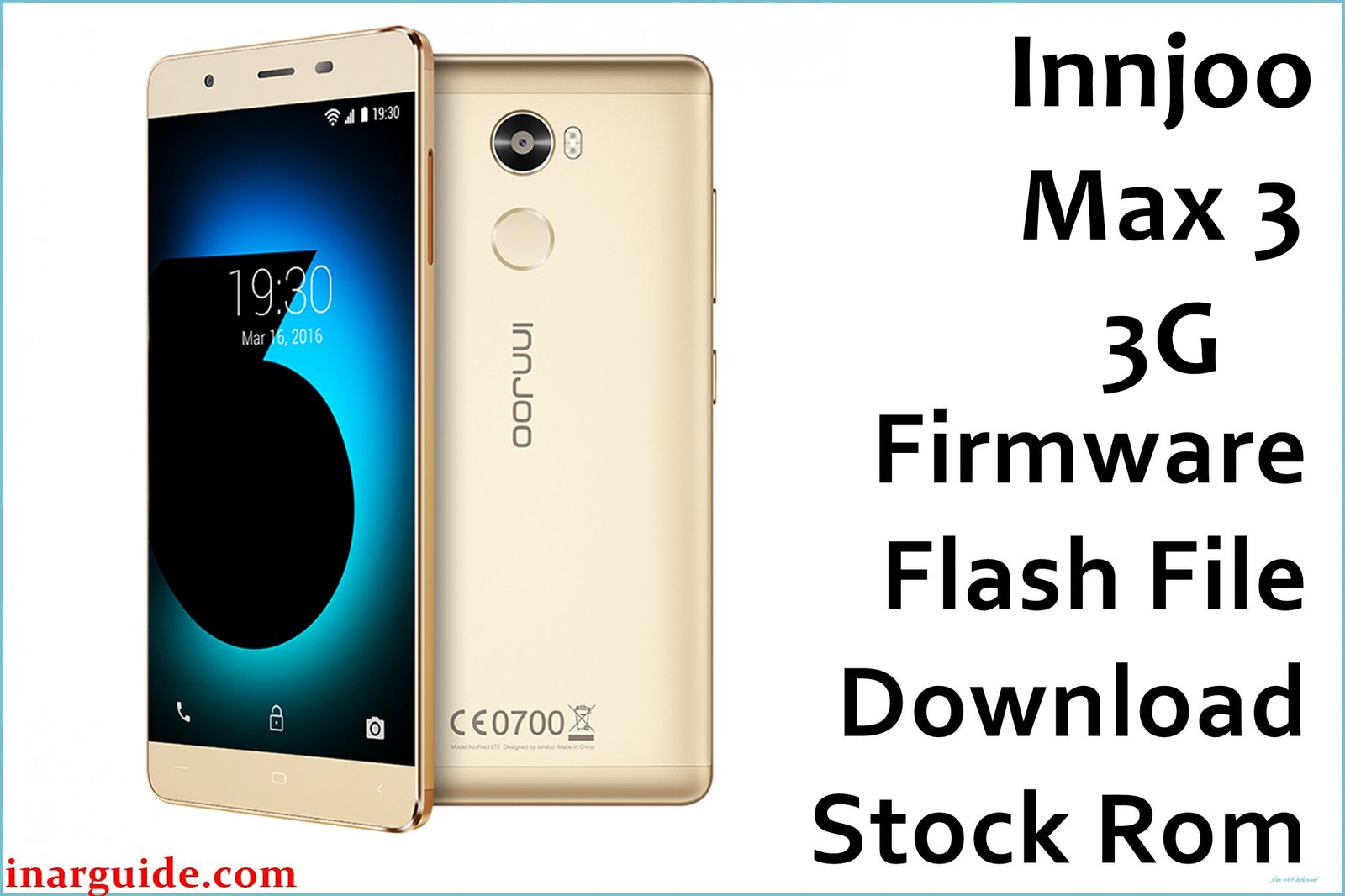
Do you face power problems, stuck logo, faulty speaker, battery swelling, or charger issues on the InnJoo Max 3 3G? Users widely report being unable to buy replacement batteries, frequent battery swelling, phone not powering on, touchscreen glitches, and loudspeaker faults. Stuck boot, system freeze after unrooting, failed app installs, and poor after-sales support are persistent issues. The official MT6580_20170617_5.1 firmware repairs stuck boot, improves performance, fixes battery calibration and speaker audio, and restores stable Android 5.1 OS.
InnJoo Max 3 3G Firmware Details
| Device Name | InnJoo Max 3 3G |
| Model | Max 3 3G |
| Chipset | MediaTek MT6580 (quad-core, 1.3GHz Cortex-A7) |
| GPU | Mali-400 MP1 |
| RAM | 2GB |
| Storage | 16GB (microSD up to 128GB) |
| Display | 6.0″ IPS LCD, 720×1280 px (244ppi) |
| Rear Camera | 13MP autofocus, dual LED flash |
| Front Camera | 8MP |
| Battery | 4000 mAh Li-Po, non-removable |
| Android Version | 5.1 Lollipop |
| Firmware Version | MT6580_20170617_5.1 |
| Build Date | 2017-06-17 |
| File Size | 887MB |
| File Type | ZIP archive |
| Flashing Tool | SP Flash Tool (MediaTek) |
Warning: Flashing incorrect or incomplete firmware leads to IMEI loss, boot loop, or bricked phone. Only flash on Max 3 3G/MT6580 models. Back up your data, charge battery above 50%, and use only original cables for flashing.
Download Official Firmware for InnJoo Max 3 3G
This pack repairs boot failure, charging issues, speaker faults, and restores default system. Not for Max 3 LTE/Pro edition.
📄 Filename: InnJoo_Max_3_3G_MT6580_20170617_5.1.zip
📦 Size: 887MB
🗓️ Build Date: 2017-06-17
🔢 Build Version: MT6580_20170617_5.1
🤖 Android Version: 5.1 Lollipop
⬇️ Download Link: Mediafire Direct
How to Flash the Firmware
- Backup your data (flashing erases everything).
- Charge Max 3 3G battery above 50%. Disconnect all peripherals.
- Extract the ZIP, install SP Flash Tool, load scatter file.
- Connect phone in download mode, start flash, wait for green success tick.
- Never interrupt or disconnect until complete.
Guide with step pictures: Full MediaTek flashing instructions for Max 3 3G.





