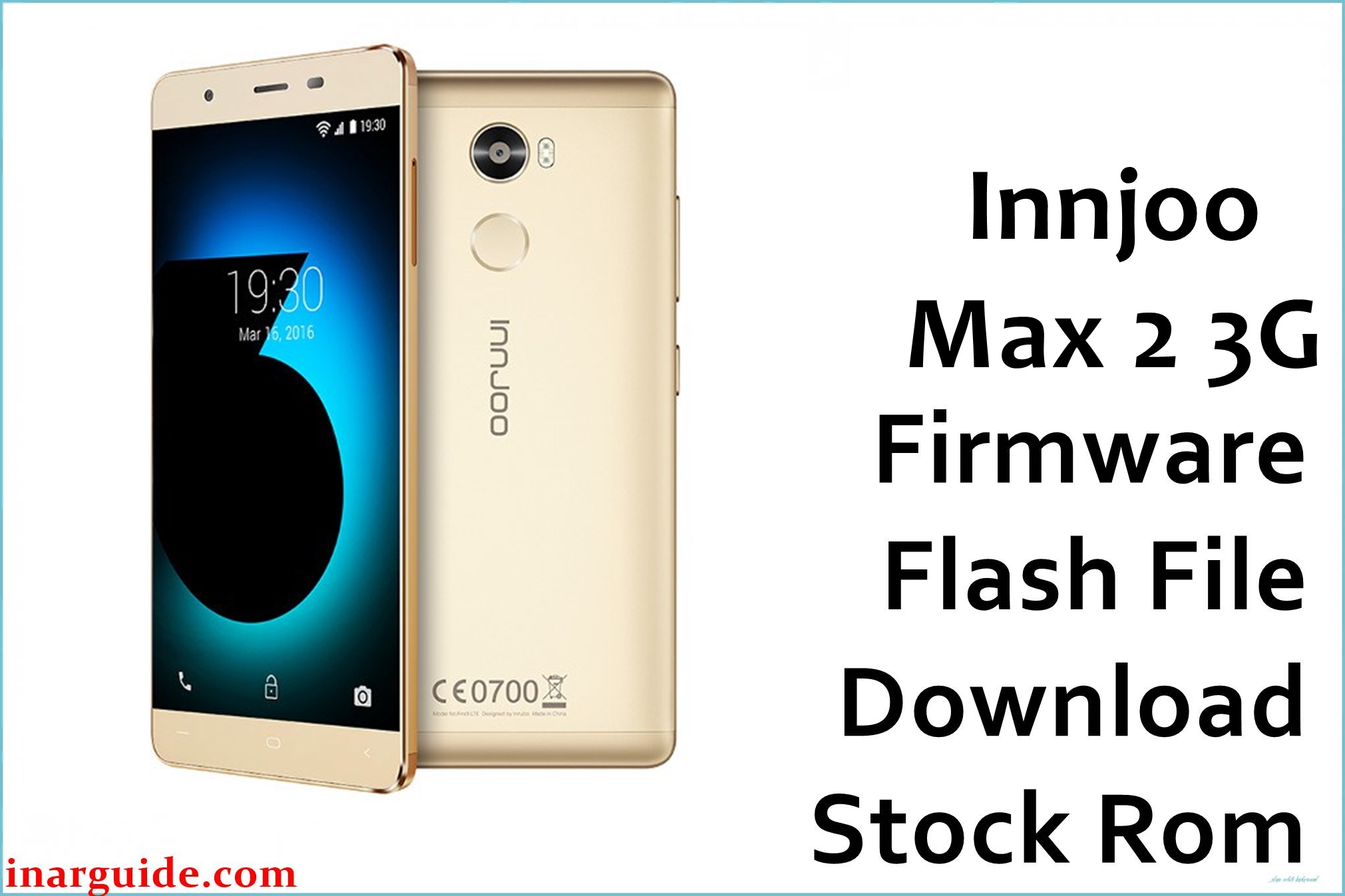
The InnJoo Max 2 3G is a budget Android with a large battery, but users report persistent frustrations: constant “privacy protection password” screen after SIM swaps, bricking and stuck-on-logo after failed root or ROM attempts, rapid battery wear, sluggish speed due to only 1GB RAM, and “app has stopped working” errors on Android Lollipop. Users also highlight camera freezes, touchscreen lag, and poor speaker quality. Flashing this official 20160106_V1_E firmware is the proven solution for unbricking, clearing privacy/password locks, restoring factory OS, and reviving dead or glitched Max 2 3G. It fixes UI, storage, and camera errors while restoring phone usability.
InnJoo Max 2 3G Firmware Details
| Device Name: | InnJoo Max 2 3G |
| Model: | Max 2 3G |
| Chipset: | MediaTek MT6582, Quad-Core 1.3GHz Cortex-A7 |
| GPU: | Mali-400MP2 |
| RAM: | 1GB |
| Storage: | 16GB (expandable up to 128GB via microSD) |
| Display: | 5.0″ IPS, 1280 x 720 (295ppi) |
| Rear Camera: | 13MP, dual LED flash, autofocus |
| Front Camera: | 8MP, LED flash |
| Battery: | 4000mAh Li-Po |
| Connectivity: | Dual SIM, 3G, WiFi, Bluetooth 4.0, GPS, microUSB |
| Operating System: | Android 5.1 Lollipop (InnUI) |
| Firmware Version: | 20160106_V1_E |
| Build Date: | 2016-01-06 |
| File Size: | 765.78MB |
| File Type: | .zip (SP Flash Tool package) |
| Flashing Tool: | SP Flash Tool (MediaTek/MTK) |
Warning: Flashing with mismatched ROM or poor USB connection can brick your Max 2 3G or wipe IMEI. Confirm model, keep battery above 70%, and do not power off or unplug during flash.
Download Official Firmware for InnJoo Max 2 3G
Below is the only verified stock firmware for InnJoo Max 2 3G. Use this if your phone is stuck on boot, requesting privacy password, bricked after root, or plagued by app/camera failures.
No manufacturer changelogs are listed; this version restores the device to initial retail software.
📄 Filename: Innjoo_Max_2_3G_Android_5.1_20160106_V1_E.zip
📦 Size: 765.78MB
🗓️ Build Date: 2016-01-06
🔢 Build Version: 20160106_V1_E
🤖 Android Version: 5.1 Lollipop
⬇️ Download Link: MediaFire (Direct)
How to Flash the Firmware
- Extract Innjoo_Max_2_3G_Android_5.1_20160106_V1_E.zip on your PC.
- Install the latest MediaTek VCOM drivers for Windows.
- Open SP Flash Tool and load the scatter file from the firmware folder.
- Turn off the phone, connect (battery inserted) via USB.
- Press “Download” in SP Flash Tool and wait until you see the “Download OK”/completion screen.
Need step-by-step instructions with photos? See this full SP Flash Tool flashing guide.





