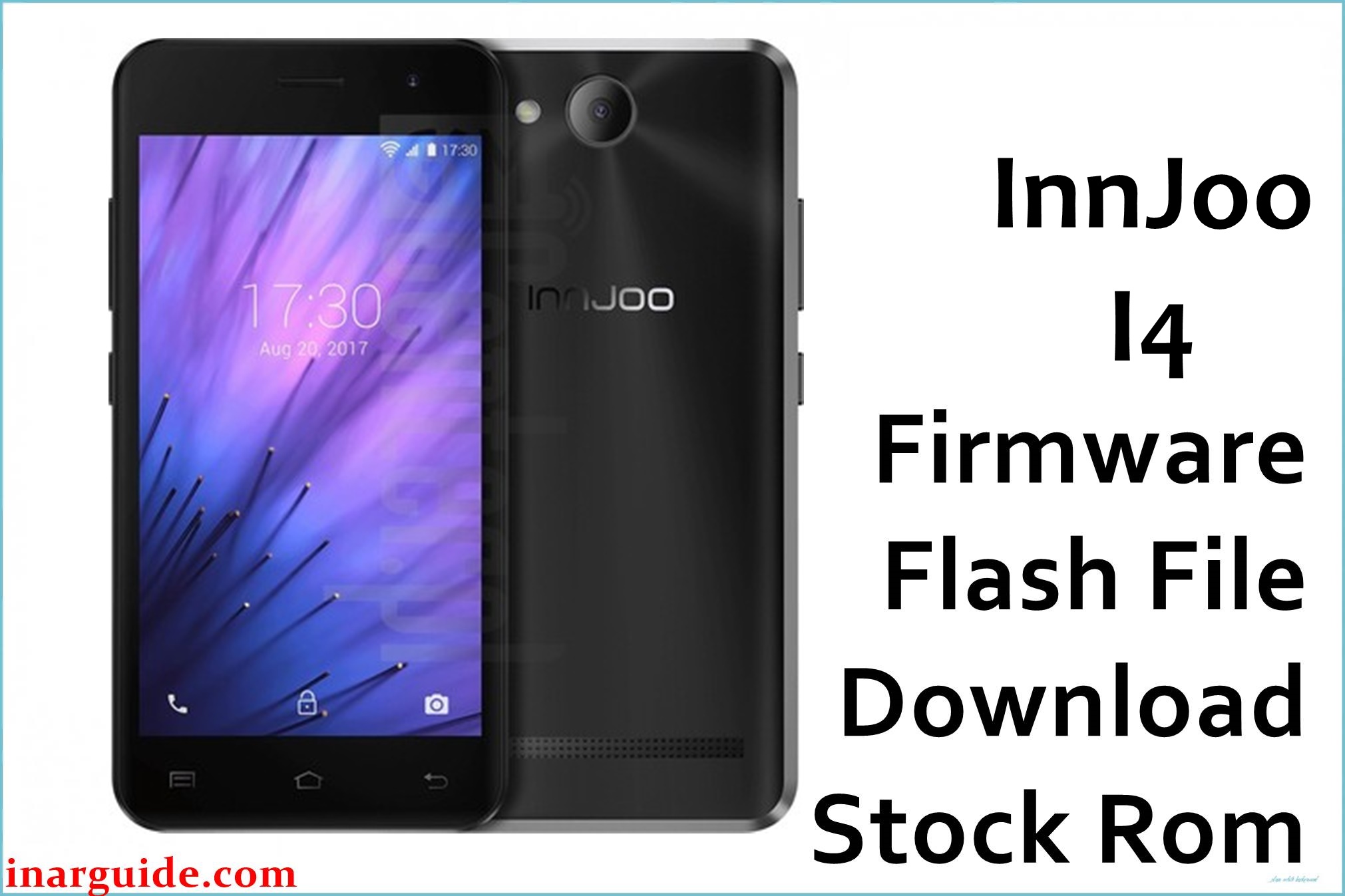
The InnJoo I4 is a compact and affordable smartphone powered by a Spreadtrum SC7731C chipset and Android 6.0. Users frequently report “app has stopped” errors, slow performance, charging port issues, low battery life, and random shutdowns. If your device suffers from any of these problems, flashing the official OTA firmware below can boost system stability, fix failed updates, and repair system crashes.
InnJoo I4 Firmware Details
| Device Name | InnJoo I4 |
| Model | I4 |
| Chipset | Spreadtrum SC7731C (Quad Core 1.2GHz Cortex-A7) |
| Android Version | Android 6.0 Marshmallow |
| Firmware Version | 20170811_6.0_OTA |
| Build Date | 11 August 2017 |
| File Size | 725MB |
| File Type | ZIP OTA Update |
| Flashing Tool | Stock Recovery (Apply update from SD card) |
| Device Specifications | |
|---|---|
| Display | 4.5-inch TFT, 480 × 854 pixels |
| Processor | Quad-core 1.2GHz Cortex-A7 |
| GPU | Mali-400 MP1 |
| RAM | 512MB |
| Storage | 4GB (expandable up to 16GB via microSD) |
| Rear Camera | 2MP with digital zoom |
| Front Camera | 0.3MP |
| Battery | 1400mAh Li-ion (user-replaceable) |
| SIM Type | Dual micro SIM |
| Connectivity | 3G, Wi-Fi 802.11 b/g/n, Bluetooth 2.1, GPS, microUSB 2.0 |
| Sensors | Accelerometer |
| Body | 134 × 67.1 × 10.6 mm, 120.5g, Colors: Black, Gold |
Warning: This OTA update file is only for InnJoo I4. Flashing the wrong file or interrupting the process can brick your device. Back up your photos and contacts before starting and ensure your battery is at least 50% charged.
Download Official Firmware for InnJoo I4
Use this OTA firmware to fix performance issues, system app crashes, and repair failed software updates. Only compatible with the InnJoo I4 running Android 6.0.
📄 Filename: InnJoo_I4_20170811_6.0_OTA.zip
📦 Size: 725MB
🗓️ Build Date: 11 August 2017
🔢 Build Version: 20170811_6.0_OTA
🤖 Android Version: 6.0 Marshmallow
⬇️ Download Link: Download from MediaFire
How to Flash the Firmware
To flash this OTA ZIP, follow these steps:
- Download and copy the OTA ZIP to your SD card (do not unzip).
- Power off the phone, then boot into stock recovery (Power + Volume Up).
- Select “apply update from SD card” and choose the OTA ZIP file.
- Wait for installation to complete and reboot the phone.
- The first boot may take several minutes; do not interrupt.
For a step-by-step flashing guide with images and video, see the complete Spreadtrum flashing tutorial.





