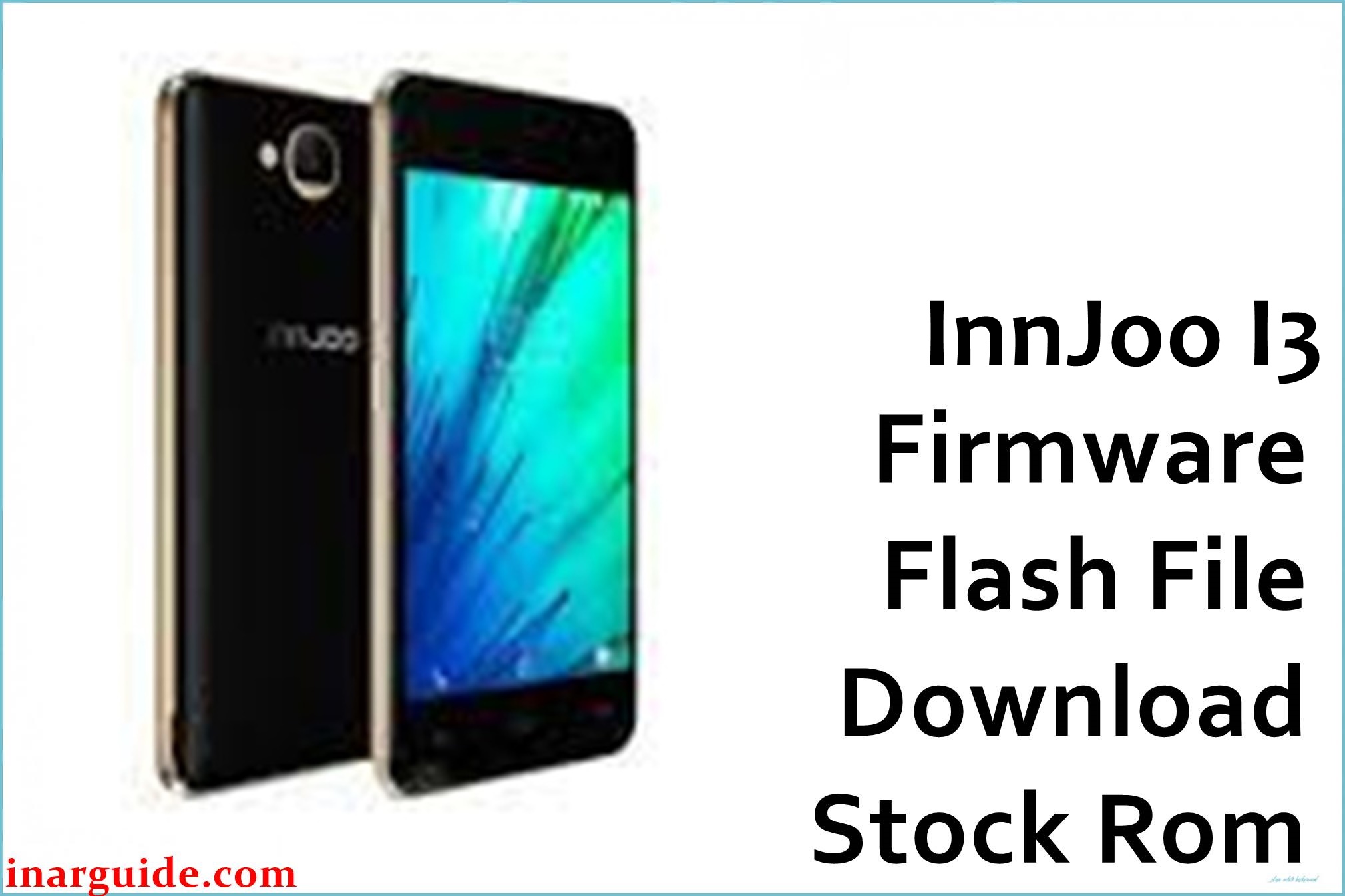
The InnJoo I3 SPD offers Android features for affordable budgets, but users frequently report problems like black screen, freezes, bootloop after updates, force-closing apps, and FRP lock after account resets. Some users have experienced memory issues, hot battery, and persistent system glitches that don’t respond to a standard reset. Flashing the official stock firmware is the most recommended solution to repair these faults and bring your I3 back to life.
The provided firmware package is ideal for fixing stuck-on-logo, repeated app crashing, unresponsive UI, and resolving firmware corruption after failed modifications or malware. Successful flashing ensures your I3 regains smooth performance and original system stability.
InnJoo I3 SPD Firmware Details
| Device Name | InnJoo I3 SPD |
| Model | I3 |
| Chipset | Spreadtrum SC7731 (Quad-core 1.3GHz) |
| GPU | Mali-400 MP2 |
| Android Version | Android 6.0 Marshmallow |
| RAM / Storage | 1GB RAM / 8GB ROM, microSD up to 32GB |
| Display | 5-inch IPS, 720×1280 pixels |
| Camera | Rear: 8 MP, Front: 2 MP |
| Battery | 2200 mAh |
| SIM | Dual SIM (Micro) |
| Firmware Version | V1_20170811_6.0 |
| Build Date | August 11, 2017 |
| File Size | 735MB |
| File Type | ZIP (PAC file included) |
| Flashing Tool | SPD Upgrade Tool (ResearchDownload) |
| Region | Global |
⚠ Warning: Flash only if your device is InnJoo I3 with SC7731 chipset. Wrong firmware or an interrupted flash can brick the phone or cause IMEI loss. Back up your data—this process erases all personal files.
Download Official Firmware for InnJoo I3 SPD
This firmware file will repair the following issues:
- Boot loop, stuck at logo, or reboots
- System crashes, freezing, app errors
- FRP lock and Google account errors
- Performance drop after malware or mods
📄 Filename: InnJoo_I3_V1_20170811_6.0_SPD.zip
📦 Size: 735MB
🗓️ Build Date: August 11, 2017
🔢 Firmware Version: V1_20170811_6.0
🤖 Android Version: 6.0 Marshmallow
⬇️ Download Link: Google Drive (Direct Download)
How to Flash the Firmware
To safely flash the InnJoo I3 SPD firmware:
- Extract the ZIP, install Spreadtrum USB drivers, and install SPD Upgrade Tool on your PC.
- Open SPD Upgrade Tool, and load the included PAC file from the firmware folder.
- Switch off your phone, connect it to PC while pressing Volume Down (if required).
- In SPD Upgrade Tool, press “Start”, and wait for a green success message.
- Disconnect and reboot your device after flashing completes.
For illustrated instructions visit this SPD flash guide.





