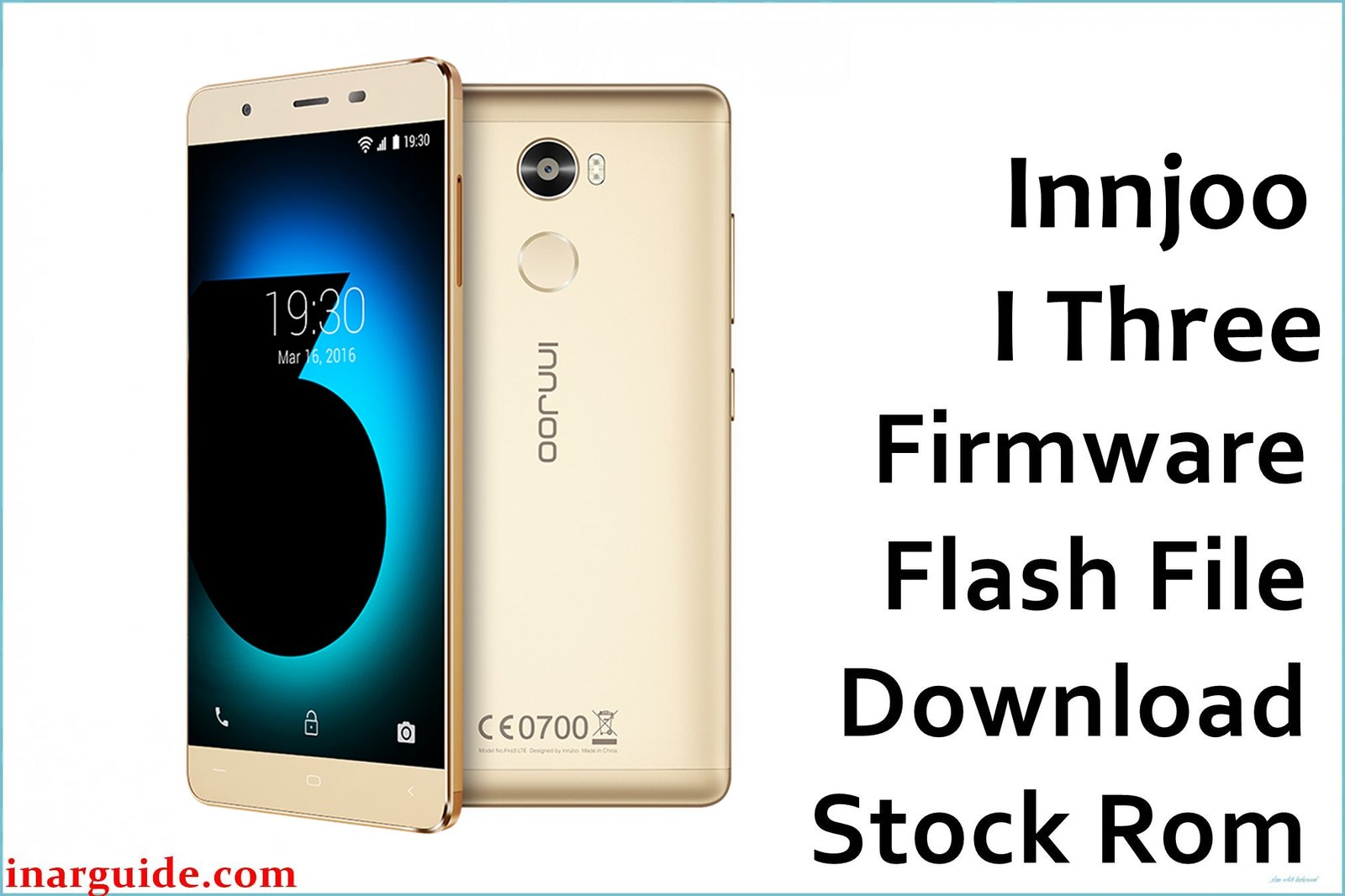
The InnJoo I Three is a stylish dual-SIM Android built around the MediaTek MT6750T octa-core processor, first launched with Android 6.0 Marshmallow. It features a 5.5-inch full-HD IPS display, 4GB RAM, 64GB storage, a powerful 21MP rear camera, and an 8MP selfie shooter. Despite these premium specs, users have reported bootloop after Android OTA updates, camera bugs, IMEI loss and network issues, excessive lag, and failed system upgrades. These problems are usually linked to corrupted partitions or incomplete OTA flashes, requiring a fresh OTA firmware install.
This official InnJoo I Three OTA firmware (Build 20171106, Android 6.0) unbricks stuck phones, restores IMEI, repairs signal drop, optimizes battery usage, and corrects frequent system crashes. Flashing this update is recommended if you’ve encountered any severe software errors, bootloop, or lost network after a failed system upgrade or root attempt.
InnJoo I Three Firmware Details
| Device Name | InnJoo I Three |
| Model | I Three MT6750T |
| Chipset | MediaTek MT6750T, Octa-core (1.5GHz Cortex-A53) |
| GPU | Mali-T860MP2 |
| Android Version | Android 6.0 Marshmallow |
| Firmware Type | OTA update package (ZIP format) |
| Build Date | 2017-11-06 |
| File Name | Innjoo_I_Three_20171106_6.0_OTA.zip |
| File Size | 1.46 GB |
| Display | 5.5-inch IPS (1920 × 1080 px, 401ppi) |
| RAM | 4 GB |
| Storage | 64 GB, microSD up to 128 GB |
| Rear Camera | 21 MP, dual LED, autofocus, HDR |
| Front Camera | 8 MP, LED flash |
| Battery | 3000 mAh Li-Po |
| SIM Slots | Dual SIM (nano) |
| Connectivity | 4G LTE, Wi-Fi, Bluetooth 4.0, GPS, OTG, USB Type-C |
| Dimensions | 157 × 77 × 7.4 mm, 167g |
⚠️ Critical Warning for I Three Users
Flashing the wrong OTA or interrupting the firmware update may permanently brick your phone or lead to IMEI loss. Always confirm your model (I Three MT6750T) and back up all personal files before starting, as this procedure will erase all data.
Download Official OTA Firmware for InnJoo I Three
📄 Filename: Innjoo_I_Three_20171106_6.0_OTA.zip
📦 Size: 1.46 GB
🗓️ Build Date: November 6, 2017
🔢 Build Version: 20171106
🤖 Android Version: Android 6.0 Marshmallow
⬇️ Download Link: MediaFire Cloud Storage
Firmware Highlights
- Fixes bootloop/stuck logo after system update
- Restores invalid/null IMEI, reactivates network and SIM
- Improves RAM management, touch performance, and stops random reboots
- Repairs camera bugs, improves clarity and selfie capability
- Optimizes battery life and charging speed
- Fixes connectivity bugs: 4G, Wi-Fi, Bluetooth, GPS
- Applies Android 6.0 security and OS stability update
How to Flash the OTA Firmware
Updating your InnJoo I Three via OTA is easy. Here are 5 quick steps:
- Download and copy the
Innjoo_I_Three_20171106_6.0_OTA.zipto your phone’s SD card - Power off the phone and boot into Recovery Mode (Volume Up + Power)
- Choose “Apply update from SD card” in Recovery
- Select the downloaded OTA zip and confirm installation
- Wait for update to complete and reboot automatically
For illustrated OTA flashing guides and troubleshooting, visit the complete MTK OTA update guide.
Disclaimer
This OTA firmware is provided “as-is”, with no guarantee of successful installation. The publisher is not responsible for data loss, bricked devices, or IMEI issues. Flash only on InnJoo I Three MT6750T and always confirm compatibility beforehand. For errors, consult a certified technician or InnJoo support. Users may post their experiences or questions below for community support.





