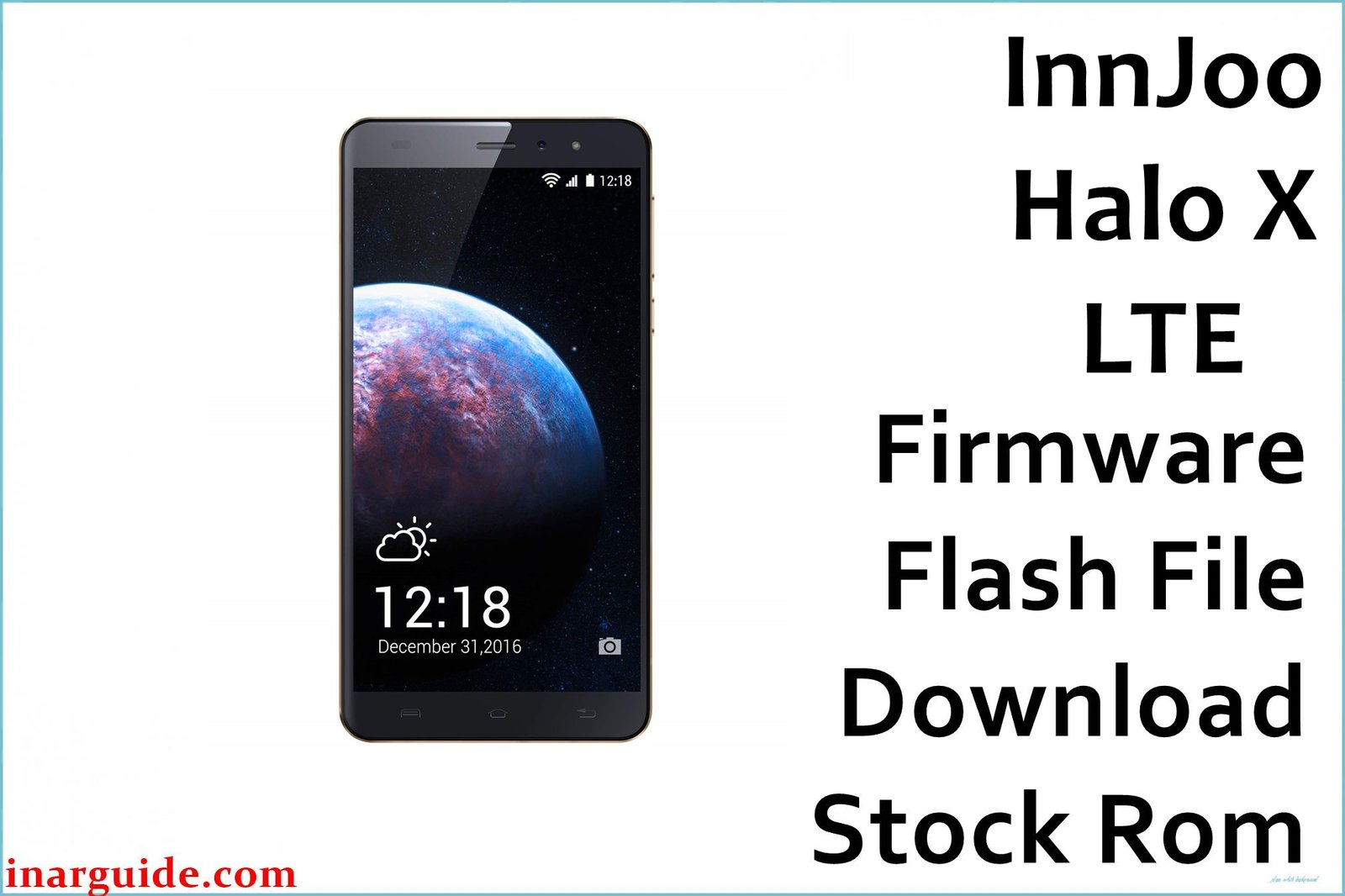
Struggling with repeated restarts, blank screen, app crashes, lockups, or battery problems on the InnJoo Halo X LTE? Many owners report random shutdowns, app failure (“application has stopped”), poor battery life, and difficulty finding replacement batteries. Phones often get stuck on the logo, or users face FRP (Google Account) blocking and system freezing. This official firmware restores Android 6.0 Marshmallow, fixes frequent boot and crash issues, and helps with battery calibration and network problems frequently seen in this model.
InnJoo Halo X LTE Firmware Details
| Device Name | InnJoo Halo X LTE |
| Model | Halo X LTE |
| Chipset | Spreadtrum SC9832A (Quad-core 1.3GHz Cortex-A7) |
| GPU | Mali-400 MP2 |
| RAM | 1 GB |
| Storage | 8 GB (microSD up to 128GB) |
| Display | 5.5″ IPS, 720 x 1280 pixels |
| Rear Camera | 8 MP, autofocus, LED flash |
| Front Camera | 2 MP, LED flash |
| Battery | 3000 mAh (non-removable) |
| Android Version | 6.0 Marshmallow |
| Firmware Version | V1_20161227_6.0_SPD |
| Build Date | 2016-12-27 |
| File Size | 909MB |
| File Type | ZIP archive |
| Flashing Tool | SPD Upgrade Tool (Spreadtrum/Unisoc) |
Warning: Many users lost access to network and experienced persistent boot loops after improper flashing or using the wrong firmware. Always confirm your device model and backup your data before flashing. Battery must be above 50%, disconnect other devices, and use the correct SPD scatter firmware for Halo X LTE only.
Download Official Firmware for InnJoo Halo X LTE
This firmware restores factory system, repairs most boot logo freezes and FRP blocks, improves battery management, and fixes recurrent app “stopped” errors. Recommended after failed updates or stuck system.
📄 Filename: InnJoo_Halo_X_LTE_V1_20161227_6.0_SPD.zip
📦 Size: 909MB
🗓️ Build Date: 2016-12-27
🔢 Build Version: V1_20161227_6.0_SPD
🤖 Android Version: 6.0 Marshmallow
⬇️ Download Link: Google Drive Direct
How to Flash the Firmware
- Backup all vital data; flashing erases everything on device.
- Charge your Halo X LTE battery to 50%+ and disconnect peripherals.
- Extract firmware ZIP and install SPD Upgrade Tool on PC.
- Load the PAC file in SPD Tool, connect phone in download mode via USB.
- Start flash, do not unplug or interrupt until success message appears.
Follow every step with visuals and video: Complete Spreadtrum flashing guide.





