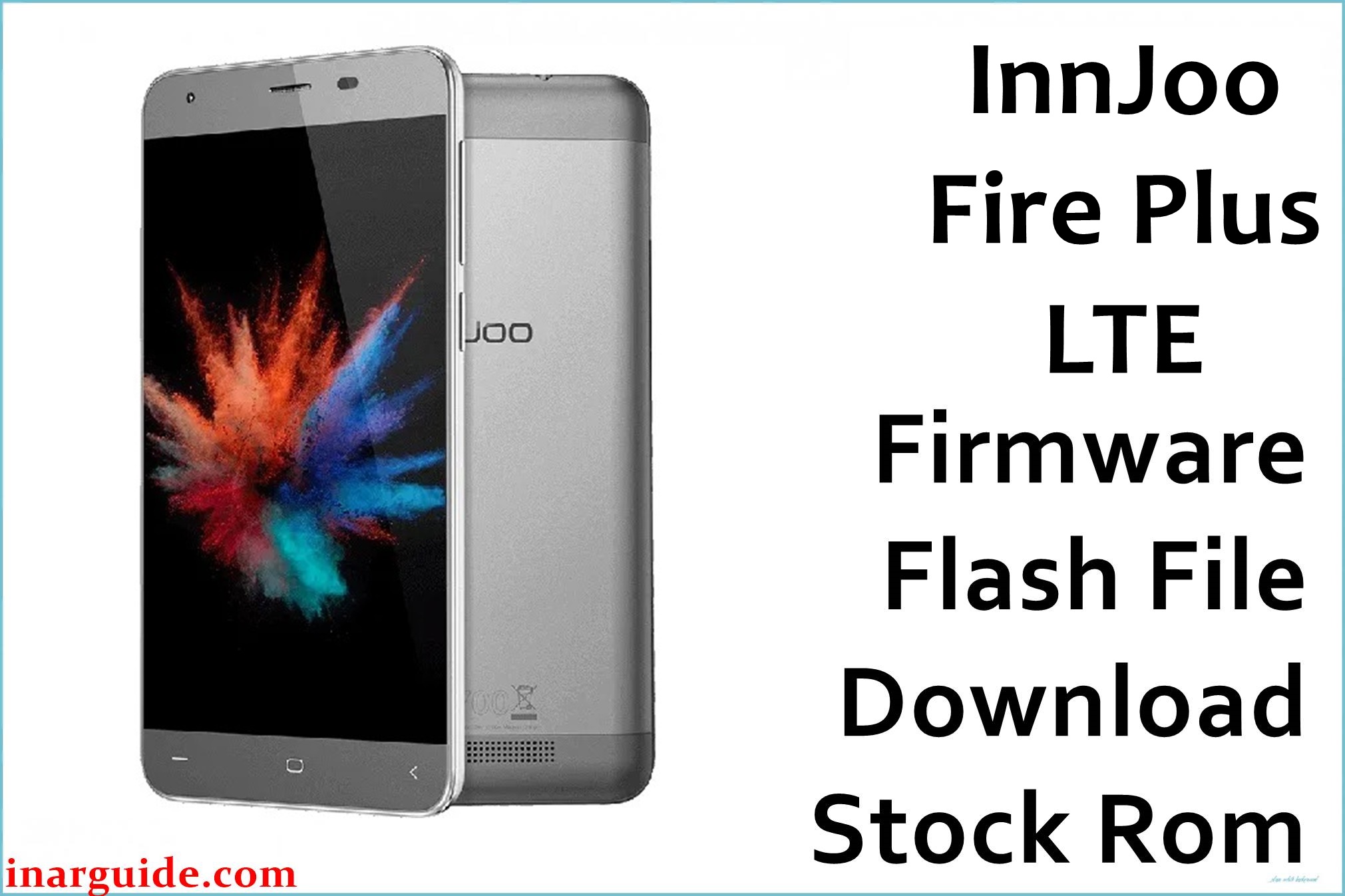
Does your InnJoo Fire Plus LTE freeze, reboot, or suffer touchscreen faults and charging problems? Users commonly complain about unresponsive screen, battery issues, Bluetooth not working, camera not responding after factory reset, and frequent app crashes. Several buyers report needing repairs for the screen, poor battery life, and problems with installing apps from other devices. The official firmware package MT6735_31082015_5.1 is recommended to restore Android 5.1 stability, fix touch sensitivity, solve battery and app install problems, and repair random reboot that plagues this device.
InnJoo Fire Plus LTE Firmware Details
| Device Name | InnJoo Fire Plus LTE |
| Model | Fire Plus LTE |
| Chipset | MediaTek MT6735M (Quad-core 1.0GHz Cortex-A53) |
| GPU | Mali-T720 MP2 |
| RAM | 2 GB |
| Storage | 16 GB (microSD up to 128GB) |
| Display | 5.5″ IPS, 720×1280 px |
| Rear Camera | 13 MP, autofocus, LED flash |
| Front Camera | 5 MP |
| Battery | 3600 mAh (non-removable, fast charge) |
| Android Version | 5.1 Lollipop |
| Firmware Version | MT6735_31082015_5.1 |
| Build Date | 2015-08-31 |
| File Size | 707MB |
| File Type | ZIP archive |
| Flashing Tool | SP Flash Tool (MediaTek) |
Warning: Many problems—IMEI loss, boot loops and dead touch—can result from flashing the wrong file or interrupting the process. Always confirm “LTE” model and MT6735 chipset before flashing. Battery should be charged above 50%. Only use known working USB cables and port.
Download Official Firmware for InnJoo Fire Plus LTE
The official package repairs sluggish touch, battery faults, boot errors, and camera glitches reported by most users. Use only for the LTE/MT6735 edition (not Fire Plus 3G or Fire 2 Plus).
📄 Filename: InnJoo_Fire_Plus_LTE_MT6735_31082015_5.1.zip
📦 Size: 707MB
🗓️ Build Date: 2015-08-31
🔢 Build Version: MT6735_31082015_5.1
🤖 Android Version: 5.1 Lollipop
⬇️ Download Link: Mediafire Direct
How to Flash the Firmware
- Backup all data before starting (flash wipes everything).
- Charge the Fire Plus LTE above 50% and disconnect all peripherals.
- Install SP Flash Tool, extract ZIP and load scatter file.
- Connect phone in download mode, start flashing; never interrupt or disconnect power.
- Wait for green “success” message before unplugging.
Detailed guide, pictures and video available: Full MTK flashing instructions for Fire Plus LTE.





