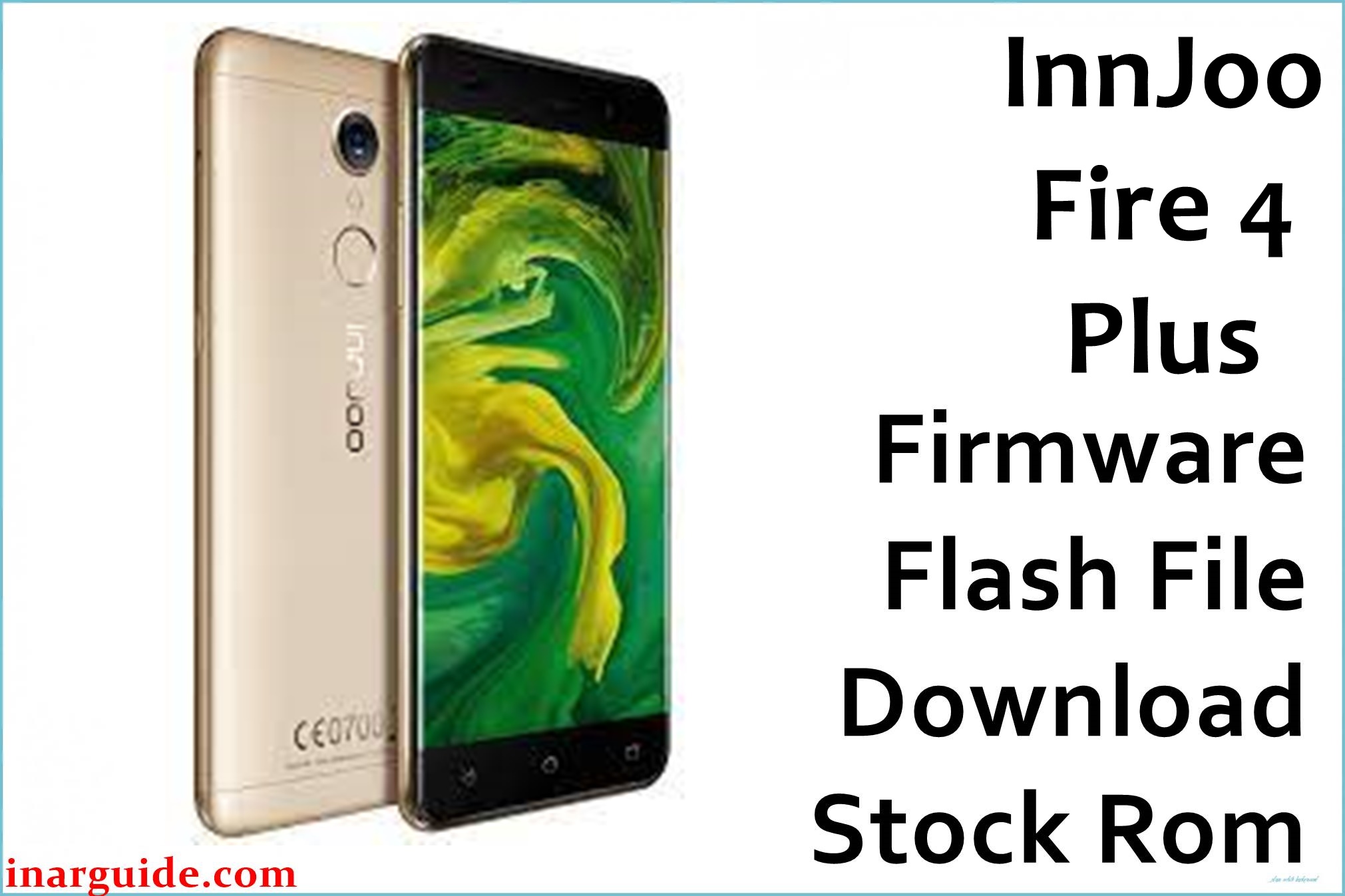
The InnJoo Fire 4 Plus is a stylish mid-range smartphone featuring a vivid 5.5-inch FHD display, octa-core MediaTek MT6750T processor, and dual rear cameras. Users often report frequent “app has stopped” errors, random freezes, sluggish response, camera focus problems, and bootloop after failed updates or resets. Flashing the official firmware below restores system stability, reverts failed updates, and revives bricked devices.
InnJoo Fire 4 Plus Firmware Details
| Device Name | InnJoo Fire 4 Plus |
| Model | Fire 4 Plus |
| Chipset | MediaTek MT6750T (Octa-core, 4×1.5GHz + 4×1.0GHz) |
| Android Version | Android 7.0 Nougat |
| Firmware Version | V1_20170509_7.0 |
| Build Date | 9 May 2017 |
| File Size | 1.16GB |
| File Type | ZIP Package (Scatter firmware) |
| Flashing Tool | SP Flash Tool |
| Device Specifications | |
|---|---|
| Display | 5.5-inch IPS LCD, 1080 × 1920 pixels, 401ppi |
| Processor | Octa-core MediaTek MT6750T |
| GPU | Mali-T860MP2 |
| RAM | 2GB |
| Storage | 32GB (expandable up to 256GB via microSD) |
| Rear Camera | Dual 13MP (Sony IMX258) + 5MP, PDAF, Dual-LED Flash |
| Front Camera | 5MP, Soft Flash |
| Battery | 3000mAh (Li-Po) |
| SIM Type | Dual SIM (Nano), Dual Standby |
| Connectivity | 4G LTE, Wi-Fi, Bluetooth 4.0, GPS |
| Sensors | Front fingerprint sensor, Proximity, Accelerometer, Light |
| Body | Metal, 154 × 76.4 × 8.0 mm, 185g, Gold |
Warning: Double-check your device model (“Fire 4 Plus” MT6750T) before flashing. Interrupting or flashing the wrong ROM can permanently brick your phone. Always back up your important files and ensure your battery is above 50%.
Download Official Firmware for InnJoo Fire 4 Plus
This verified stock ROM repairs bootloops, system crashes, failed updates, and can restore factory software on your phone.
📄 Filename: InnJoo_Fire_4_Plus_MT6750_V1_20170509_7.0.zip
📦 Size: 1.16GB
🗓️ Build Date: 9 May 2017
🔢 Build Version: V1_20170509
🤖 Android Version: 7.0 Nougat
⬇️ Download Link: Download from Google Drive
How to Flash the Firmware
To flash InnJoo Fire 4 Plus stock ROM, follow these steps:
- Download and unzip the firmware on your computer.
- Install MediaTek VCOM USB drivers.
- Open SP Flash Tool, load the “scatter.txt” file from firmware’s folder.
- Click “Download,” connect the powered-off phone via USB cable.
- Wait for process to complete and disconnect your phone after successful flash.
For a step-by-step flashing tutorial with images and video, see the complete MediaTek guide here.





