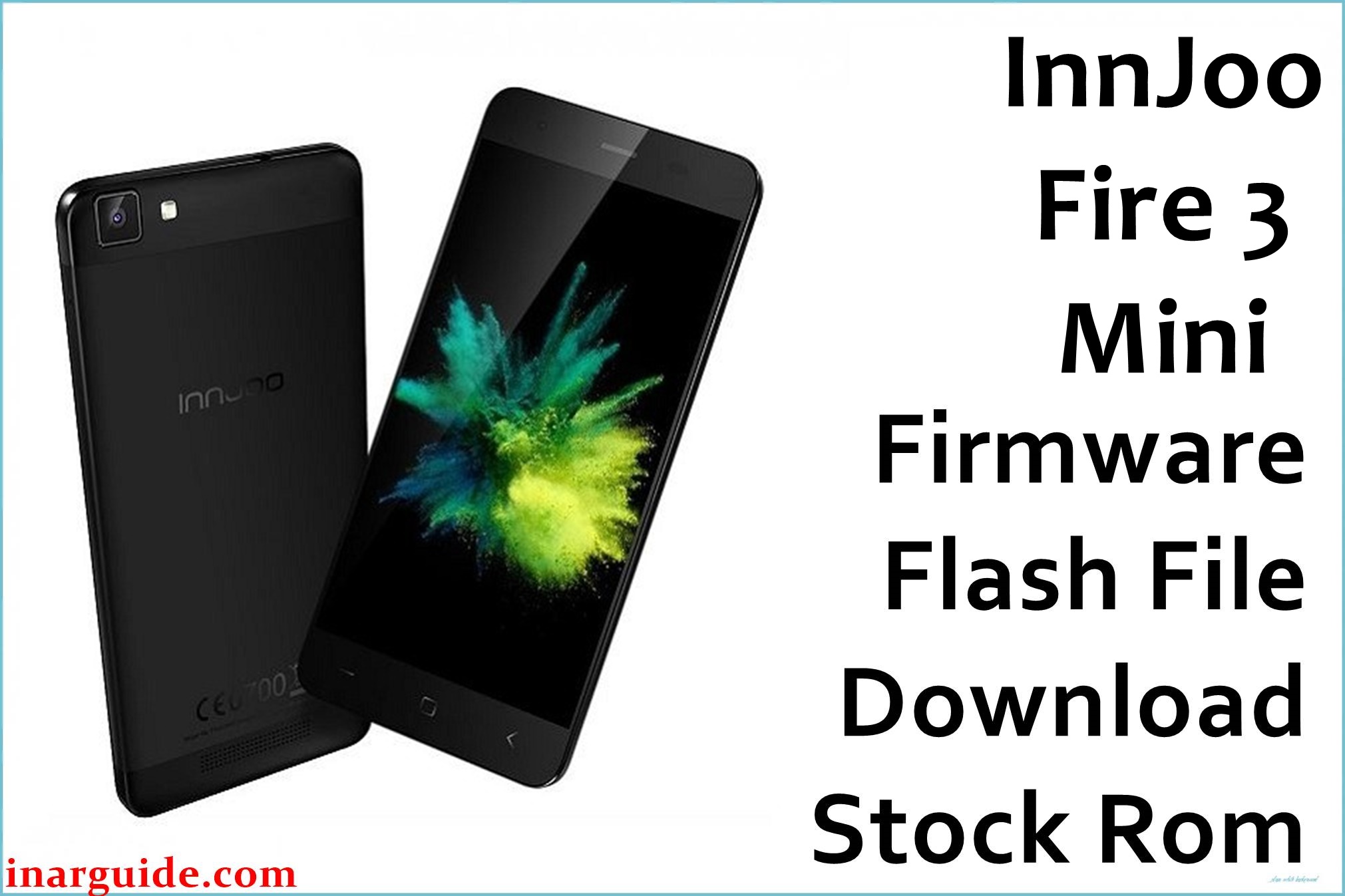
The InnJoo Fire 3 Mini is a compact dual-SIM Android smartphone first released in 2017, featuring a MediaTek MT6735P quad-core processor, 5-inch HD IPS display, 1GB RAM, and 16GB storage running Android 5.1 Lollipop. While affordable and stylish, users report recurring problems such as stuck boot logo/bootloop, invalid or lost IMEI after flashing, camera malfunctions, sluggish performance, and unreliable network connectivity. Many of these issues are caused by firmware corruption and are fixable by properly flashing the stock ROM below.
This official InnJoo Fire 3 Mini firmware (Build 20161101) fully restores system stability, unbricks the device, fixes bootloop and null IMEI faults, repairs camera and network errors, and brings the phone back to factory smoothness.
InnJoo Fire 3 Mini Firmware Details
| Device Name | InnJoo Fire 3 Mini |
| Model | Fire 3 Mini |
| Chipset | MediaTek MT6735P, 1.0GHz quad-core |
| GPU | Mali-T720 MP2 |
| Android Version | Android 5.1 Lollipop, InnUI |
| Firmware Version | 20161101 |
| Build Date | 2016-11-01 |
| File Name | InnJoo_Fire_3_Mini_MT6735_20161101_5.1.zip |
| File Size | 699 MB |
| File Type | ZIP (SP Flash Tool scatter format) |
| Flashing Tool | SP Flash Tool |
| Display | 5.0-inch IPS, 720×1280 (294ppi) |
| RAM | 1GB |
| Storage | 16GB, microSD up to 128GB |
| Rear Camera | 13MP LED flash, autofocus |
| Front Camera | 5MP |
| Battery | 2800 mAh Li-Ion |
| SIM Slots | Dual SIM (Micro SIMs) |
| Connectivity | 4G LTE, Wi-Fi, Bluetooth 4.0, GPS |
| Dimensions | 140 × 69 × 8 mm, 135g |
⚠️ Critical Warning for Fire 3 Mini Users
Flashing the wrong firmware or interrupting the process may permanently brick your device and erase IMEI numbers. Always check your device model (MT6735P) and back up photos, contacts, and documents before flashing, as all data will be wiped.
Download Official Firmware for InnJoo Fire 3 Mini
📄 Filename: InnJoo_Fire_3_Mini_MT6735_20161101_5.1.zip
📦 Size: 699 MB
🗓️ Build Date: November 1, 2016
🔢 Build Version: 20161101
🤖 Android Version: Android 5.1 Lollipop
⬇️ Download Link: Google Drive Cloud Storage
Firmware Highlights
- Fixes bootloop, stuck on logo, random restarts
- Restores missing/invalid IMEI and SIM readings
- Enhances system speed, touch response, and battery calibration
- Repairs camera bugs and improves photo clarity
- Optimizes network stability (4G/3G)
- General bug fixes and security update for Android 5.1
How to Flash the Firmware
Flashing the InnJoo Fire 3 Mini firmware requires SP Flash Tool. Here are 5 quick steps:
- Download and extract the
InnJoo_Fire_3_Mini_MT6735_20161101_5.1.zipfile to your PC - Install MediaTek USB drivers and connect your phone
- Power off the Fire 3 Mini and enter bootloader/download mode
- Open SP Flash Tool and load the scatter file from the firmware folder
- Click Download to start flashing and wait for completion
For complete guides and problem-solving images, see the MediaTek MTK flashing guide.
Disclaimer
This firmware and method are provided “as-is” with no warranty. The author and publisher are not liable for device damage, lost data, or IMEI issues resulting from improper flashing. Use only for the exact InnJoo Fire 3 Mini model and always follow each step carefully. For unrecoverable errors, seek a certified mobile technician or contact InnJoo support. Users may share questions or results below in the comments for community help.





