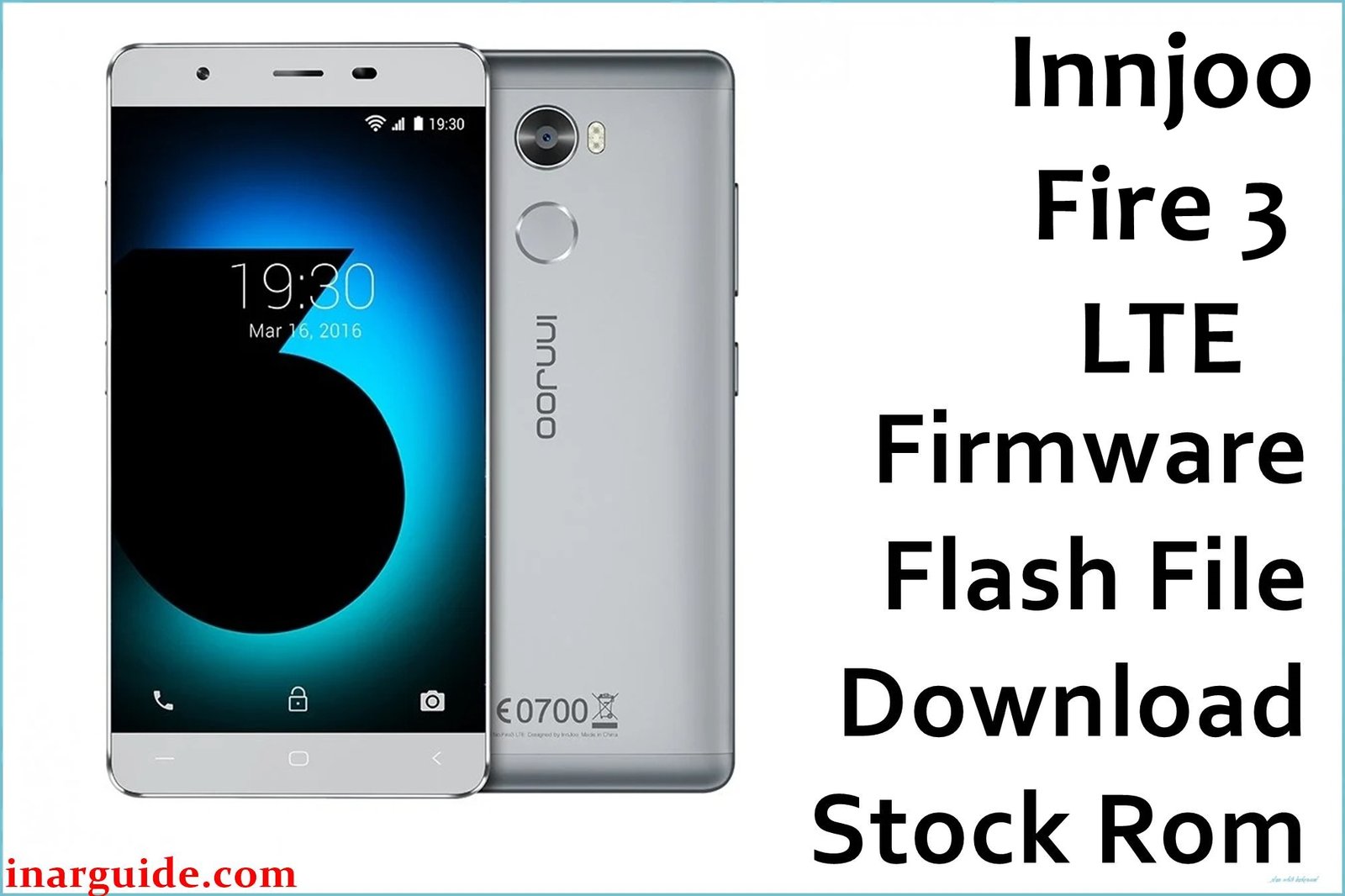
The InnJoo Fire 3 LTE is a 4G Android device built on the MT6737M chipset, but users regularly face issues like device stuck-on-logo, frequent bootloops, lagging performance, touchscreen problems, and system slowdowns after failed updates. Additional reports include random app crashes, charging issues, and frp lock after resets. Using the official firmware file helps recover devices bricked by software faults, restoring stock Android stability and performance.
This firmware package fixes software bugs, failed update loops, malware infection, FRP lock, and booting problems. After a successful flash, your device should return to peak performance with original features intact.
InnJoo Fire 3 LTE Firmware Details
| Device Name | InnJoo Fire 3 LTE |
| Model | Fire 3 LTE |
| Chipset | MediaTek MT6737M, Quad-core 1.25GHz |
| GPU | Mali-T720 MP1 |
| Android Version | Android 6.0 Marshmallow (InnUI) |
| RAM / Storage | 2GB RAM / 16GB ROM, microSD up to 128GB |
| Display | 5.5-inch IPS, 720×1280 pixels |
| Camera | Rear: 13MP, Front: 5MP |
| Battery | 3000 mAh (non-removable) |
| SIM | Dual SIM (Micro) |
| Firmware Version | 20161109_6.0 |
| Build Date | November 9, 2016 |
| File Size | 769MB |
| File Type | ZIP (includes Scatter File) |
| Flashing Tool | SP Flash Tool (MediaTek) |
| Region | Global |
⚠ Warning: Only use firmware for your specific model. Flashing the wrong version or interrupting the process can brick your device or erase IMEI. Always back up your data before flashing as this process wipes all user files.
Download Official Firmware for InnJoo Fire 3 LTE
This official firmware will solve:
- Bootloop, stuck at logo, and failed updates
- Lag, repeated app crashes, and performance drops
- FRP lock and software-related soft-bricks
- Firmware or malware corruption
📄 Filename: Innjoo_Fire_3_LTE_MT6737M_20161109_6.0.zip
📦 Size: 769MB
🗓️ Build Date: November 9, 2016
🔢 Firmware Version: 20161109_6.0
🤖 Android Version: 6.0 Marshmallow
⬇️ Download Link: MediaFire (Direct Download)
How to Flash the Firmware
Follow these steps to flash InnJoo Fire 3 LTE firmware safely:
- Extract the ZIP and install MediaTek USB VCOM drivers and SP Flash Tool on your computer.
- Open SP Flash Tool and load the provided scatter file from the firmware folder.
- Switch off your phone and connect it to PC while pressing Volume Down or as required.
- In SP Flash Tool, click “Download” and wait until the process is complete (green checkmark).
- Disconnect your device and reboot after the flash completes.
For detailed step-by-step instructions, see this MediaTek flashing guide.





