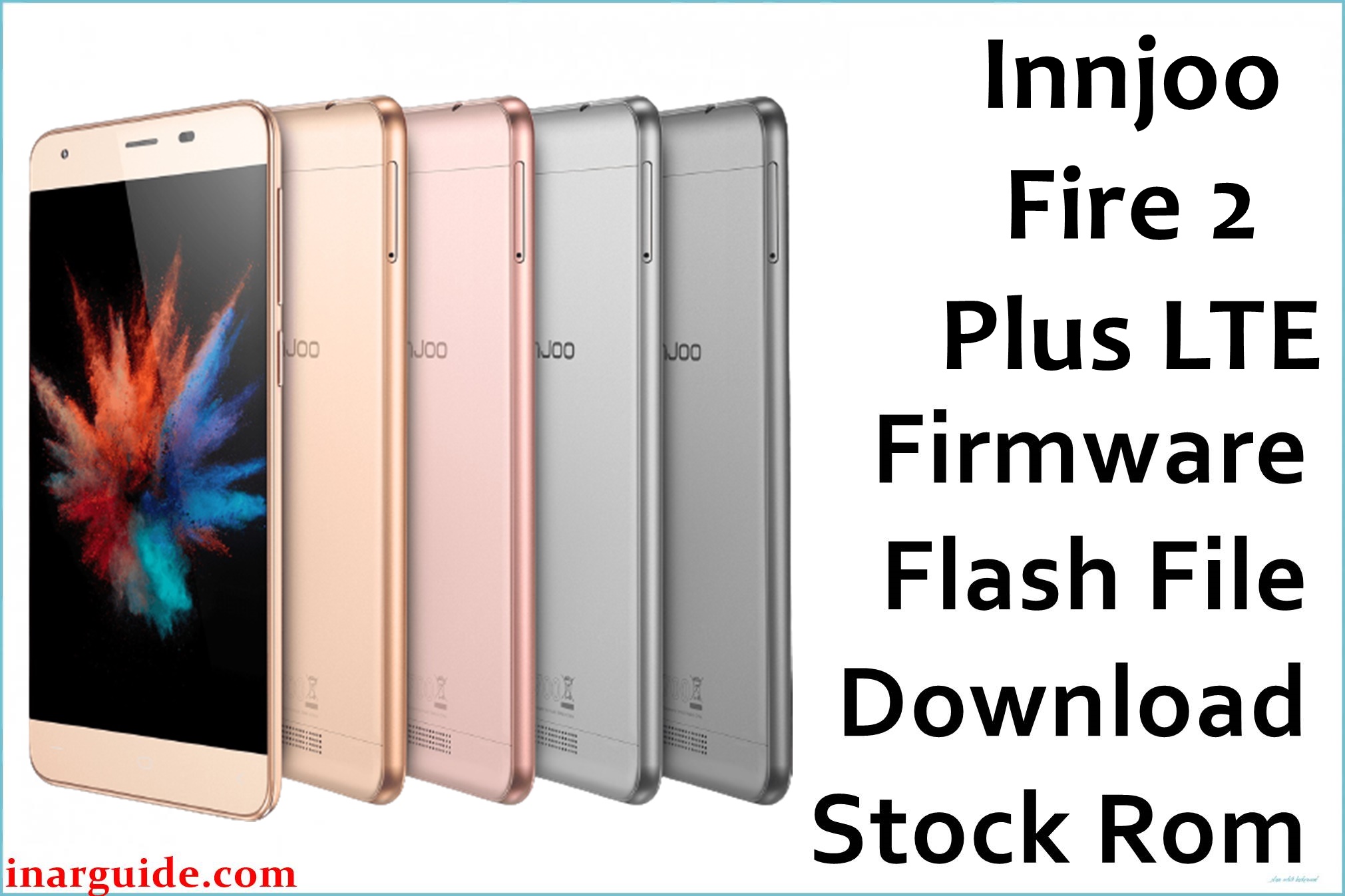
The InnJoo Fire 2 Plus LTE is a 5.5-inch smartphone praised for its large battery, fast charging, and reliable network support. Despite these strengths, users frequently complain about lag, camera focus errors, signal drops, memory bugs, battery drain, and bootloops after failed updates or heavy app installs. Flashing the official firmware below restores the factory software, unbricks the device, and improves overall system stability.
InnJoo Fire 2 Plus LTE Firmware Details
| Device Name | InnJoo Fire 2 Plus LTE |
| Model | Fire 2 Plus LTE |
| Chipset | MediaTek MT6735M (Quad-core, 1.3GHz Cortex-A53) |
| Android Version | Android 5.1 Lollipop |
| Firmware Version | 20160223_5.1 |
| Build Date | 23 February 2016 |
| File Size | 782MB |
| File Type | ZIP Package (Scatter firmware) |
| Flashing Tool | SP Flash Tool |
| Device Specifications | |
|---|---|
| Display | 5.5-inch IPS, 720 × 1280 pixels, 267ppi |
| Processor | Quad-core 1.3GHz MT6735M |
| GPU | Mali-T720 MP2 |
| RAM | 2GB |
| Storage | 16GB (expandable up to 128GB via microSD) |
| Rear Camera | 13MP, autofocus, LED flash, digital zoom |
| Front Camera | 5MP |
| Battery | 4600mAh (non-removable, Li-Po) |
| SIM Type | Dual mini SIM |
| Connectivity | 4G LTE, Wi-Fi, Bluetooth, GPS, FM Radio, microUSB |
| Sensors | Proximity, Accelerometer |
| Body | 151 × 76 × 8.2 mm, 180g, Colors: Black, White, Gold, Grey, Rose Gold |
Warning: Use only on InnJoo Fire 2 Plus LTE with MT6735M. Flashing the wrong firmware or interrupting the process can result in a permanent brick. Always backup important data and make sure your battery is above 50%.
Download Official Firmware for InnJoo Fire 2 Plus LTE
This stock ROM helps fix lag, repair bootloops, restore factory Android, and unbrick your phone if it’s stuck on the logo screen or fails to boot after updates.
📄 Filename: Innjoo_Fire_2_Plus_LTE_MT6735M_20160223_5.1.zip
📦 Size: 782MB
🗓️ Build Date: 23 February 2016
🔢 Build Version: 20160223_5.1
🤖 Android Version: 5.1 Lollipop
⬇️ Download Link: Download from MediaFire
How to Flash the Firmware
To safely flash your device, follow these quick steps:
- Download and unzip the firmware file on your computer.
- Install MediaTek VCOM USB drivers.
- Launch SP Flash Tool, select the “scatter.txt” from the extracted firmware.
- Click “Download” and plug in your powered-off phone via USB.
- Wait for flashing to finish, then disconnect and reboot the phone.
See the full flashing guide with pictures and videos here for MediaTek devices.





