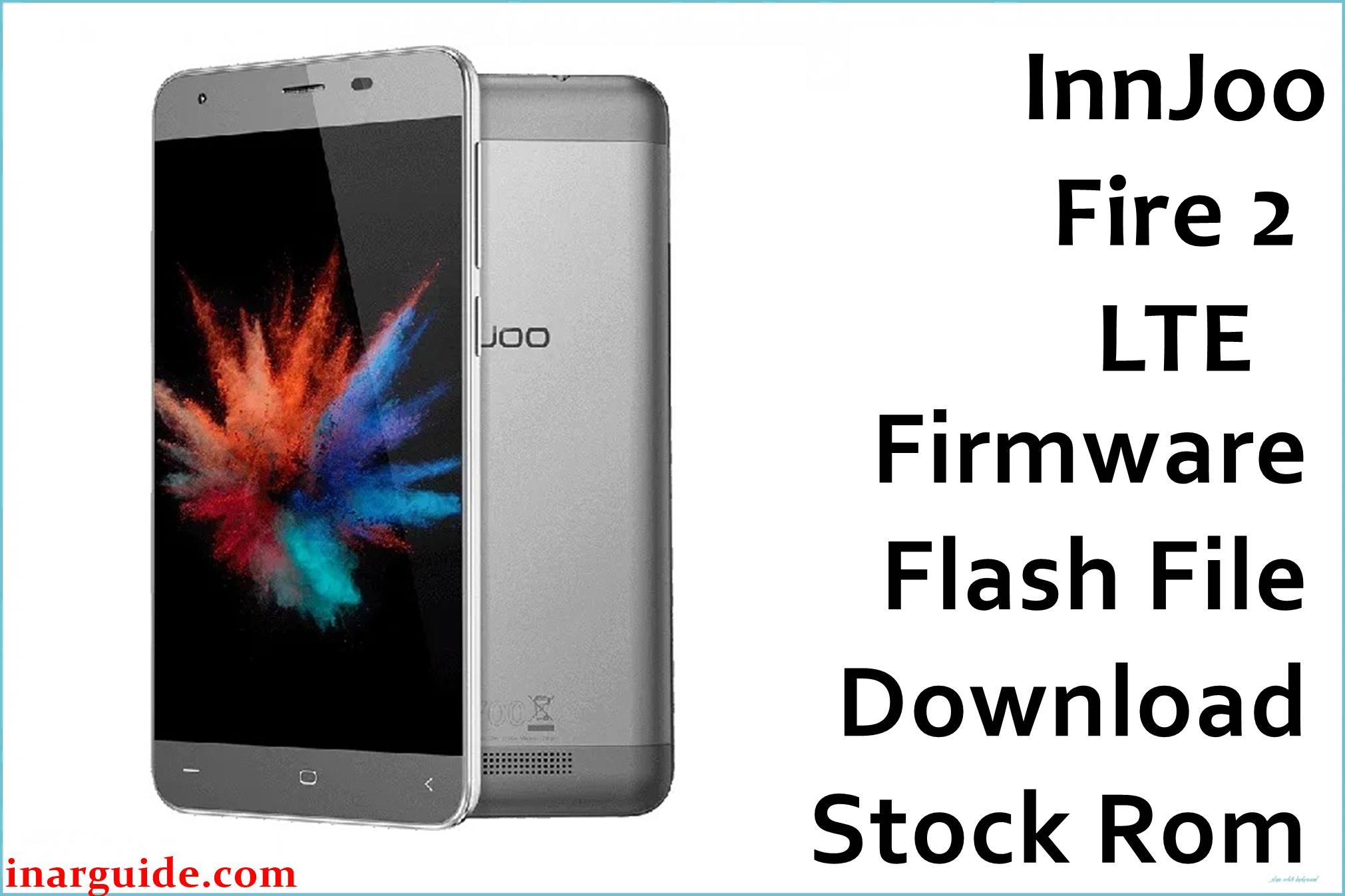
The InnJoo Fire 2 LTE offers affordable 4G speed, a vivid 5-inch IPS screen, and premium metallic style, but many users encounter persistent issues such as fast battery drain, bootlop, dead phone on logo, sluggish UI, random reboots, touch lag, and unreliable network signals. Other reported problems include loss of IMEI after flashing, slow camera response, and frustrating “unfortunately app has stopped” crashes. Flashing the official firmware below is a proven fix for system software corruption, failed root attempts, and most update errors, helping to bring your device back to stable, factory performance.
InnJoo Fire 2 LTE Firmware Details
| Device Name: | InnJoo Fire 2 LTE |
| Model: | Fire 2 LTE |
| Chipset: | MediaTek MT6735P (Quad-Core 1.0GHz) |
| GPU: | Mali-T720 |
| Android Version: | Android 5.1 Lollipop |
| Firmware Version: | 20160226_V1 |
| Build Date: | February 26, 2016 |
| File Size: | 692MB |
| File Type: | Scatter Firmware (.zip, SP Flash Tool) |
| Flashing Tool: | SP Flash Tool (for MTK) |
| Display: | 5.0-inch IPS LCD, 720 × 1280 px |
| RAM / Storage: | 1GB RAM / 8GB ROM (microSD up to 128GB) |
| Rear Camera: | 13MP autofocus, LED flash |
| Front Camera: | 5MP |
| Battery: | 2800mAh Li-Ion (non-removable) |
| SIM: | Dual SIM (micro) |
| Network: | 4G LTE, 3G, 2G |
| Body: | Metallic frame, 140 x 69 x 7.8 mm, 130g |
Download Official Firmware for InnJoo Fire 2 LTE
This stock ROM can unbrick phones stuck on logo, recover dead boards after failed flash, repair lost IMEI or network issues, fix app crashes and restore performance.
📄 Filename: InnJoo_Fire_2_LTE_Android5.1_20160226_V1.zip
📦 Size: 692MB
🗓️ Build Date: February 26, 2016
🔢 Build Version: 20160226_V1
🤖 Android Version: 5.1 Lollipop
⬇️ Download Link: MediaFire
How to Flash the Firmware
Follow these 5 quick steps to safely flash InnJoo_Fire_2_LTE_Android5.1_20160226_V1.zip to your phone:
- Download and extract
InnJoo_Fire_2_LTE_Android5.1_20160226_V1.zipand the newest SP Flash Tool on your PC. - Install Mediatek USB drivers and run SP Flash Tool.
- Import the scatter file from the firmware folder into the SP Flash Tool interface.
- Power off your device, connect to PC via USB (hold volume down for detection if needed).
- Click “Download” in SP Flash Tool and wait until a green checkmark appears, then reboot your phone.
Need visuals? See the full Mediatek flashing tutorial at this guide.





