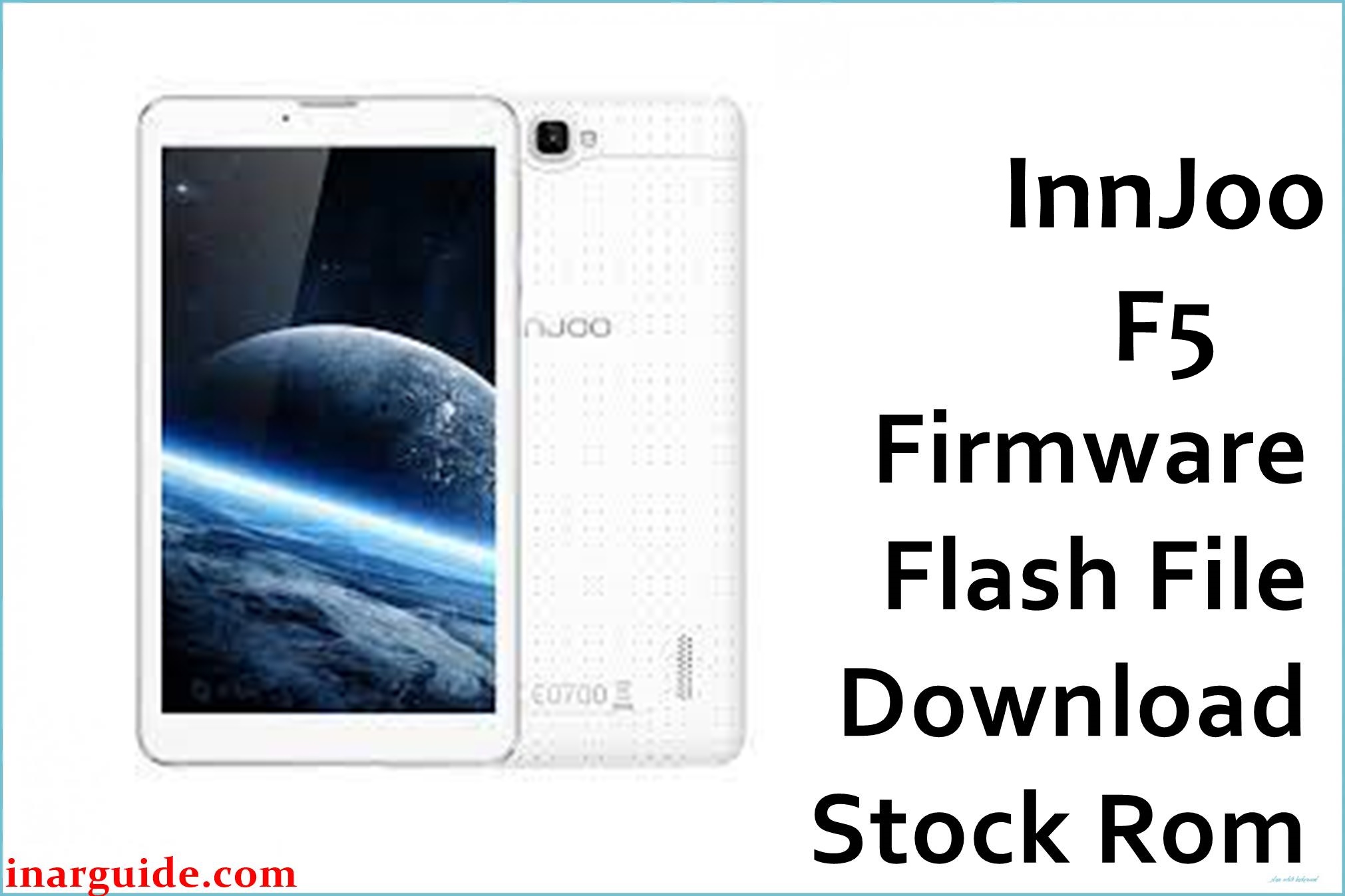
The InnJoo F5, a 7-inch budget Android tablet, is widely used for basic browsing, calls, and video playback. However, many users report issues such as stuck-on-logo/bootloop (especially after failed updates or bad apps), “Google Play errors” that block new app installations, battery swelling and rapid power drain, poor camera performance, sluggish speed (especially with low storage), and unreliable touch response. Frequent frustration stems from limited firmware updates and lack of effective customer support globally.
Flashing this official MT6580 V2_170424 firmware will unbrick most InnJoo F5 tablets, reset system errors, restore Google apps, and resolve unresponsive boot, Play Store, or software glitches. Useful for stock Android recovery after custom ROM/rooting fails.
InnJoo F5 Firmware Details
| Device Name: | InnJoo F5 Tablet |
| Model: | F5 |
| Chipset: | MediaTek MT6580 (Quad-Core 1.3GHz Cortex-A7) |
| GPU: | Mali-400MP2 |
| RAM: | 1GB |
| Storage: | 8GB (expandable to 32GB via microSD) |
| Display: | 7″ IPS LCD, 1024 x 600 |
| Rear Camera: | 2MP |
| Front Camera: | 0.3MP |
| Battery: | 3000mAh Li-Po |
| Connectivity: | Dual SIM, 3G, WiFi, Bluetooth 4.0, microUSB |
| Operating System: | Android 5.1 Lollipop (official) |
| Firmware Version: | MT6580 V2_170424 |
| Build Date: | 2018-07-14 |
| File Size: | 622.23MB |
| File Type: | .zip (SP Flash Tool package) |
| Flashing Tool: | SP Flash Tool (for MediaTek devices) |
Warning: Wrongly flashing InnJoo F5 firmware can cause permanent bricking or loss of IMEI/serial. Always make sure the firmware matches your exact model and back up all data first. Do not flash on low battery or interrupt the process.
Download Official Firmware for InnJoo F5
Below is the only verified official firmware for the InnJoo F5. Use it to fix Play Store problems, recover from update failures, restore performance, or revert to official software after root/ROM issues.
No official changelog exists, but flashing this restores factory software and app compatibility.
📄 Filename: InnJoo_F5_MT6580_V2_170424.zip
📦 Size: 622.23MB
🗓️ Build Date: 2018-07-14
🔢 Build Version: MT6580 V2_170424
🤖 Android Version: 5.1 Lollipop
⬇️ Download Link: MediaFire (Direct)
How to Flash the Firmware
- Extract InnJoo_F5_MT6580_V2_170424.zip to your PC.
- Install the latest MediaTek VCOM drivers on your Windows system.
- Run SP Flash Tool and load the ‘scatter file’ from the firmware folder.
- Turn off your InnJoo F5, remove and reinsert battery (if removable), connect to your PC via USB.
- Click “Download” in SP Flash Tool. Wait for the progress bar to complete and “Success” message.
Want all firmware flashing steps, screenshots, and video? See this full SP Flash Tool flashing guide.





