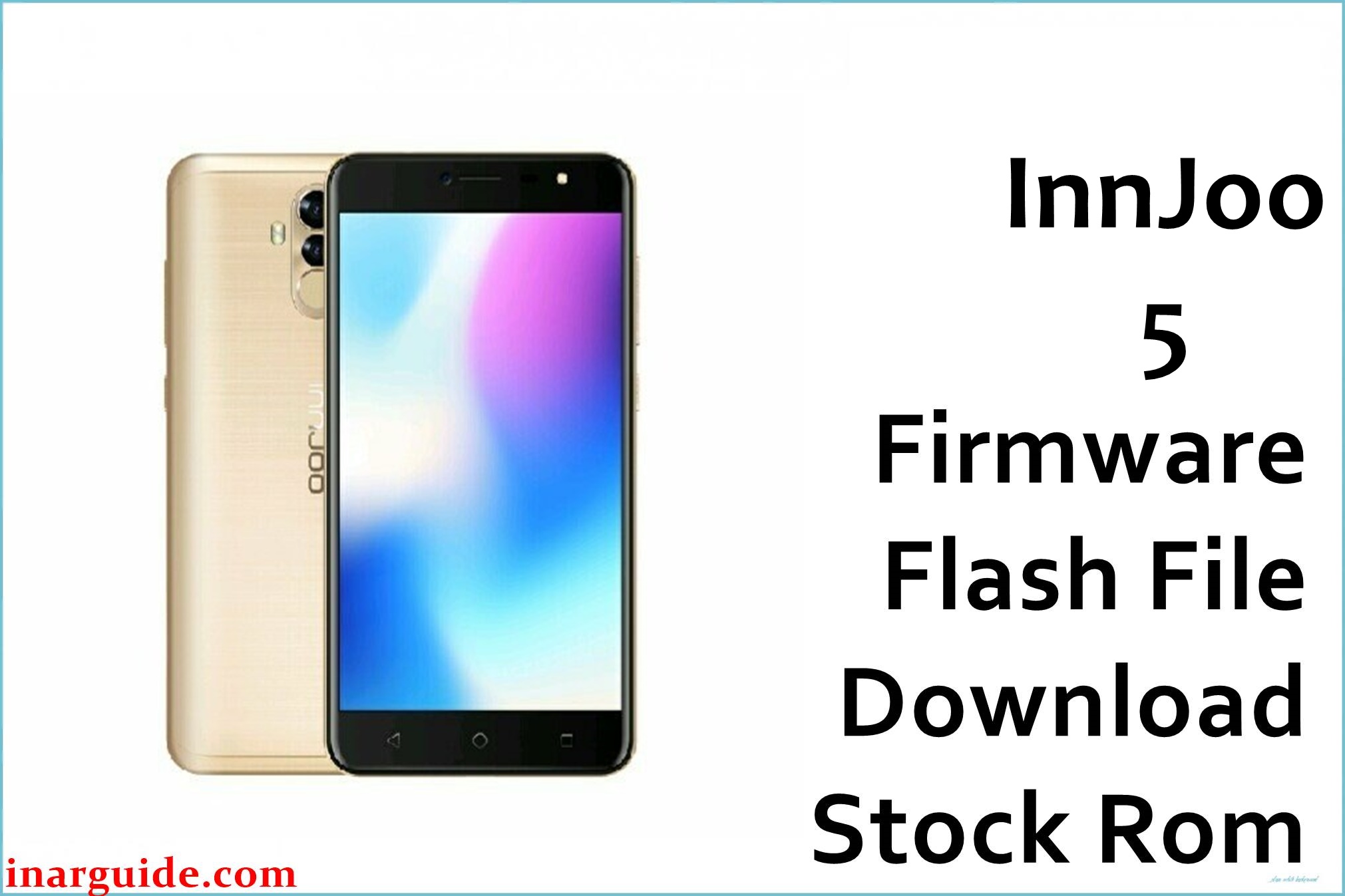
The InnJoo 5, powered by a MediaTek MT6737T quad-core chipset, is built with a compact display, fingerprint reader, and moderate RAM. Owners frequently report random reboots, severe battery drain, poor camera focus, and touch lag, especially after failed OTA updates or improper rooting. Others cite frequent freezes, unresponsive fingerprint sensors, app crashing, and unreliable network signals. If your InnJoo 5 is stuck in a bootloop, stuck at the logo, experiencing persistent system errors, or unable to update, flashing the official firmware below can restore full factory functionality and resolve most known bugs.
InnJoo 5 Firmware Details
| Device Name: | InnJoo 5 (Vision/5.8-inch variant) |
| Model: | InnJoo 5 |
| Chipset: | MediaTek MT6737T (Quad-Core 1.5GHz Cortex-A53) |
| GPU: | Mali-T720 MP2 (600MHz) |
| Android Version: | Android 7.0 (Nougat) |
| Firmware Version: | V1_20171214_7.0 |
| Build Date: | December 14, 2017 |
| File Size: | 1.53GB |
| File Type: | Scatter Firmware (.zip, SP Flash Tool) |
| Flashing Tool: | SP Flash Tool (for MTK) |
| Display: | 5.8-inch IPS (720×1440 pixels) |
| RAM / Storage: | 1GB RAM / 16GB ROM (Expandable up to 128GB) |
| Rear Camera: | 13MP autofocus, LED flash |
| Front Camera: | 8MP |
| Battery: | 3000mAh Li-ion (non-removable) |
| Features: | Fingerprint sensor, 4G LTE, Dual SIM, microSD slot, FM radio |
Download Official Firmware for InnJoo 5
This firmware addresses boot failures, update issues, persistent lag, FRP lock, lost password, camera failures, and software instability after custom ROMs. It is tested to recover devices after hard brick or android OS corruption.
📄 Filename: InnJoo_5_MT6737T_V1_20171214_7.0.zip
📦 Size: 1.53GB
🗓️ Build Date: December 14, 2017
🔢 Build Version: V1_20171214_7.0
🤖 Android Version: 7.0 (Nougat)
⬇️ Download Link: MediaFire
How to Flash the Firmware
Follow these 5 quick steps to safely flash InnJoo_5_MT6737T_V1_20171214_7.0.zip to your phone:
- Download and extract
InnJoo_5_MT6737T_V1_20171214_7.0.zipand the latest SP Flash Tool onto your PC. - Install MTK (MediaTek) USB drivers and launch the SP Flash Tool.
- Load the scatter file from the extracted firmware folder inside SP Flash Tool.
- Turn off your InnJoo 5 and connect it to your PC with USB while holding volume down or up if required for detection.
- Click “Download” in SP Flash Tool and wait until the process is completed successfully before rebooting your device.
Get step-by-step visual guidance from this flashing guide for MTK devices.





