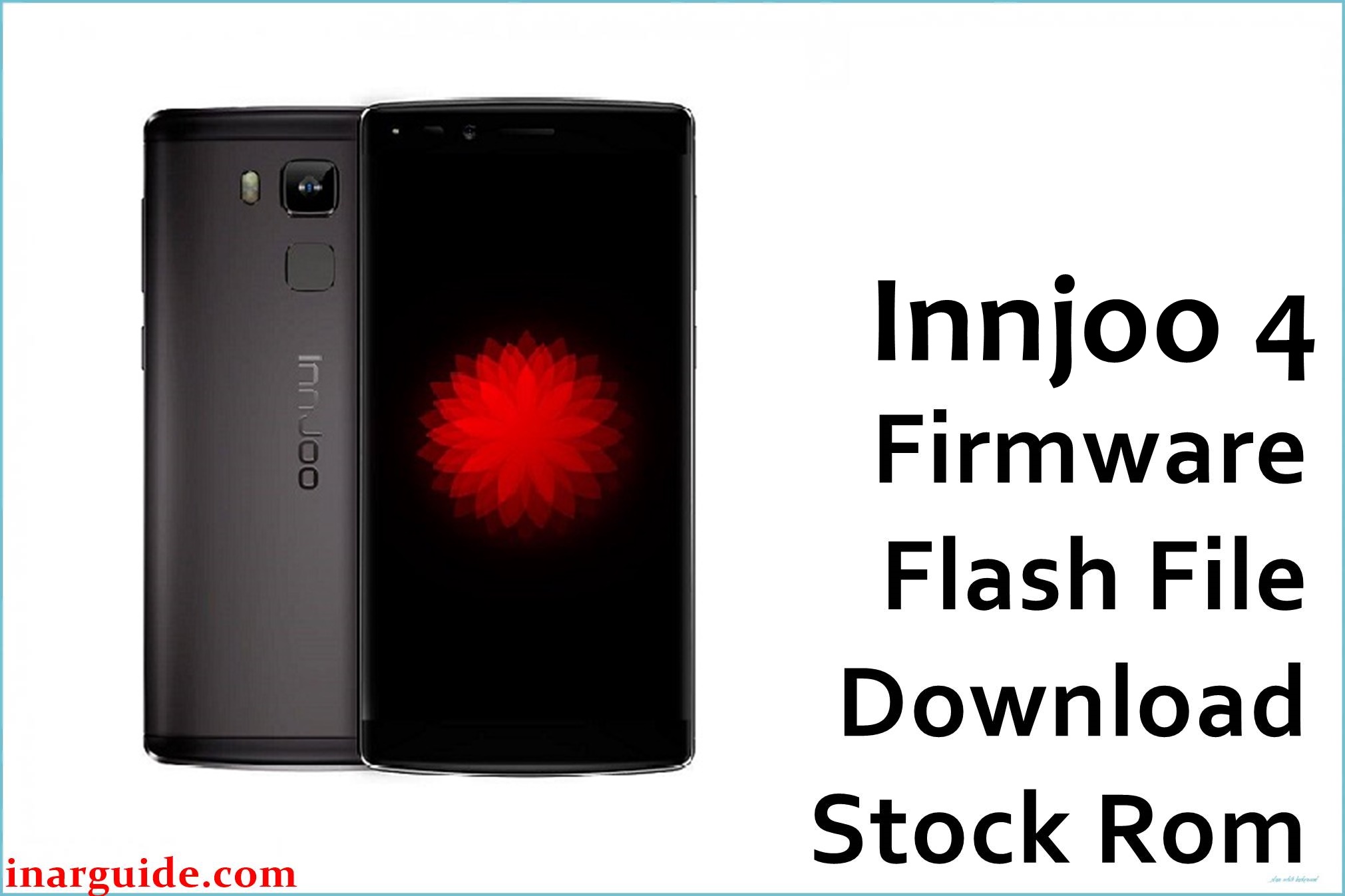
The InnJoo 4 is a premium dual-SIM Android released in 2017 boasting the powerful Mediatek Helio X20 MT6797 deca-core processor, 5.5-inch full-HD display, 4GB RAM, and 64GB storage running Android 6.0 Marshmallow. Despite impressive specs, users report bootloop (stuck logo), invalid/null IMEI after factory reset, sudden app freezes, random reboots, and signal/network failures. Most issues result from corrupted or outdated firmware and are best resolved by flashing the official stock ROM below.
This original firmware (Build 20170401) is designed to unbrick the InnJoo 4, restore missing IMEI and fix lost signal issues, stabilize your battery, and solve Android OS and camera bugs, restoring the device to factory performance and reliability.
InnJoo 4 Firmware Details
| Device Name | InnJoo 4 |
| Model | 4 MT6797 (Helio X20) |
| Chipset | Mediatek Helio X20 MT6797, deca-core (2.3GHz) |
| GPU | Mali-T880 MP4 |
| Android Version | Android 6.0 Marshmallow |
| Firmware Version | 20170401 |
| Build Date | April 1, 2017 |
| File Name | InnJoo_4_MT6797_20170401_6.0.zip |
| File Size | 1.28 GB |
| File Type | ZIP (SP Flash Tool scatter format) |
| Flashing Tool | SP Flash Tool |
| Display | 5.5-inch IPS LCD, 1080 × 1920 (401ppi) |
| RAM | 4GB LPDDR3 |
| Storage | 64GB, microSD up to 128GB |
| Rear Camera | 16MP CMOS, PD AF, dual LED, HDR, panorama |
| Front Camera | 5MP CMOS, face detection |
| Battery | 3400 mAh Li-Po (non-removable) |
| SIM Slots | Micro + Nano (Dual standby) |
| Connectivity | 4G LTE, Wi-Fi, Bluetooth 4.0, GPS, USB-C |
| Fingerprint Sensor | Yes |
| Dimensions | 151.8 × 75.6 × 9.6 mm, 175g |
⚠️ Important Firmware Flashing Warning
Incorrectly flashing or interrupting the process can brick your device and erase IMEI. Confirm device model (MT6797 Helio X20), charge battery above 80%, and always back up data before starting. This procedure will erase all user information.
Download Official Firmware for InnJoo 4
📄 Filename: InnJoo_4_MT6797_20170401_6.0.zip
📦 Size: 1.28 GB
🗓️ Build Date: April 1, 2017
🔢 Build Version: 20170401
🤖 Android Version: Android 6.0 Marshmallow
⬇️ Download Link: MediaFire Cloud Storage
Firmware Highlights
- Fixes bootloop/stuck logo and random restart
- Restores invalid/null IMEI and network signal
- Optimizes RAM, battery charging, and system smoothness
- Repairs camera lag and photo bugs
- Improves 4G, Wi-Fi, and Bluetooth connectivity
- General Android 6.0 bug and security fixes
How to Flash the Firmware
Flashing the InnJoo 4 firmware requires SP Flash Tool. Here are 5 quick steps:
- Download and extract the
InnJoo_4_MT6797_20170401_6.0.zipto your PC - Install MediaTek USB drivers and connect your phone
- Power off the InnJoo 4 and enter bootloader/download mode
- Open SP Flash Tool and load the scatter file from the firmware folder
- Click Download to begin flashing and wait for completion
For illustrated full instructions, see the MediaTek MTK flashing guide.
Disclaimer
This firmware is provided as-is, without warranty. The author/publisher are not responsible for device damage, data loss, or IMEI corruption resulting from improper flashing. Only use on your actual InnJoo 4 MT6797 device and seek qualified technical help if needed. Users may post experiences or help requests in the comments below for community support.





